Description
If the picture in PUBG MOBILE seems jerky, and the game settings don't have the frame rate options you need - most likely, the device manufacturer has simply locked them at the firmware level. The 90 FPS and IPAD VIEW utility solves exactly this problem: it unlocks blocked graphics parameters and allows you to run the game with a smooth 90 frames per second even where this is officially unavailable. The tool is aimed at players who want to squeeze the maximum out of their smartphone without root access and complicated manipulations.
Features of 90 FPS and IPAD VIEW
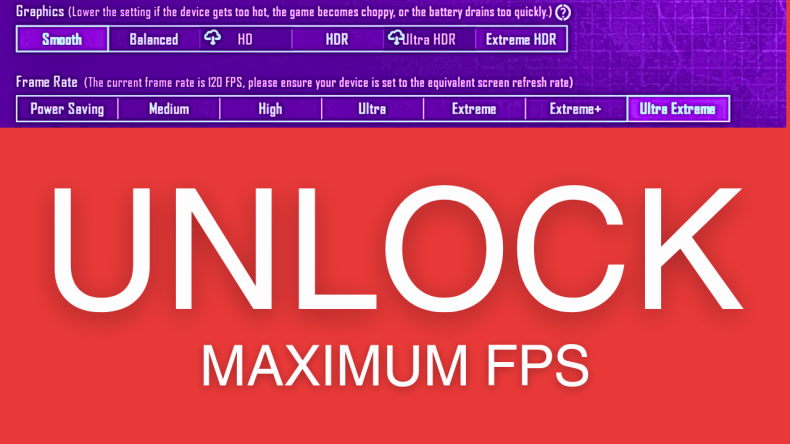
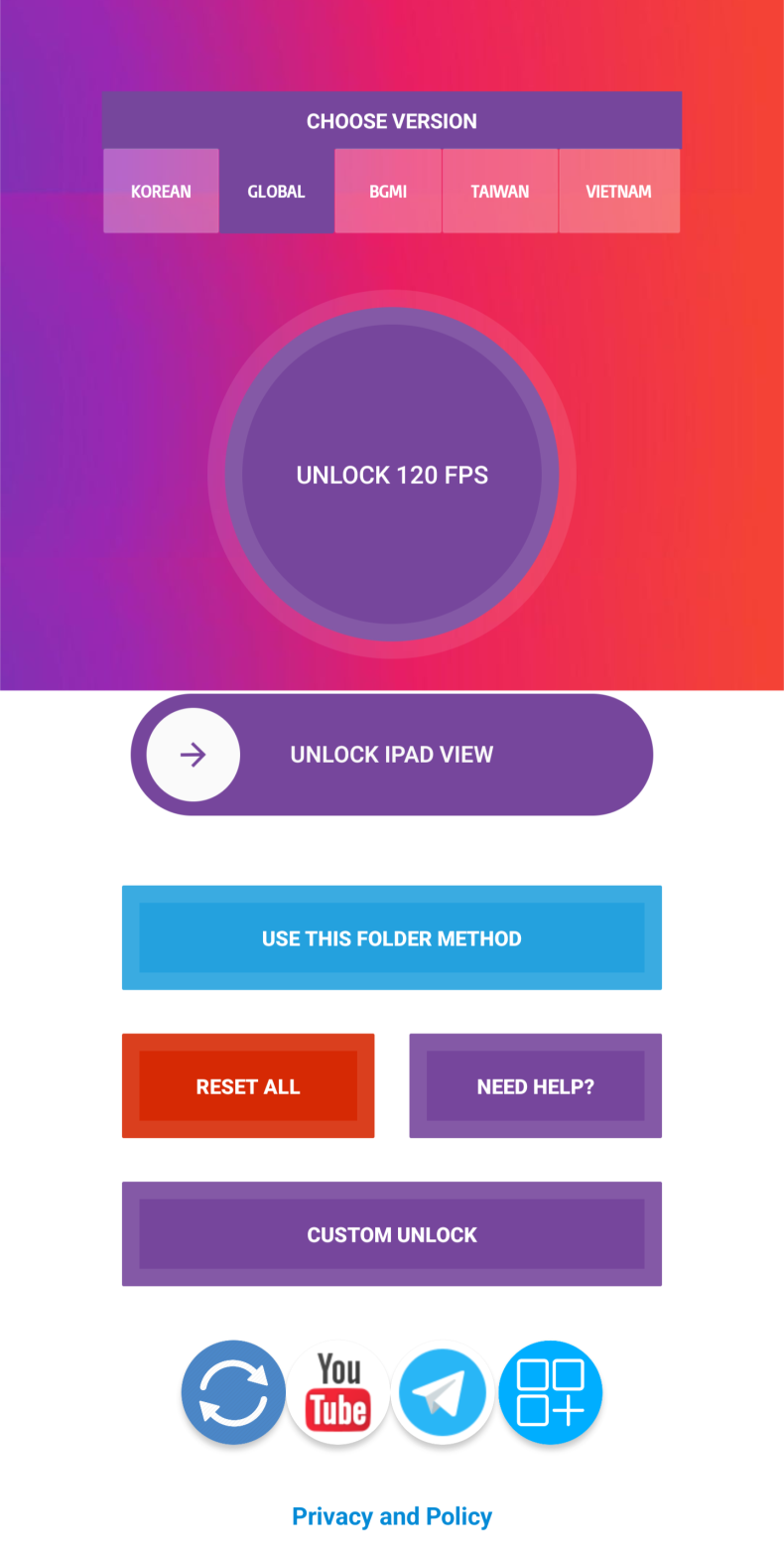
The main thing that sets this utility apart is that it works without root and requires no technical knowledge. After installation, you simply need to press the "unlock" button, and the program will automatically apply the necessary parameters to the game files. On devices with Android 11 and above, you will additionally need to grant permission to access the folder - this is a standard system security measure. The utility unlocks several quality modes at once: smooth, balanced, HD, HDR and Ultra HD - all with 90 fps support. It's also worth noting that the app really does speed up the picture even on smartphones whose screens are not physically designed for a 90 Hz refresh rate.
How to use the utility
The process takes less than a minute. First, you need to make sure that a licensed version of PUBG MOBILE is installed on the device, then launch the utility and press "unlock". The program will automatically write the required settings, after which a "launch" button will appear in the interface - it starts the game with the applied parameters already in place. No manual file editing, no third-party scripts - everything happens inside the app itself. You can download 90 FPS and IPAD VIEW for android for free as an APK file.
Who is 90 FPS and IPAD VIEW suitable for
The utility will be useful primarily for active PUBG MOBILE players who have encountered graphics limitations on their device and don't want to put up with low smoothness. It will suit those who aren't ready for complex technical solutions like custom firmware or root access. For those looking for cheats or auto-aim, this program won't help - it works exclusively with graphics parameters.
You can download the utility right now - installation takes less than a minute, and the result is noticeable right after the first launch of the game. For those who have long wanted to get smooth gameplay in PUBG MOBILE without unnecessary complications, this is a simple and working solution.