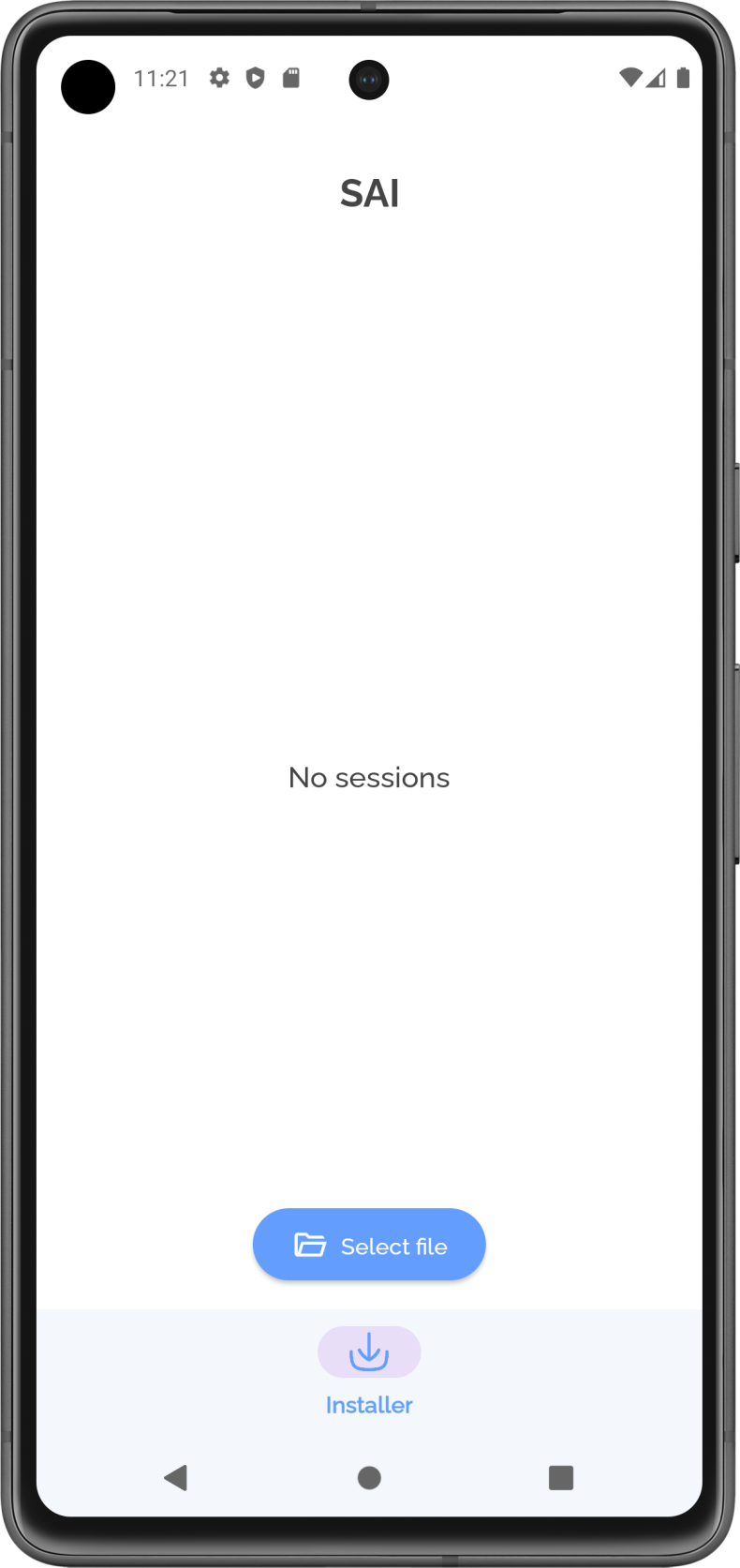
Description
SAI (Split APKs Installer) is a utility for Android that solves a real problem: when the system's standard tools refuse to install multi-file packages, and instead of a successful installation, an annoying error message appears. The app is designed for those who regularly work with APK files from third-party sources - whether it's large games in XAPK format or split packages with language modules and configurations for specific hardware.
Features of SAI
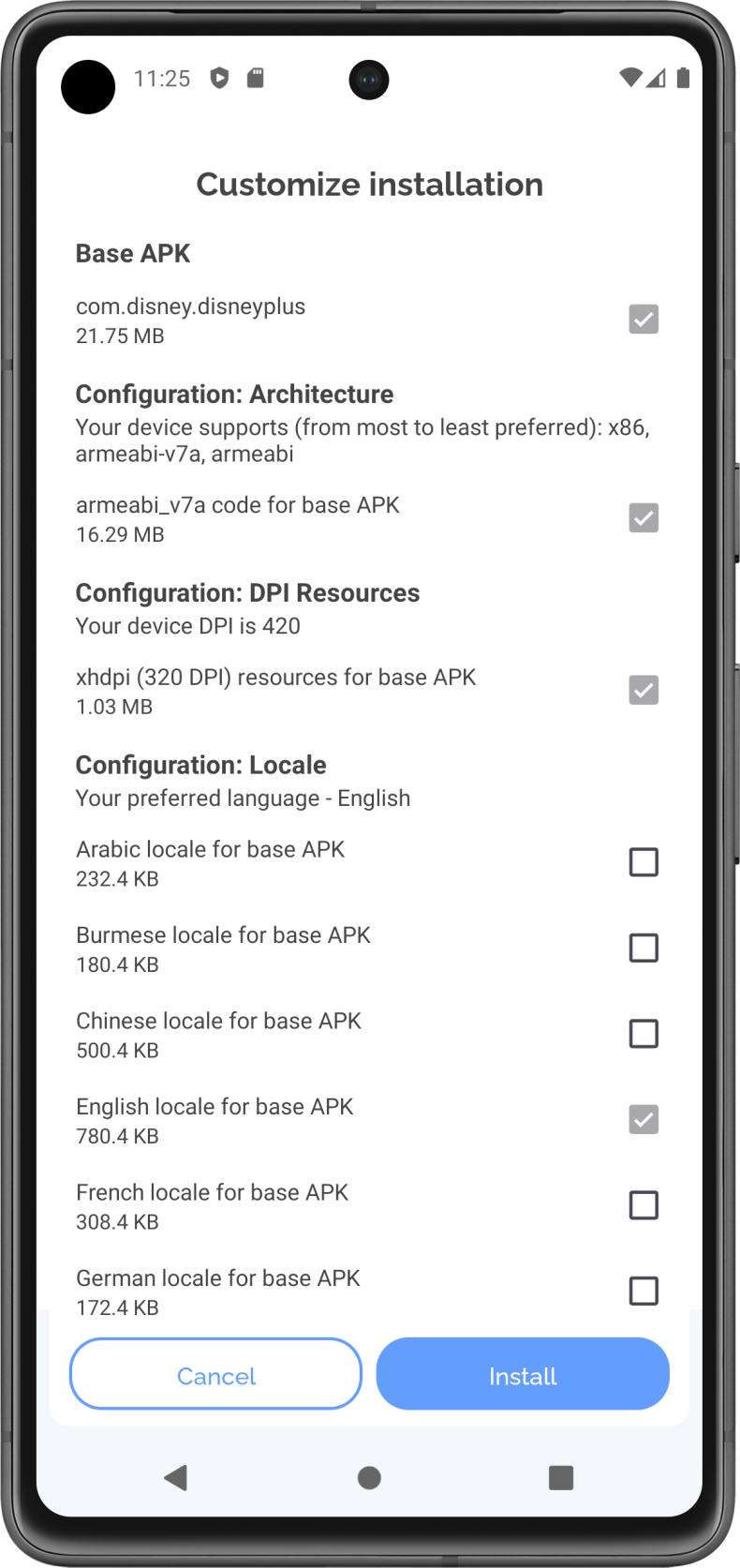
The main difference between SAI and the system installer is support for almost all current formats: APK, XAPK, APKM, APKS and AAB. Each of them has its own structure, and this is exactly where many users run into trouble. SAI automatically parses the package, finds the necessary components, and installs them correctly - without corruption, regardless of file size. Batch installation of multiple APKs at once saves time: there's no need to select files one by one and wait for each step to finish.
It's also worth mentioning the built-in backup manager. It allows you to save already installed apps into an archive and restore them later - without having to download them from the internet again. This is convenient when switching devices or when you need to free up internal storage without losing the apps you need.
Features and Management
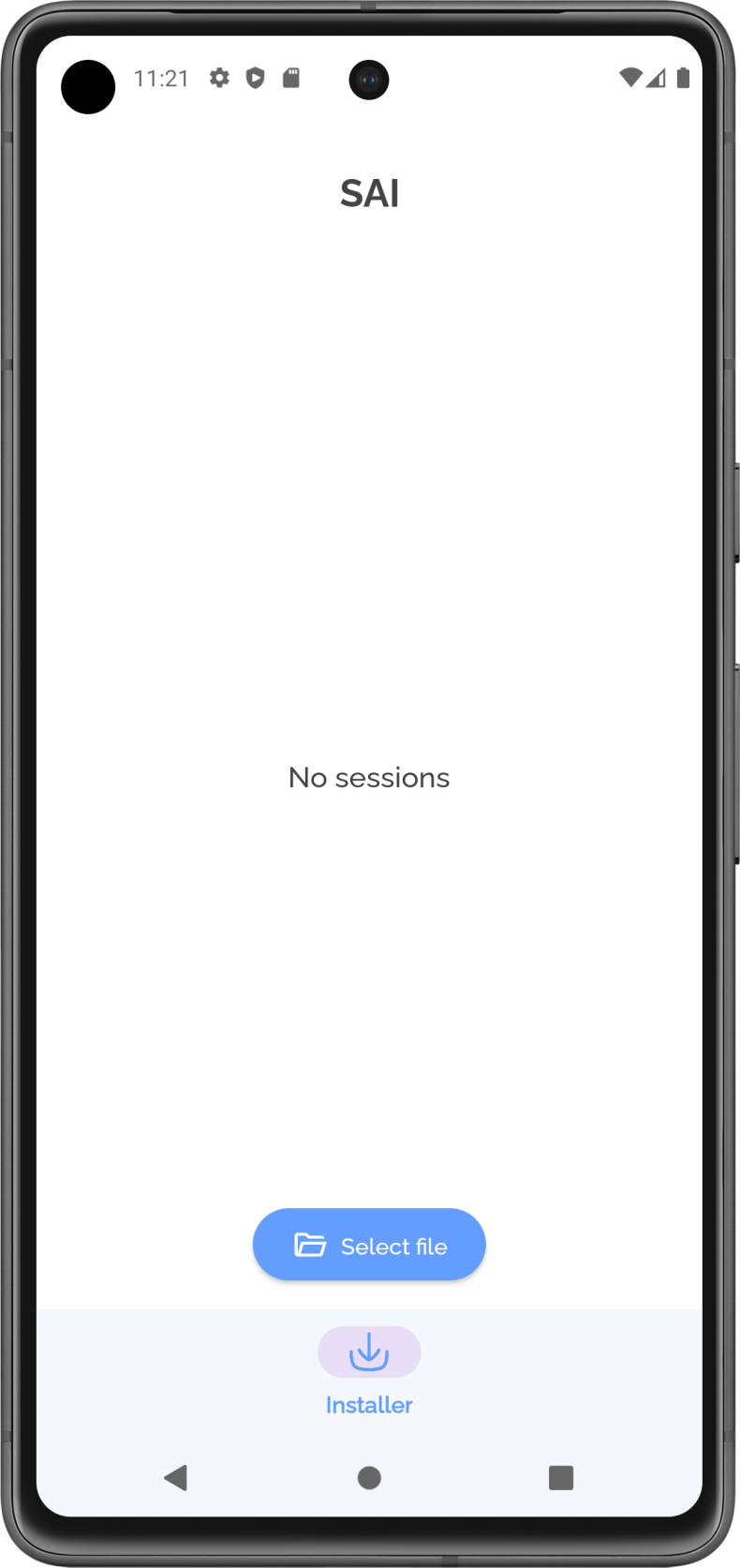
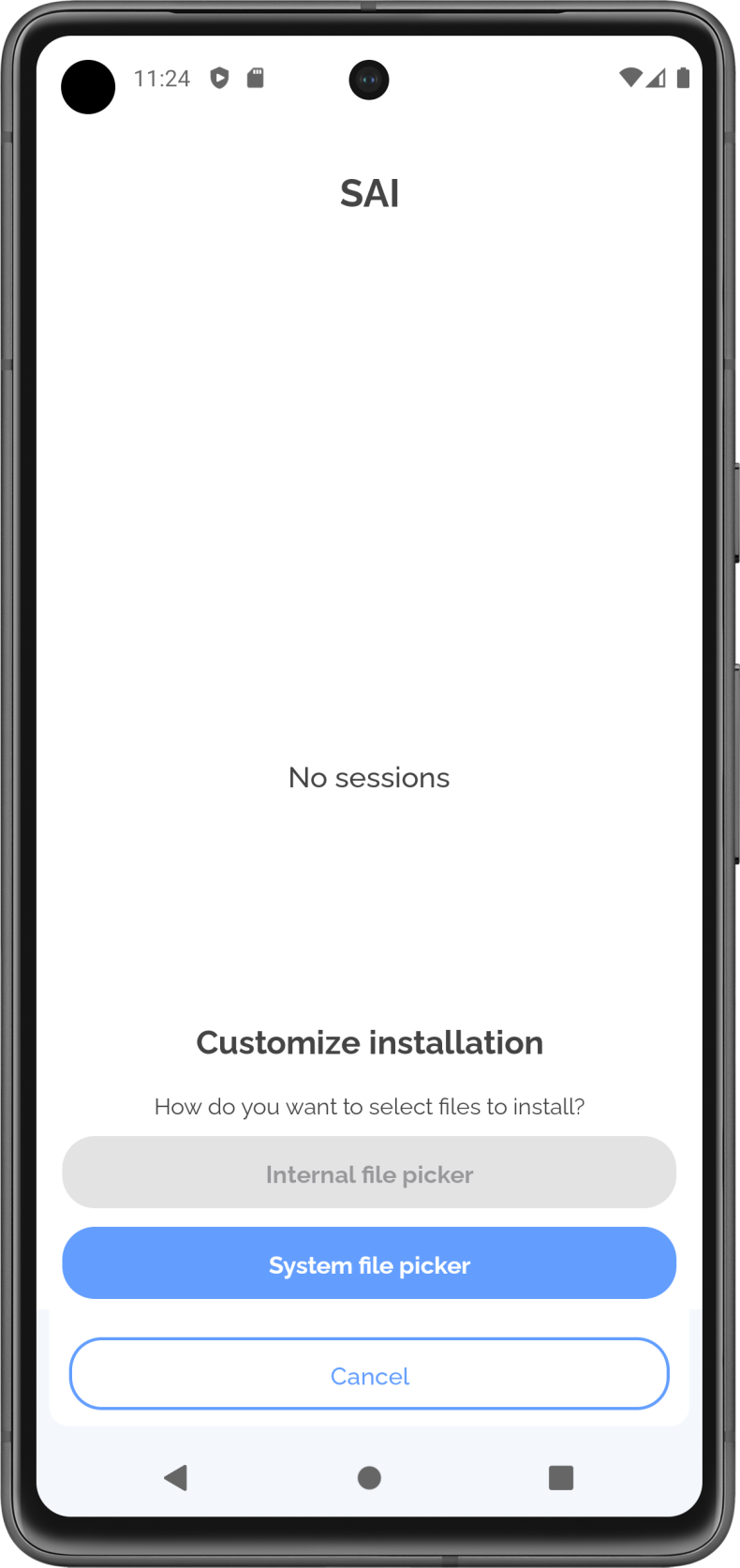
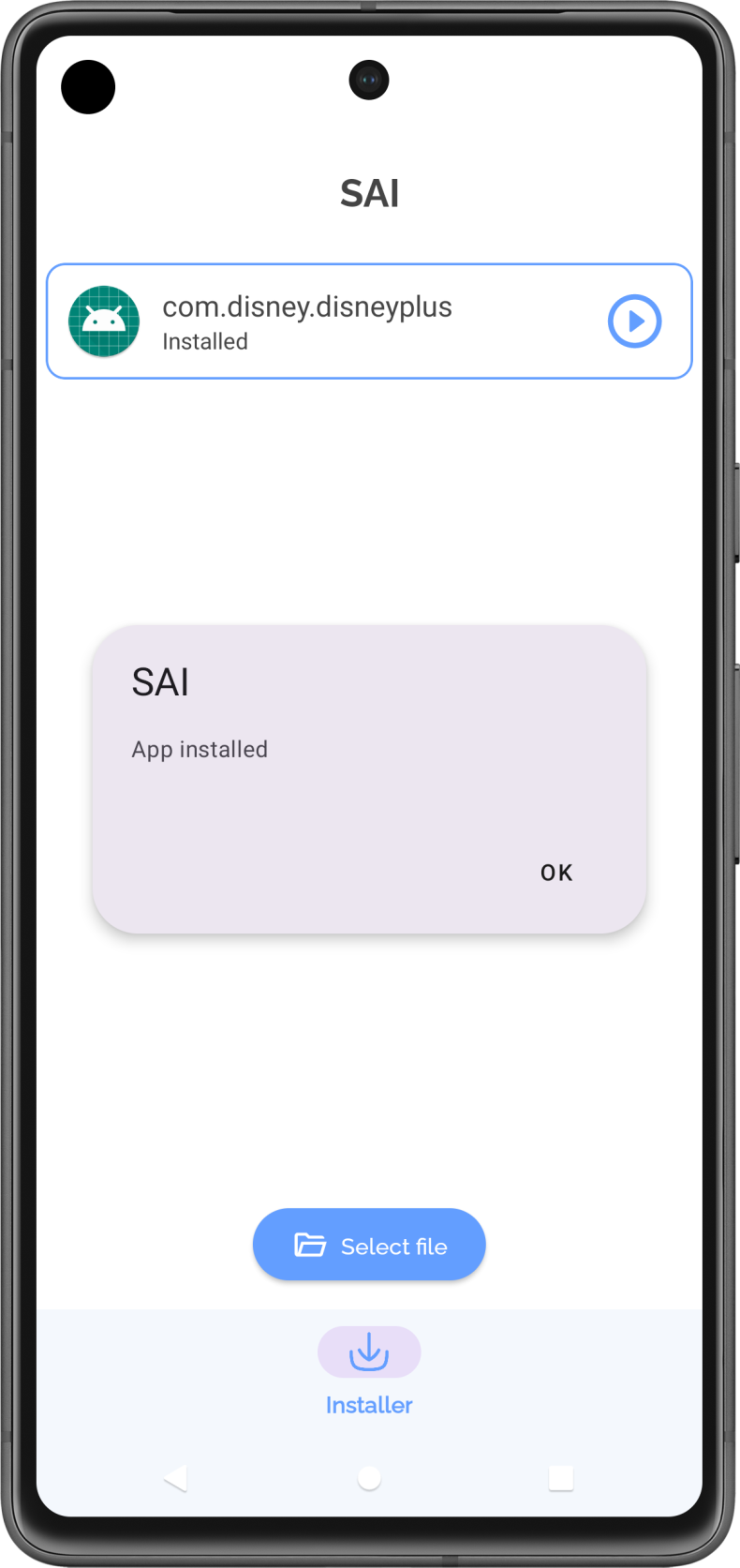
SAI goes beyond a regular installer and offers a basic app manager: through it, you can remove unnecessary apps, organize the list of installed programs, and share APK files with other users. The interface is designed so that the path from selecting a file to completing the installation takes minimal steps: open the app, select the file, tap "Install". You can download SAI for Android and figure it out without any instructions - everything is intuitive from the very first launch.
Who is SAI for
The app will be useful for those who often install programs and games outside of Google Play: gamers working with heavy XAPK distributions, users transferring apps between devices, and anyone who values reliable handling of multi-file packages. For those who only download from the official store and have never encountered split APKs, the functionality may seem excessive.
It's worth downloading SAI for Android for free if installation errors have already become a familiar problem. The app works stably with packages of any size and eliminates the need to look for third-party solutions for every new format.