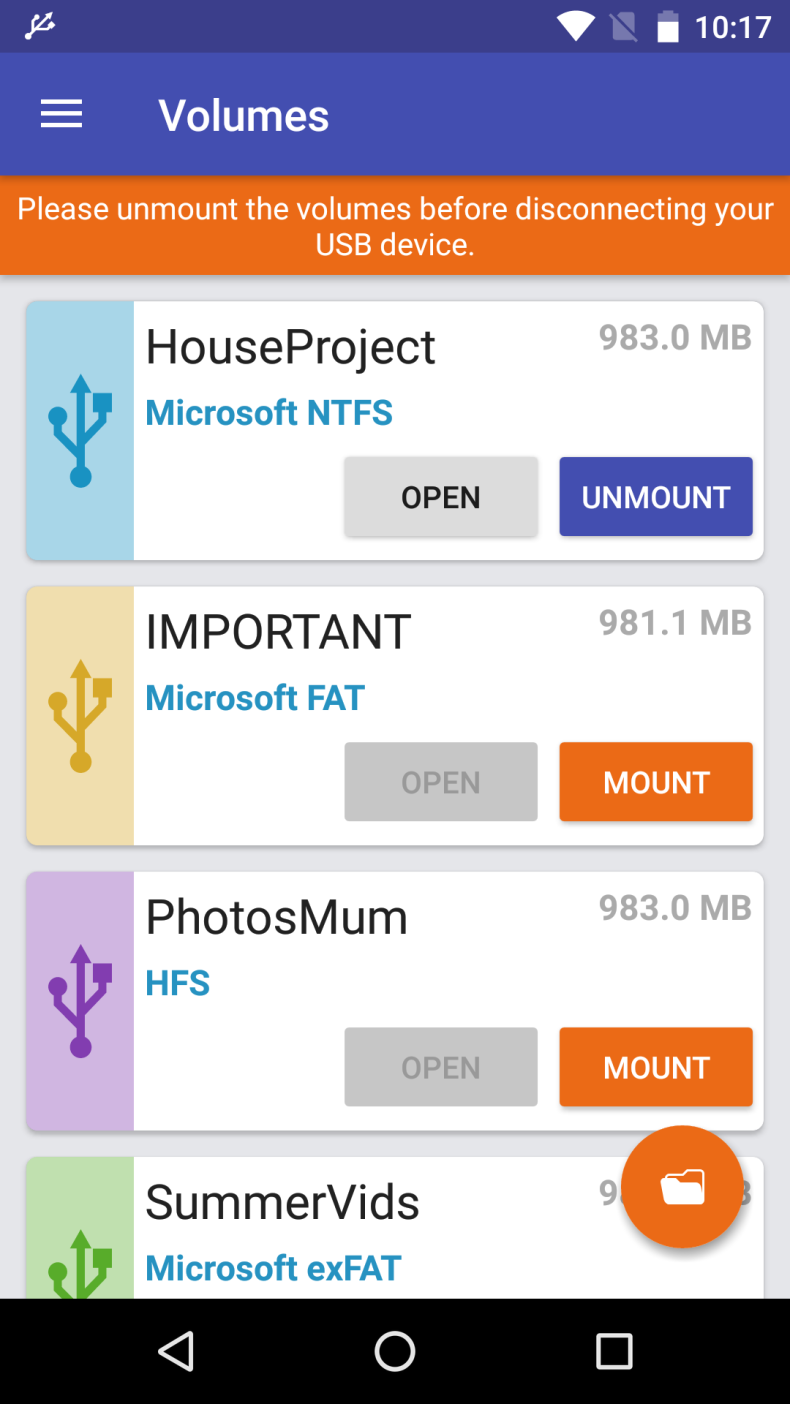
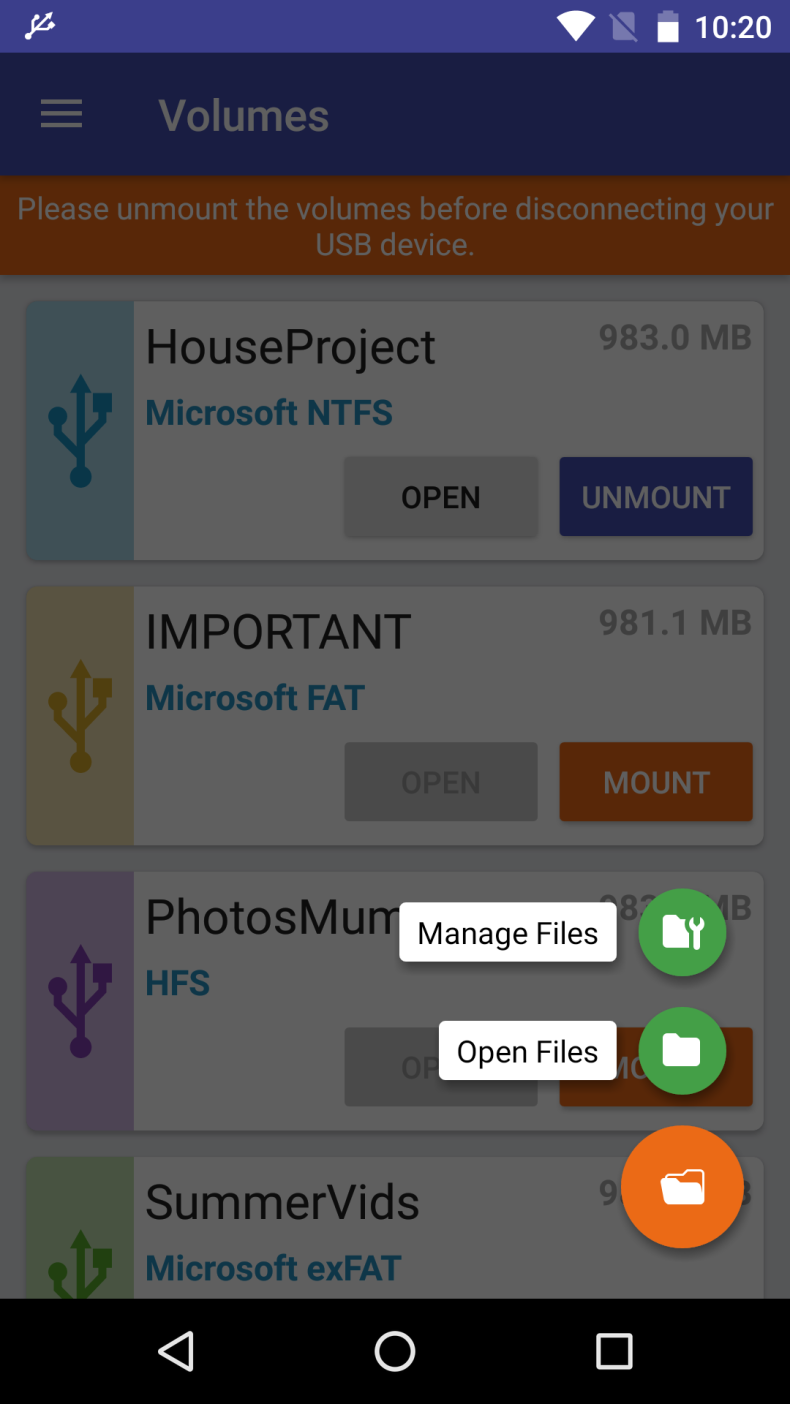
Many Android device owners have faced the same problem: you connect a flash drive or external disk, and the smartphone simply doesn't see the files. The reason is almost always the same - an unsupported file system. exFAT/NTFS for USB by Paragon Software solves this task directly: the app mounts NTFS, exFAT, and HFS+ on an Android device and opens full access to the drive's contents. The utility is designed for those who actively work with files between a PC and a smartphone and don't want to depend on the limitations of the standard file manager.
Features of exFAT/NTFS for USB by Paragon Software
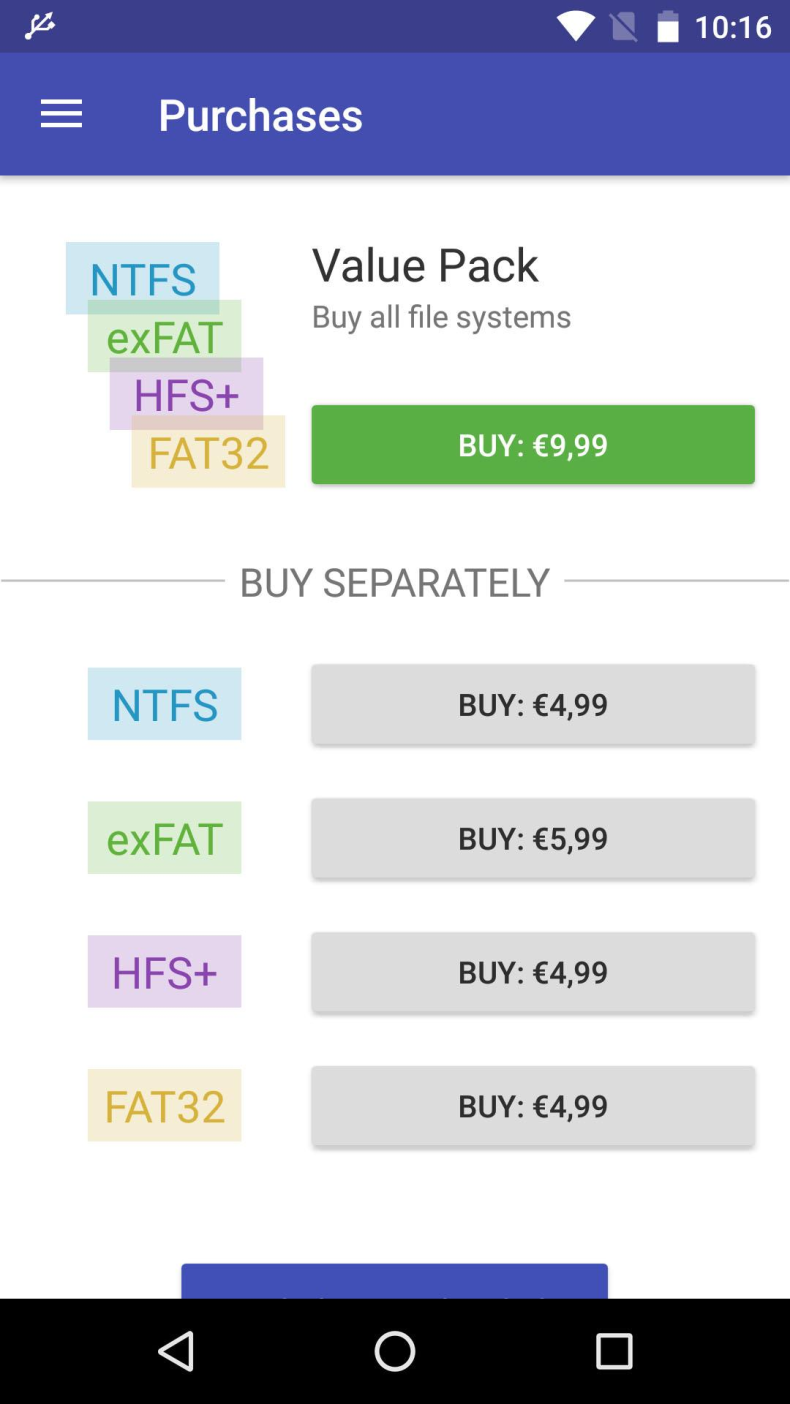
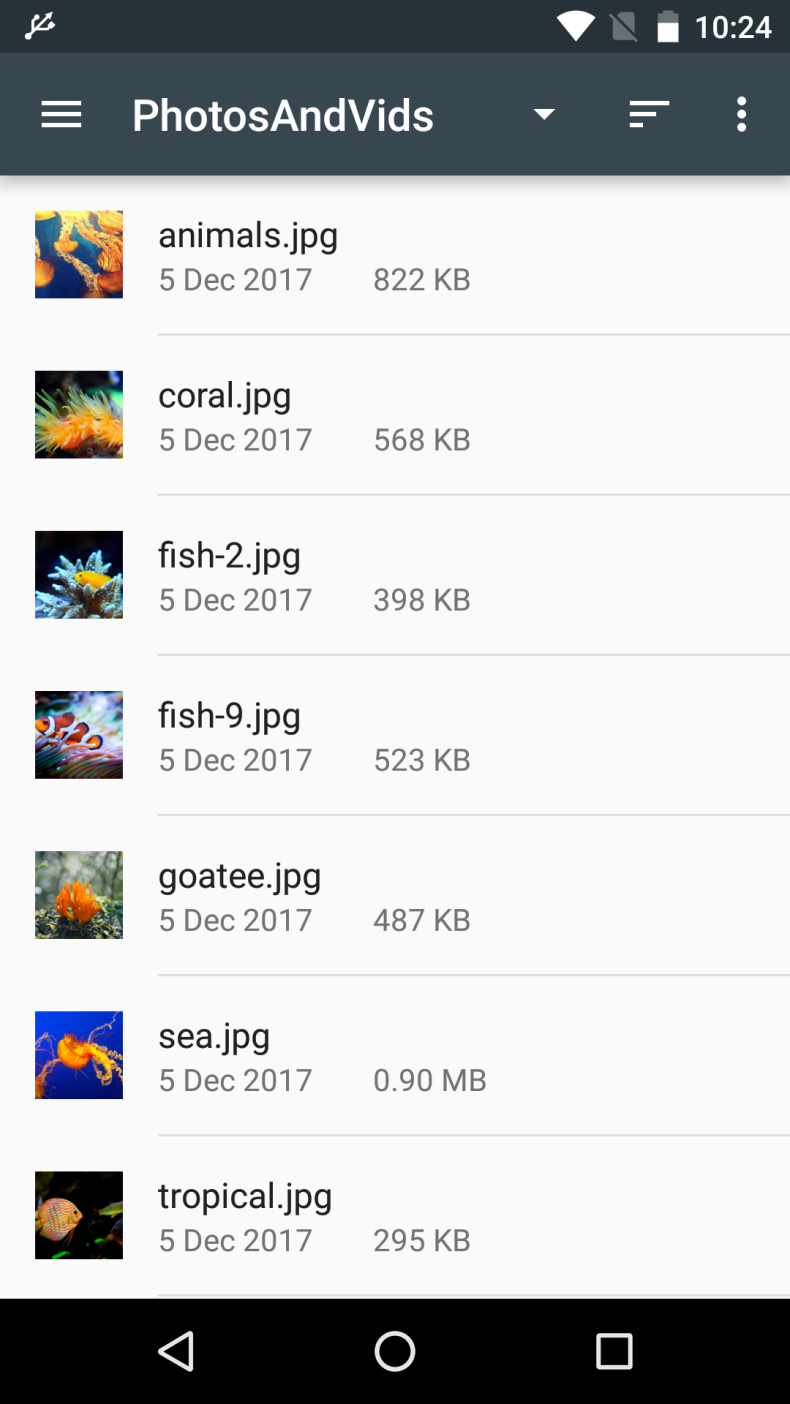
After mounting the drive, the user gets the ability not just to browse files, but to fully work with them: copy, move, edit, and play media directly from the flash drive. Three file systems are supported - NTFS, exFAT, and HFS+, which covers most drives formatted for Windows and macOS. The available modded version (MOD + Unlocked) removes the limitations of the base build and unlocks extended functionality without additional in-app purchases.
File handling capabilities and data transfer
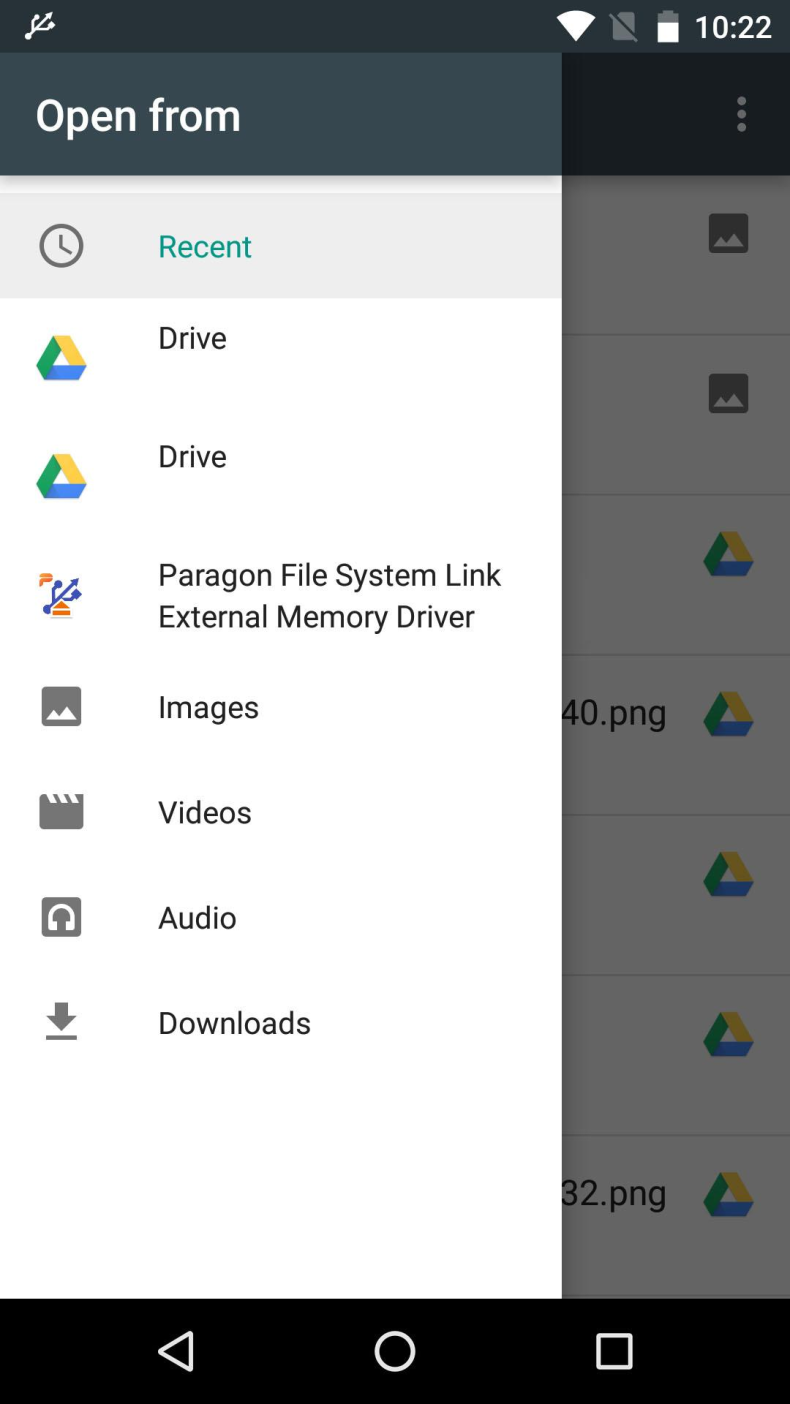
Special attention should be paid to the integration with cloud services: the app allows you to transfer files directly between the drive and the cloud, bypassing unnecessary steps. In addition, it supports sharing documents, images, and music via email and popular messengers and social networks. This makes the utility not just a mounting tool, but a full-fledged file manager for portable media on Android.
Who exFAT/NTFS for USB by Paragon Software is suitable for
The app will be useful for those who regularly transfer data between a computer and a smartphone, work with large archives or media files on external drives. It's especially relevant for users whose flash drives or disks are formatted in NTFS or exFAT - formats that Android doesn't support without third-party solutions. Those looking for a simple way to read Apple's HFS+ disks on Android will also find the utility handy.
You can download exFAT/NTFS for USB by Paragon Software for Android as an APK file - installation takes a few minutes. The modded Unlocked version is available for free and doesn't require root in the basic usage scenario.
Note: using modified versions of apps may violate the service's terms of use. Install at your own risk.