Description
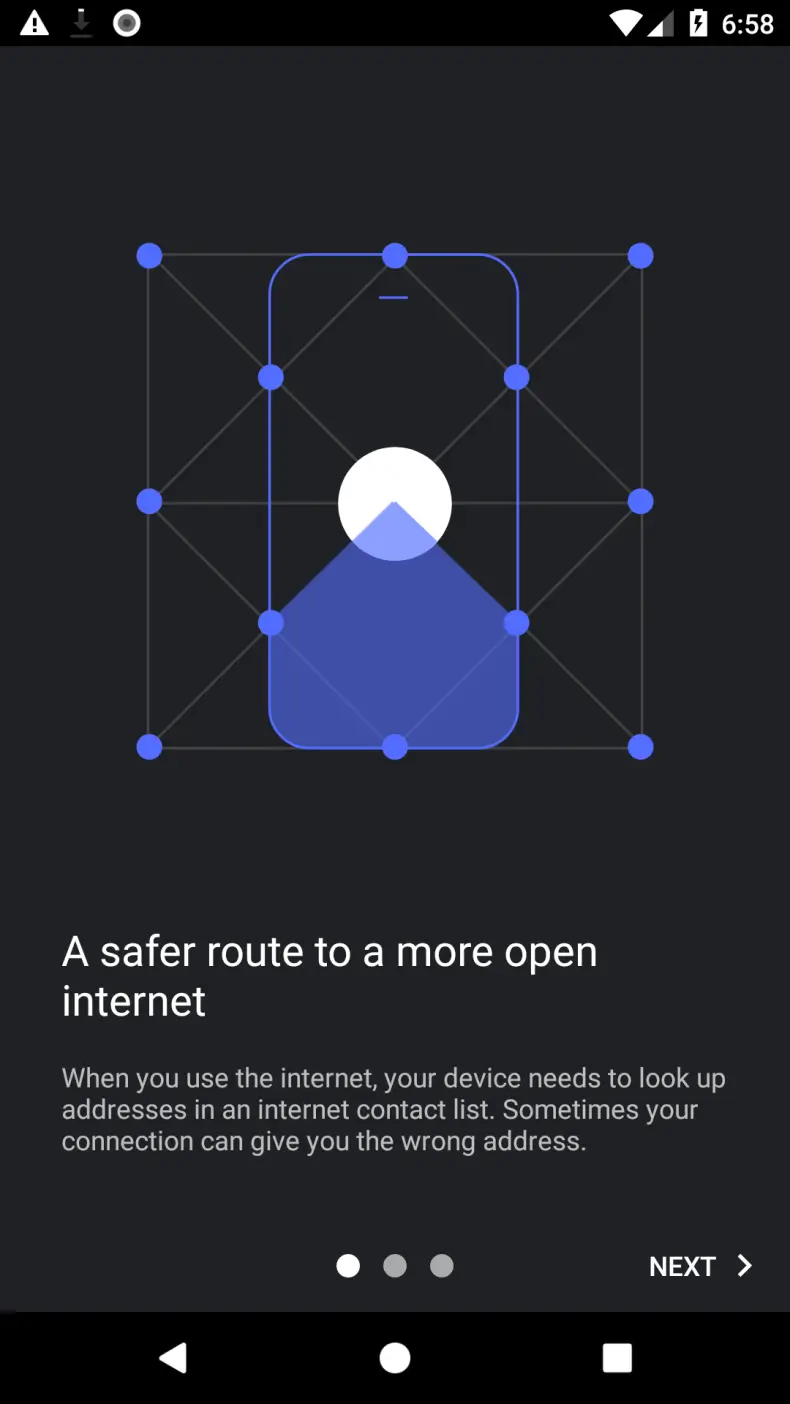
Intra is a tool for Android designed for those who want to protect their connection from DNS request interception and gain access to blocked resources without unnecessary setup. The app runs quietly in the background, requires no technical knowledge, and doesn't put a strain on your connection - internet speed remains the same. It's suitable for both regular users and those who closely monitor the security of their data online.
Features of Intra
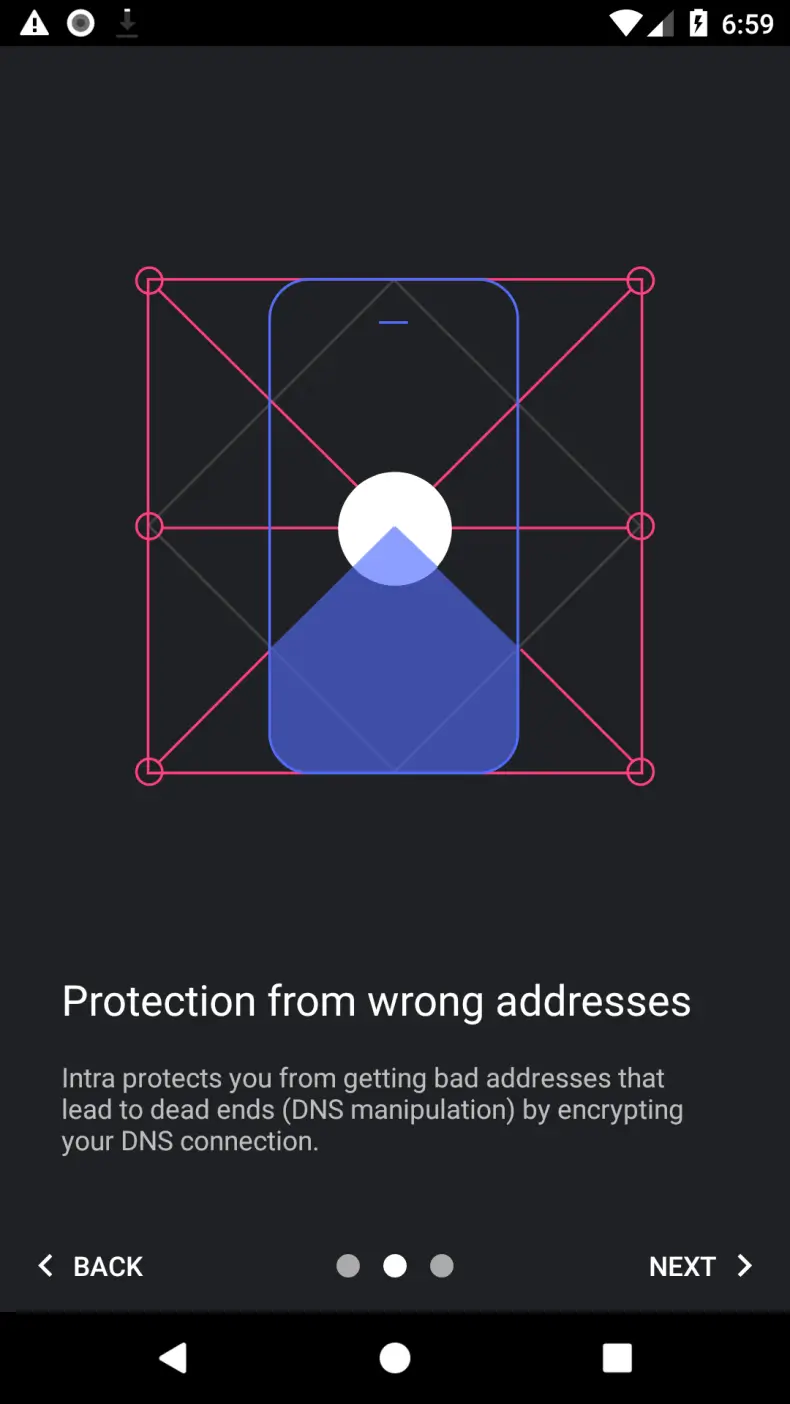
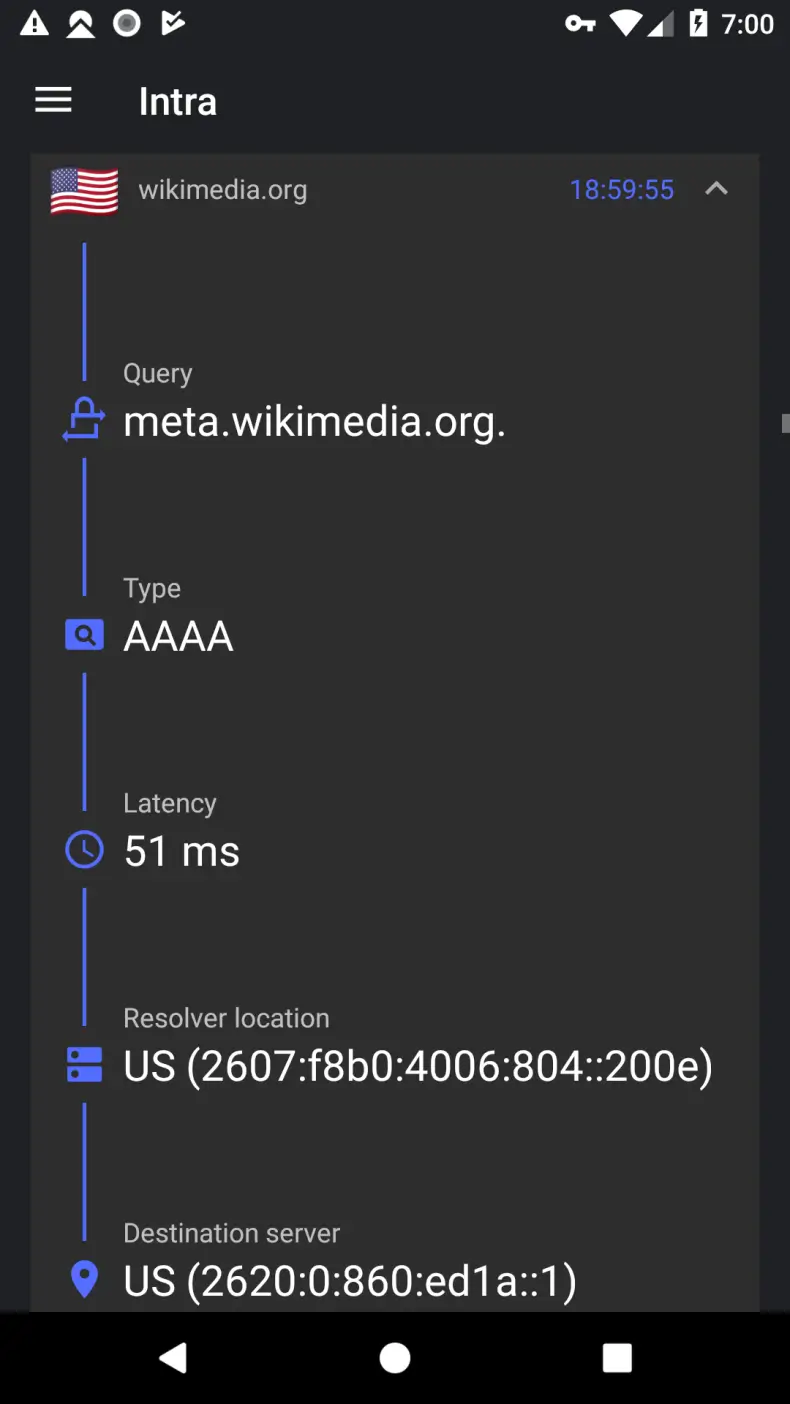
The app's main task is encrypting DNS traffic, that is, protecting the requests that a device sends every time it accesses a website. It's precisely at this level that provider-level blocks and some 'man-in-the-middle' attacks most often operate. Intra intercepts these requests and routes them through a secure channel. At the same time, the user chooses which DNS server to use: popular public options are available, as well as the ability to specify a custom address. It's also worth noting the open source code - this means that anyone interested can check exactly how the app works, which adds trust to the product.
Features and Management
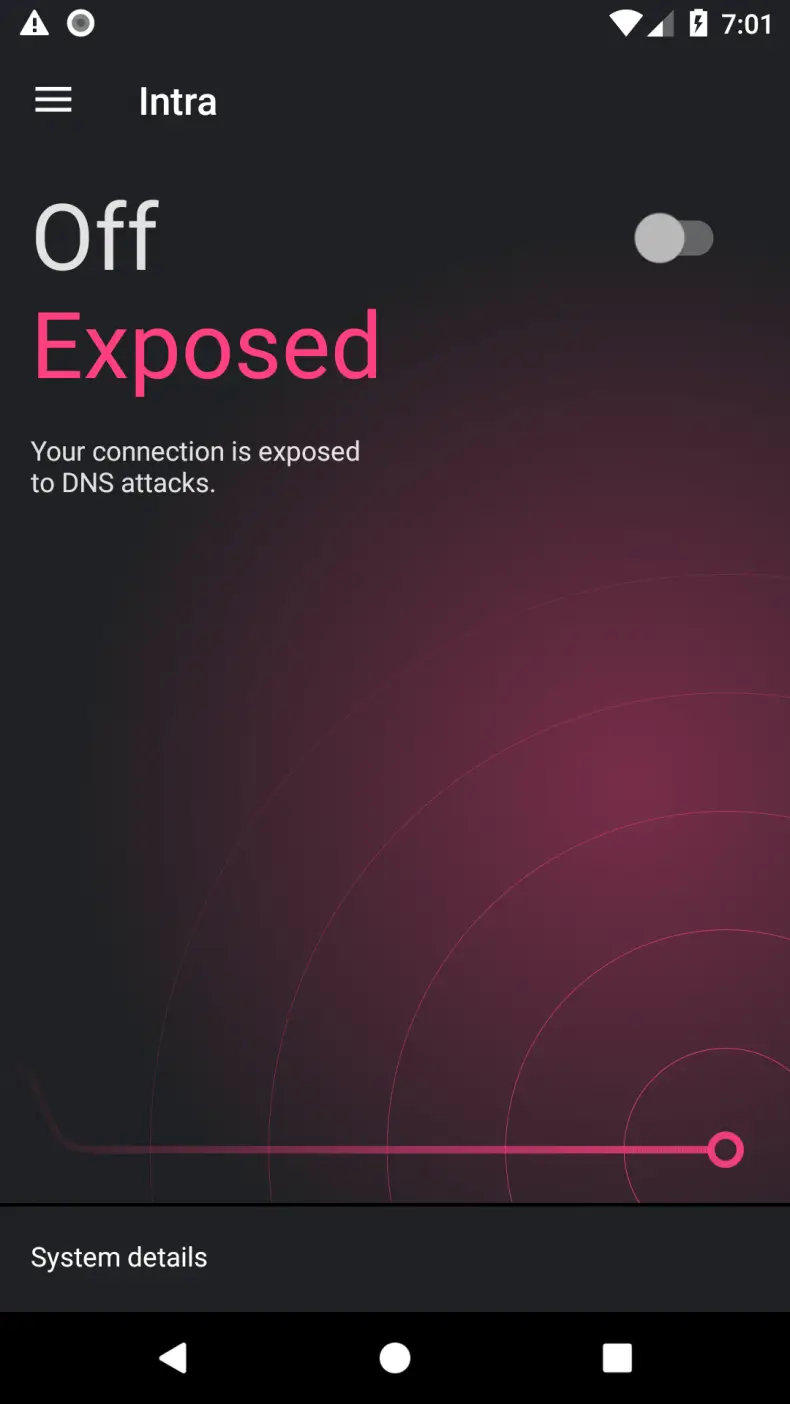
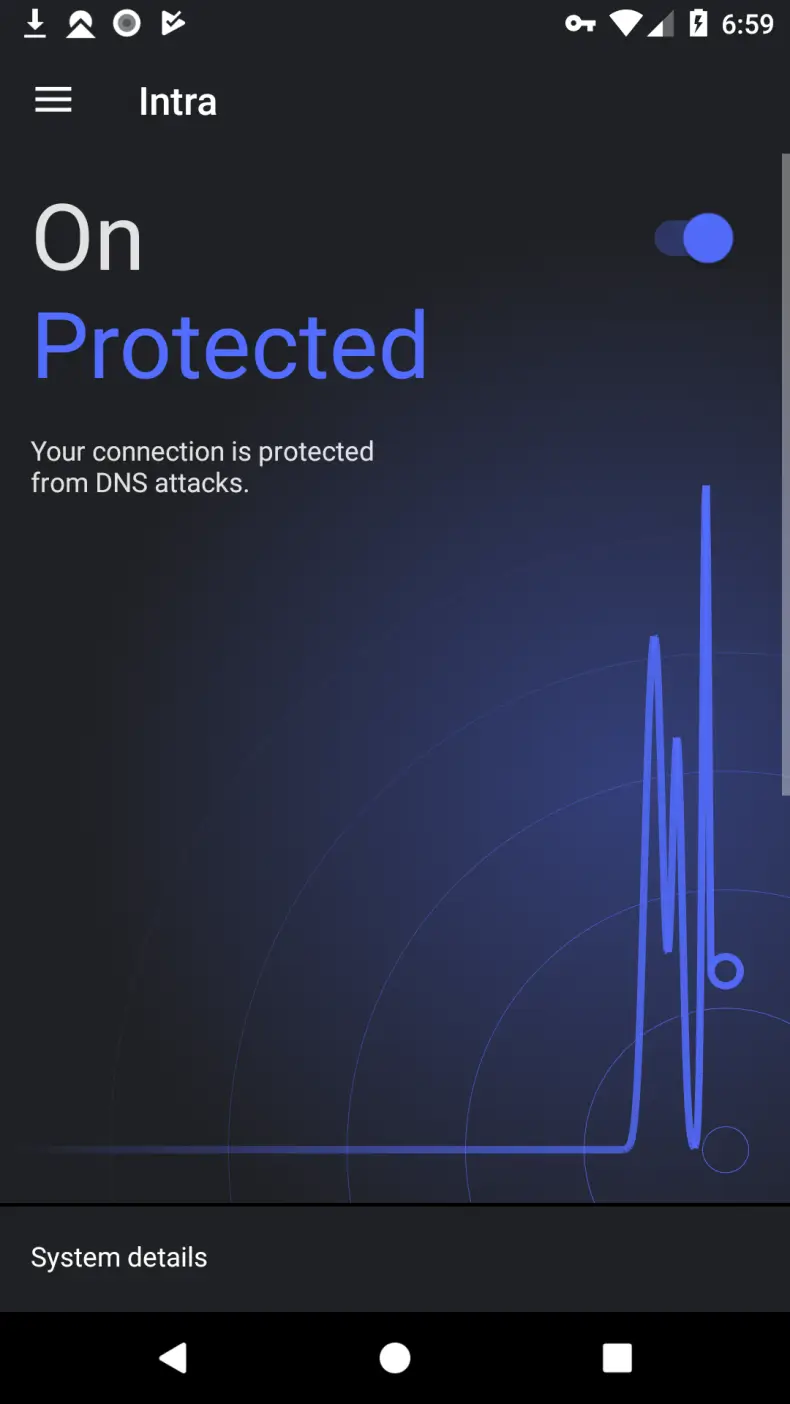
As for flexibility, Intra allows you to exclude individual apps from processing - this is useful if some service doesn't work correctly with active DNS encryption enabled. Turning protection on and off takes literally one tap. The app doesn't require root access and doesn't conflict with most standard apps. It's important to understand that Intra solves a specific task - protecting DNS - and doesn't position itself as a full-fledged VPN or a replacement for comprehensive security tools.
Who Intra Is For
The app will be useful for users who encounter website blocks at the provider level, as well as those who want to minimally protect their traffic without installing heavy VPN clients. For those looking for complete anonymity or protection from all types of threats, Intra may not be enough - the developers honestly warn about the tool's limitations.
You can download Intra for Android for free as an APK file. Installation doesn't take much time, and the interface, which is in Russian, makes setup clear from the very first launch.