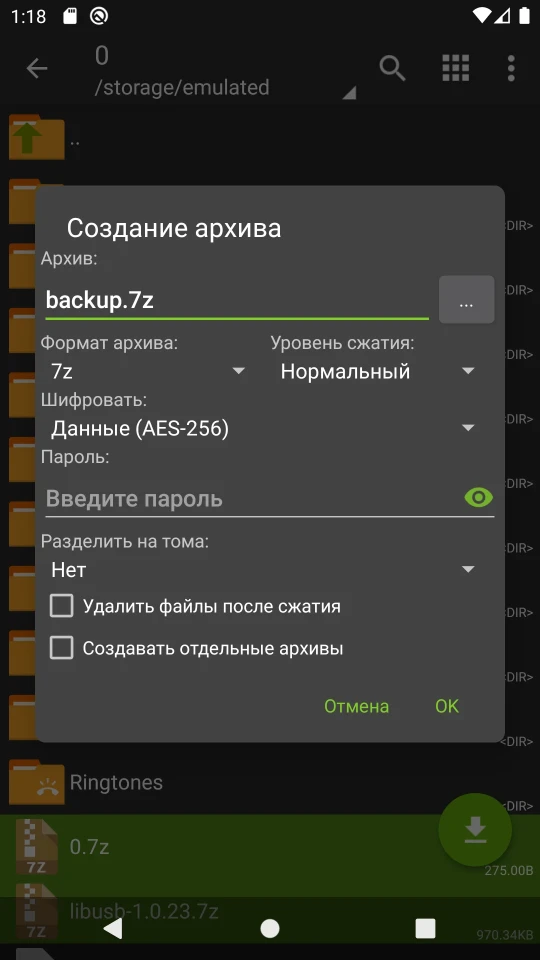
Description
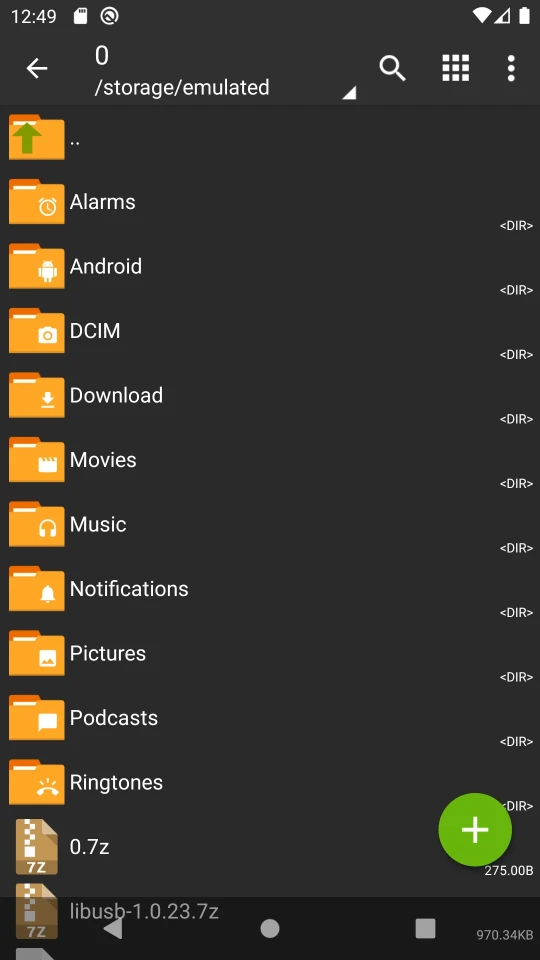
ZArchiver is one of the most reliable file archivers for Android, which has long taken its place as a permanent tool for those who frequently work with archives right on their smartphone. The app doesn't require an internet connection and physically cannot transmit data to third parties - this isn't a marketing gimmick, but an architectural decision made without the corresponding permissions. It suits both regular users who need to unzip a downloaded ZIP, as well as more demanding audiences working with backups and multi-volume archives.
Features of ZArchiver
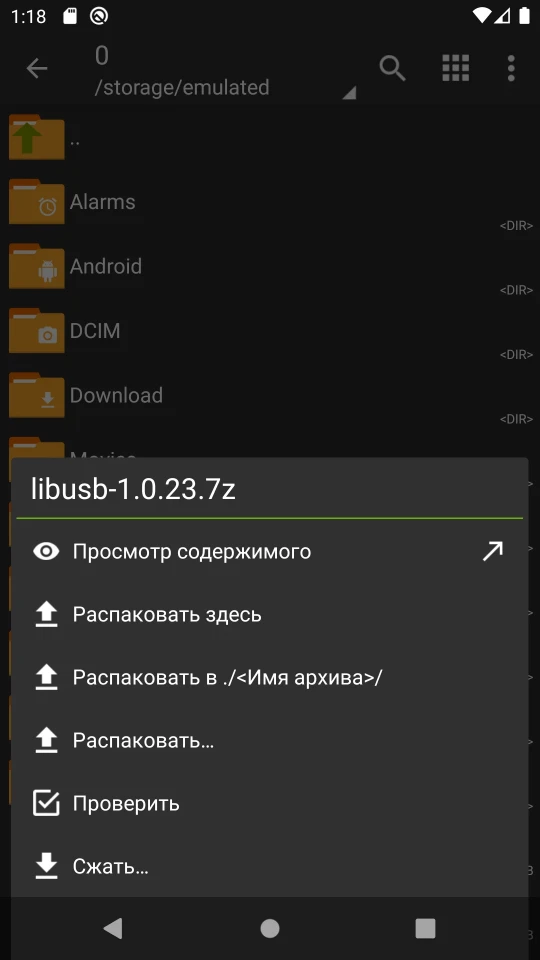
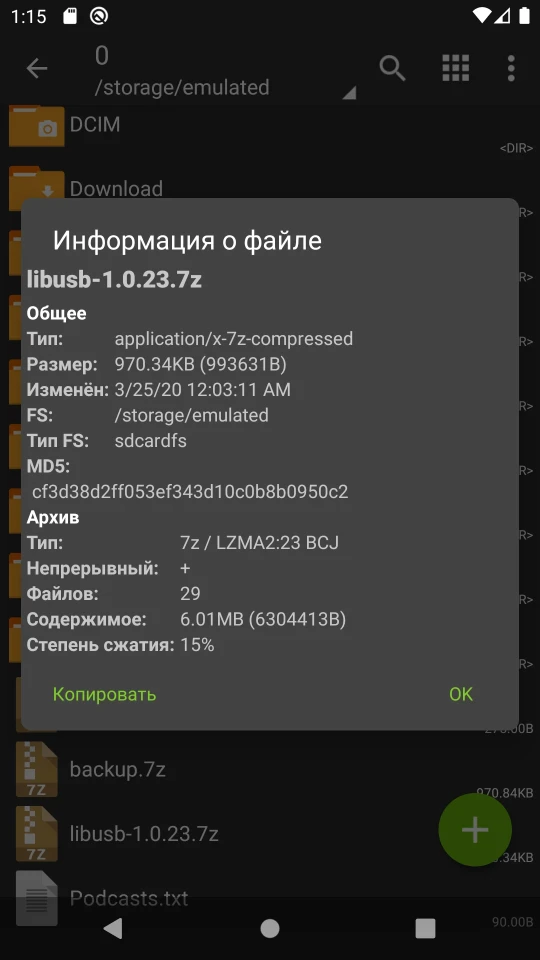
ZArchiver supports more than 30 archive formats, including 7z, ZIP, RAR, RAR5, ISO, TAR, ARJ, CAB, DMG, CPIO, WIM and many others - rare formats like EGG, ALZ and ECM are also opened here without any problems. You can create archives in the formats 7z, ZIP, BZIP2, GZIP, XZ, LZ4, TAR and ZST, and password support is available both for creating and extracting. Starting with Android 9, small files up to 10 MB in size open directly without unpacking to a temporary folder, which noticeably speeds up the work. Multi-threaded processing makes archiving faster on multi-core processors, and UTF-8 encoding support solves the age-old problem with Cyrillic file names inside archives.
Capabilities and Management
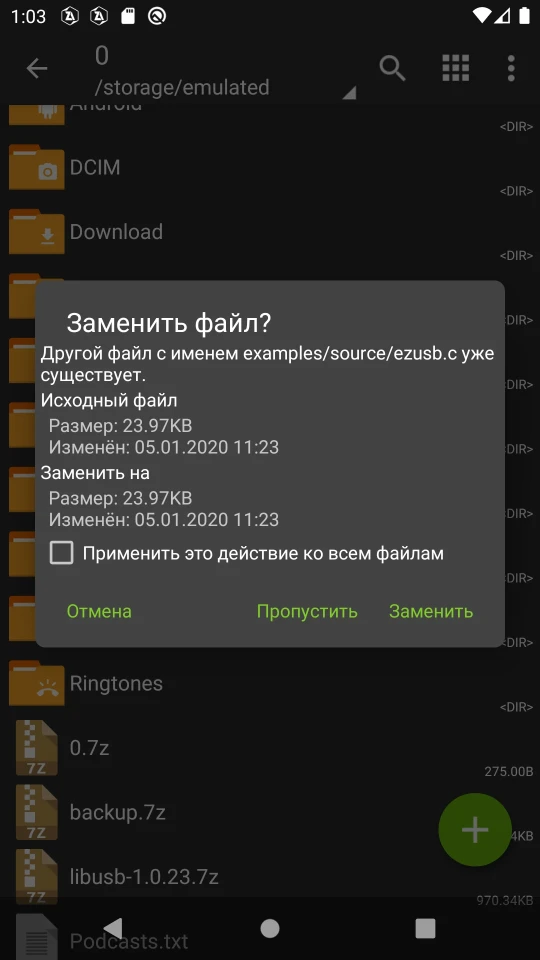
It's worth separately noting the flexibility of editing: in the ZIP, 7z, TAR, APK and MTZ formats, you can not only unpack but also add or remove individual files without recreating the entire archive. Partial extraction of content is supported, as well as viewing files right inside the archive without fully unpacking it. Multi-volume archives in the 7z, ZIP and RAR formats (7z.001, part1.rar, z01) open correctly, and installing APK and OBB files from backups makes ZArchiver a convenient tool for restoring apps. Selecting files works by tapping on the icon - without unnecessary menu navigation.
Who ZArchiver Is For
The app will be especially useful for those who regularly download archives from the browser, receive attachments by mail, or work with app backups. If you need a simple, fast and private tool without ads or internet dependency - this is exactly the case. For users who only occasionally need to open a single ZIP file, the functionality may seem excessive, but it definitely won't get in the way. You can download ZArchiver for Android for free as an APK file - without registration or unnecessary permissions. The app works stably across a wide range of Android versions and is regularly updated by the developer.