OpenVPN Connect is a proprietary client from OpenVPN Inc., the very company that developed the OpenVPN protocol. With its help, employees get secure remote access to internal networks, cloud resources, and closed applications of the organization. It is based on a zero-trust model: identity and device are verified on every request, regardless of location. There is no built-in VPN service here - the client only establishes a tunnel to a compatible server.
Features of OpenVPN Connect
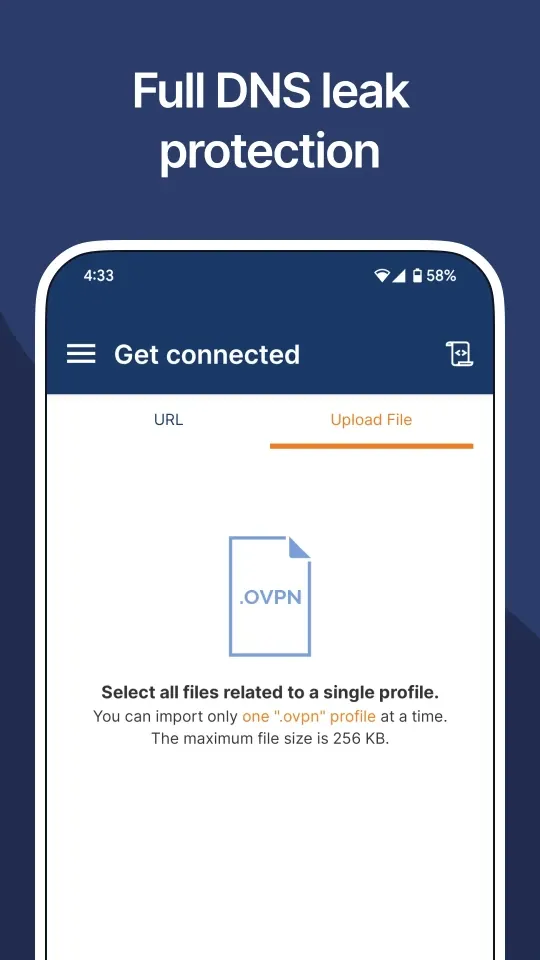
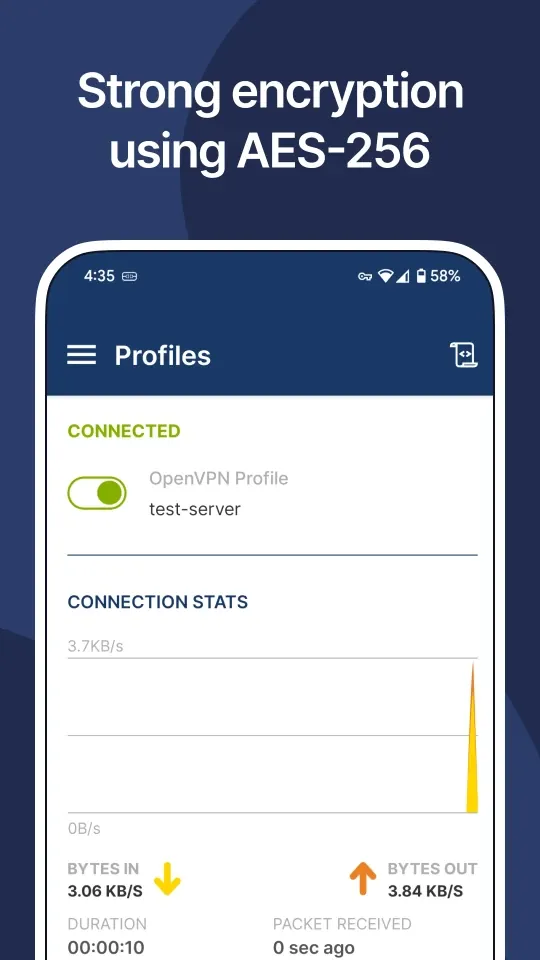
Data is protected with AES-256 encryption with TLS 1.3 support. When the connection drops, a kill switch is triggered, and protection against DNS and IPv6 leaks keeps traffic from escaping the tunnel. Split tunneling, auto-reconnect, and Always-on VPN mode are available. The client recognizes Wi-Fi captive portals and maintains a stable connection over Wi-Fi, LTE/4G, and 5G.
Modes and Capabilities
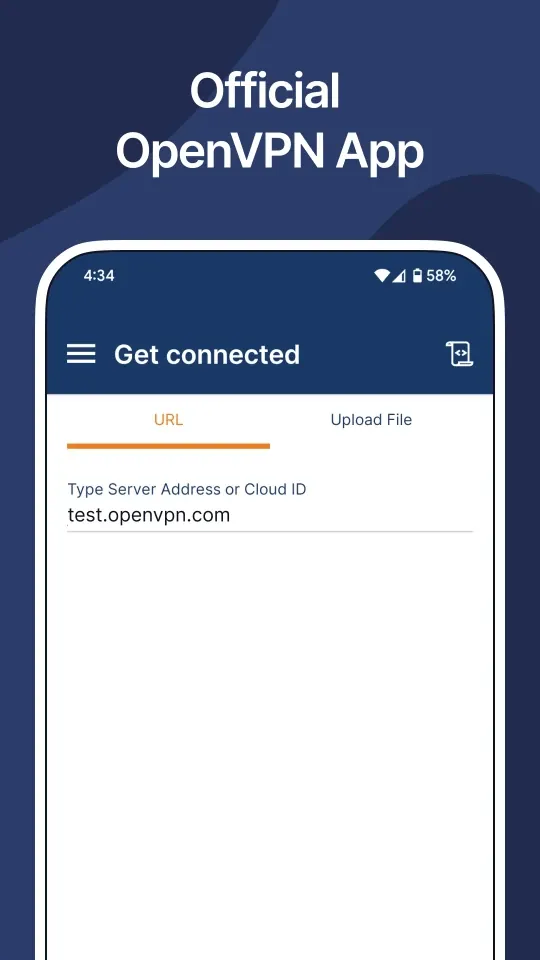
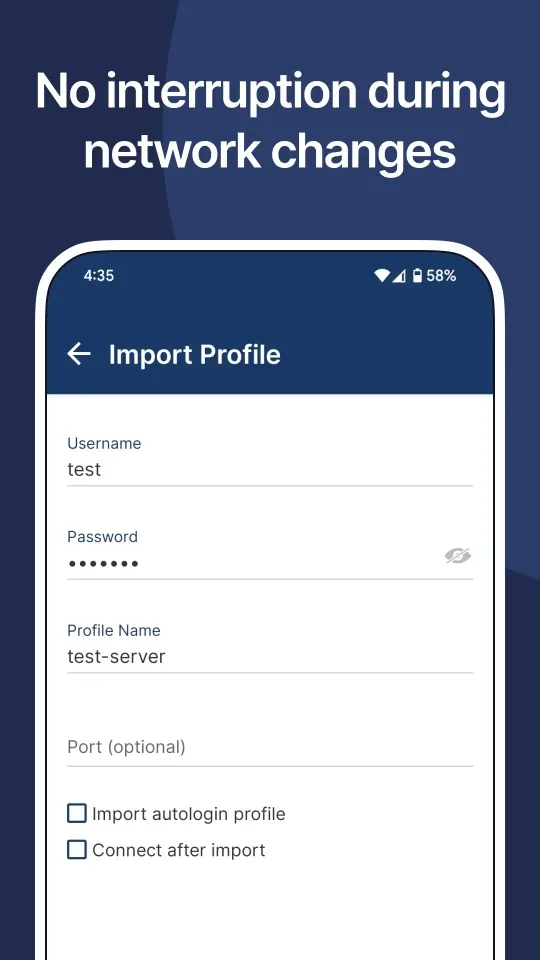
You can authenticate using a certificate, login and password, an external certificate, or via MFA, and web login supports SAML SSO. .ovpn profiles can be loaded manually or by URL. Administrators have access to MDM with a global configuration file, HTTP proxy setup, and device health checks together with Access Server and CloudConnexa.
Who OpenVPN Connect Is For
The app is designed for employees of companies working with Access Server or the cloud-based CloudConnexa, which has more than 30 points of presence. These solutions are trusted by over 20,000 organizations, including Salesforce, Target, and Boeing. Those looking for a ready-made VPN without their own server won't find this client suitable.
To connect, you just need to enter the organization's URL and login. You can download OpenVPN Connect for Android for free as an APK file - the interface is in Russian, and the new version installs over the previous one.