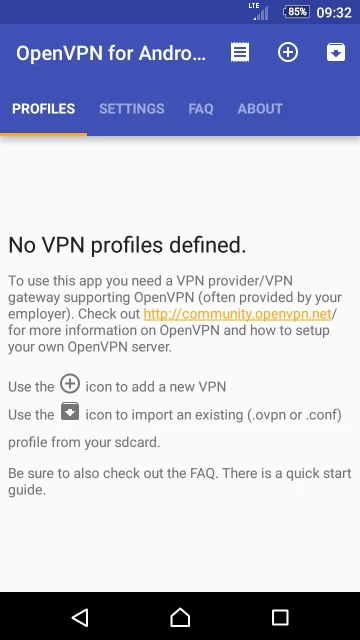
OpenVPN for Android is an OpenVPN server client, not a ready-made VPN service. It runs on your phone without root access, uses the standard system VPNService API, and is suitable for those who already have access to a corporate, university, or personal server. The code is open-source, allowing you to verify how the app works and confirm there are no hidden features.
What the client can do
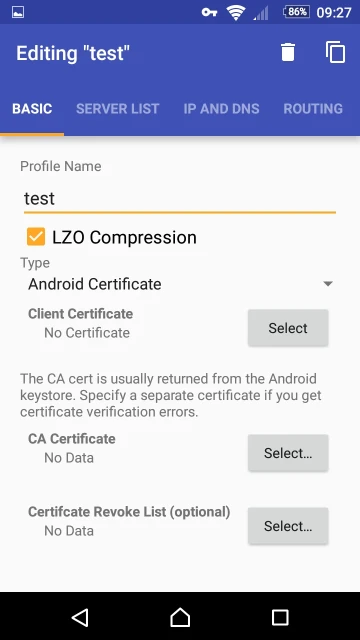
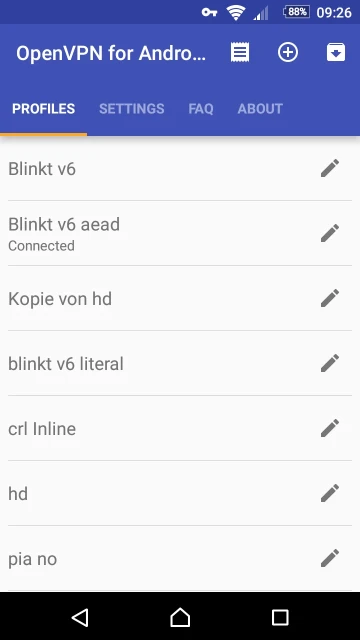
The app imports profiles directly from an SD card or internal storage—just specify the .ovpn file and convert it. The built-in OpenSSL version is protected against the Heartbleed vulnerability, which is important for those connecting to servers with sensitive data. The client does not sell server access and does not provide free internet—you connect it to an existing server, whether that's a corporate network or a third-party provider service.
Operating mode and limitations
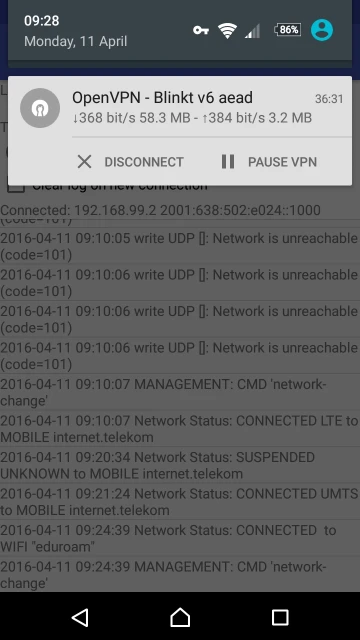
Only TUN mode is supported—the standard for Android starting with version 4.0. TAP mode does not work due to operating system limitations, so TAP profiles will need to be reconfigured on the server side. If you need a true killswitch that blocks traffic bypassing the VPN, Android 8.0 or newer is required: in the system VPN settings, enable always-on VPN and block connections without VPN. The persistent tun option does not close the VPN interface when the connection drops, so the notification icon remains even after disconnection. When switching networks, the app sometimes freezes while waiting to reconnect—in this case, manual reconnection helps.
Who needs this client
The app is designed for those working with existing OpenVPN infrastructure: company employees, students with access to university resources, customers of commercial providers. If you're looking for a "click and connect" solution without server setup, this client is not for you.