Description
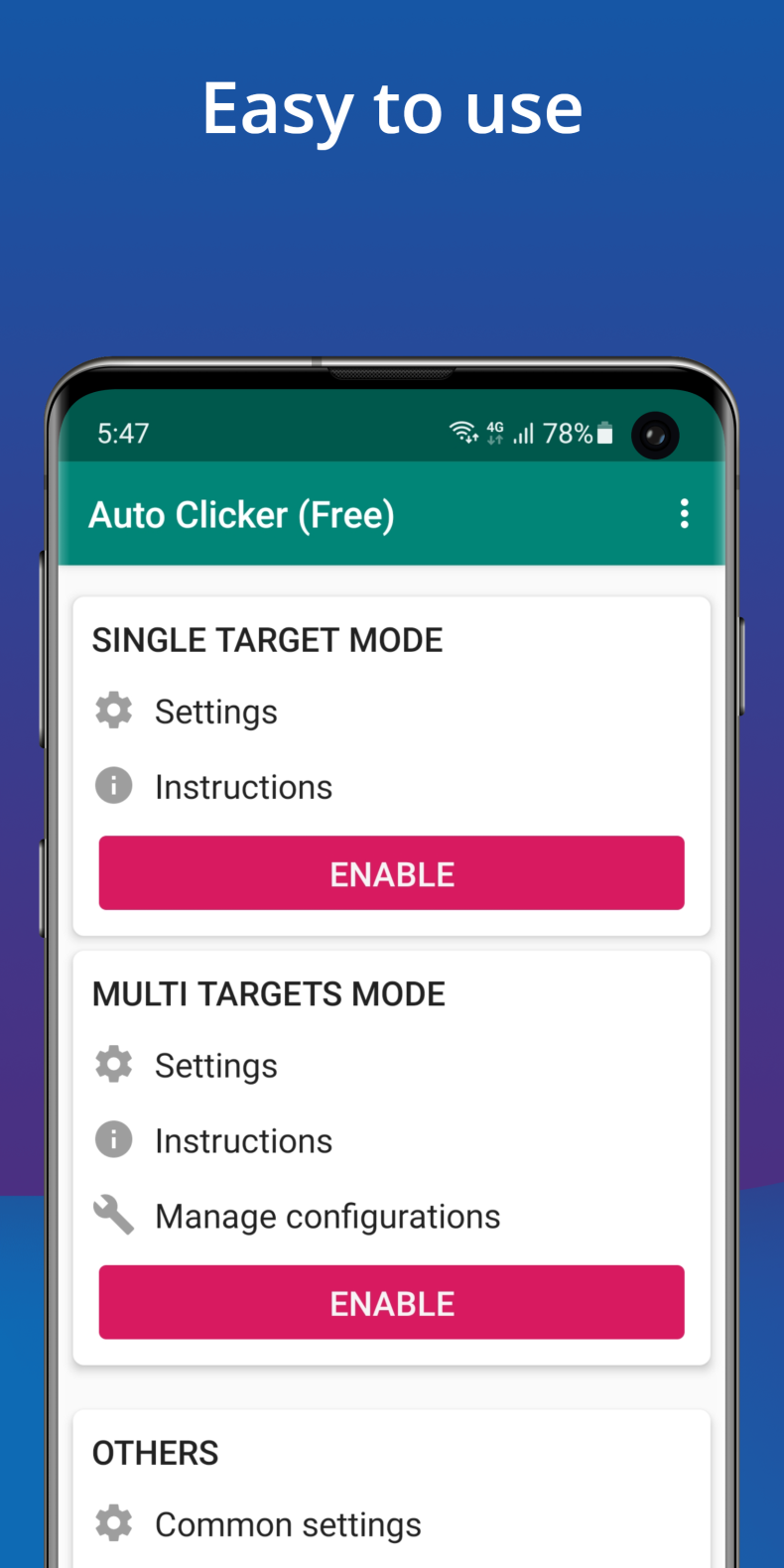
Auto Clicker is an app for automating taps on an Android device's screen without the need for root access. It's useful for those who are tired of manually tapping in clicker games, waiting for repetitive actions to finish, or repeating the same gestures over and over. The app works through the standard Accessibility Service API, making it compatible with most modern devices running Android 7.0 and above.
Features of Auto Clicker
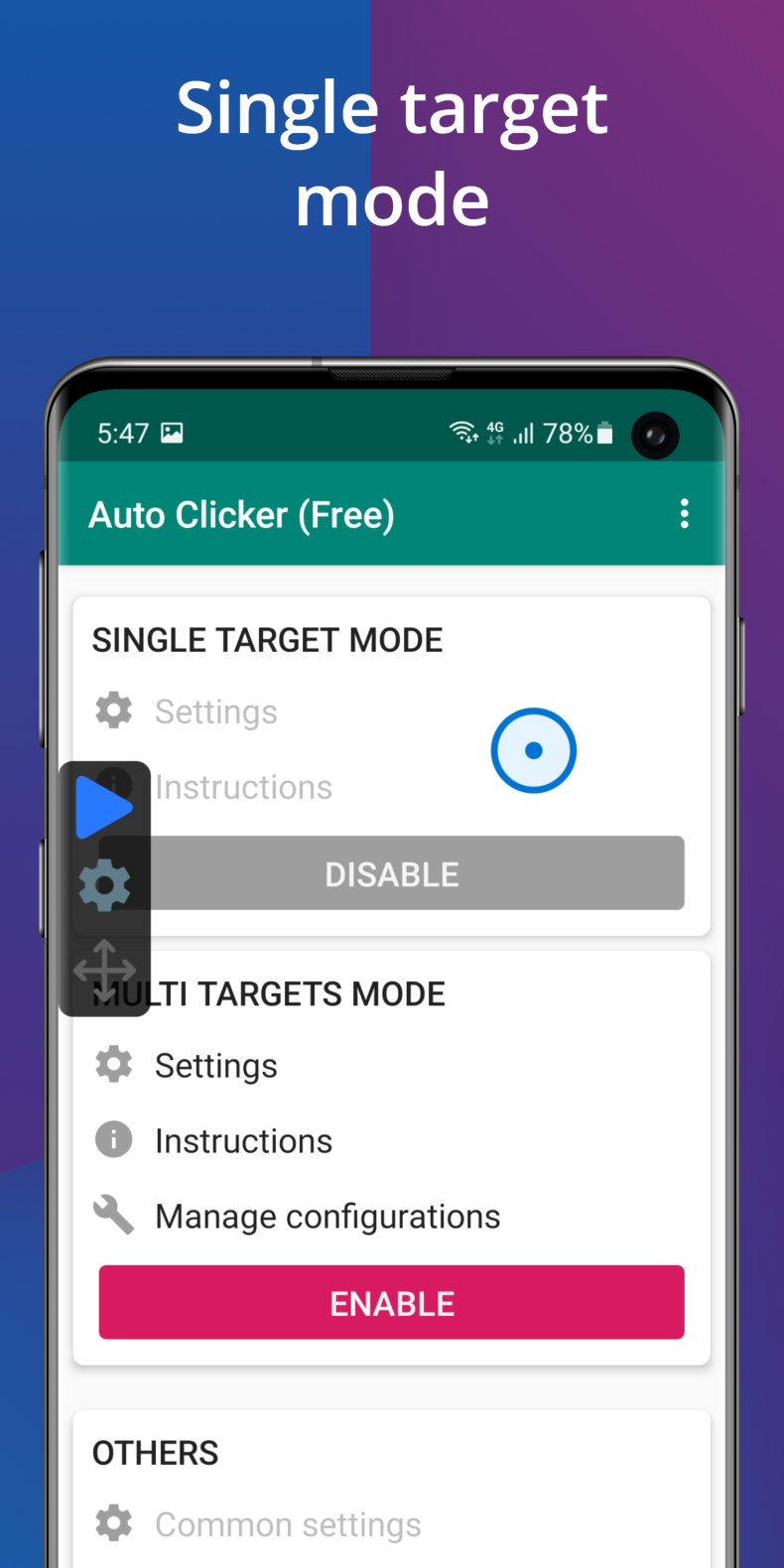
The main thing that sets this app apart is the complete absence of root access requirements. Installation and basic setup are enough to start automatic taps at any point on the screen with a set interval. Controls are placed on a floating panel that stays on top of other apps: you can start or stop auto-clicking with a single tap, without minimizing the current screen. A version with the mod and unlocked Premium is available, opening up extended features without additional purchases.
Modes and Features
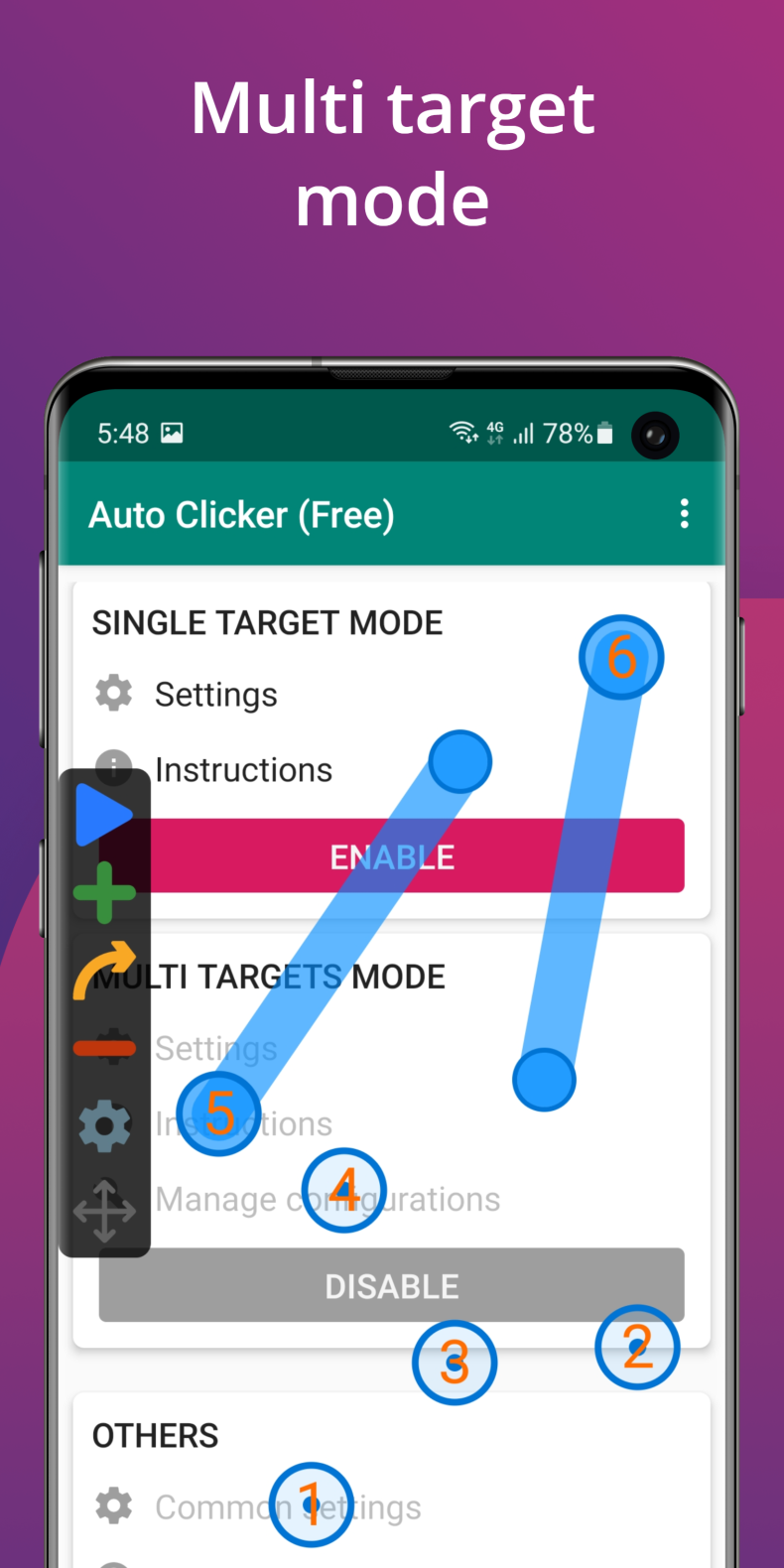
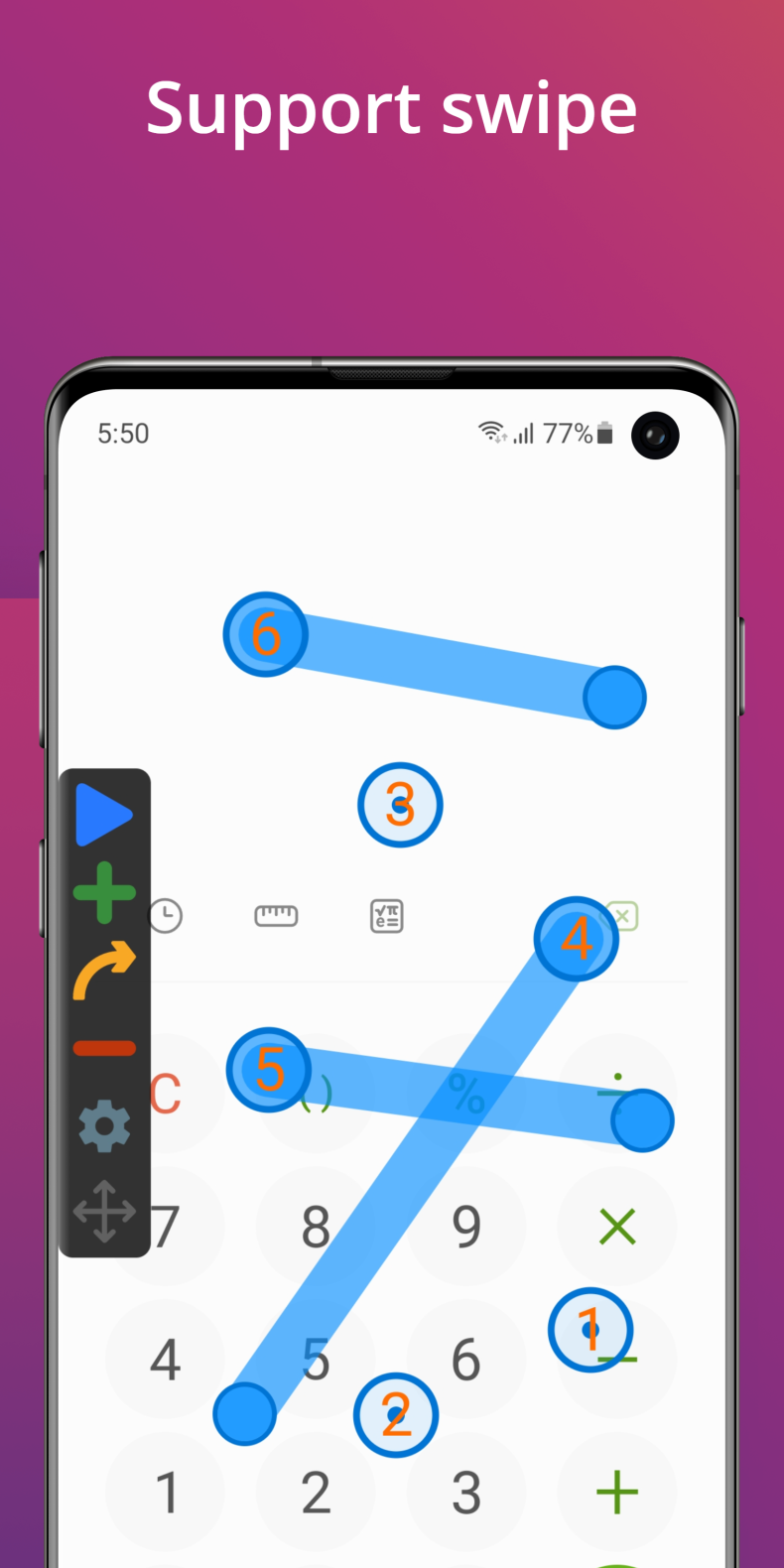
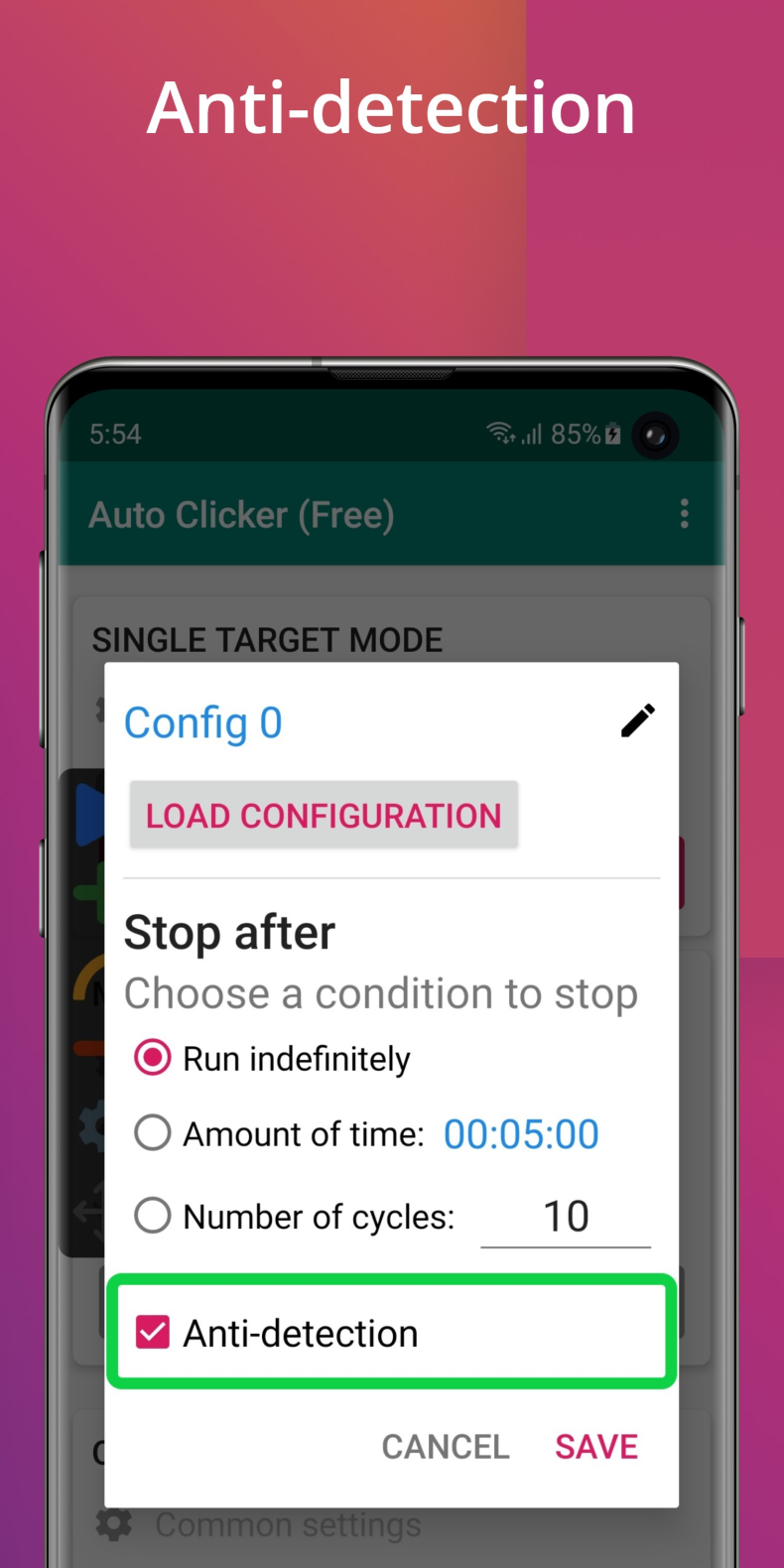
Auto Clicker supports simultaneous work with multiple tap points and swipes - this allows you to automate not only simple taps, but also more complex gestures. A global timer lets you set a work period: the app will stop on its own once the time is up. It's worth mentioning separately the import and export of scripts: finished configurations can be saved and transferred to another device or shared with other users. Personal data is not collected or shared with third parties in the process.
Who Auto Clicker Is For
The app is designed for players of clickers and idle games who need to farm resources without participation, as well as for users who want to automate routine actions in any apps. The interface is intentionally made simple - even someone without technical experience can figure it out. Those looking for a complex tool with advanced scripting may find the features lacking, but for most everyday tasks, this is more than enough.
You can download Auto Clicker for Android for free as an APK file. The version with the mod and Premium is already included - no additional payment is required. This is a practical solution for those who want to free up their hands and save time on repetitive actions.
Note: using modified versions of apps may violate the terms of use of certain services. Install at your own risk.