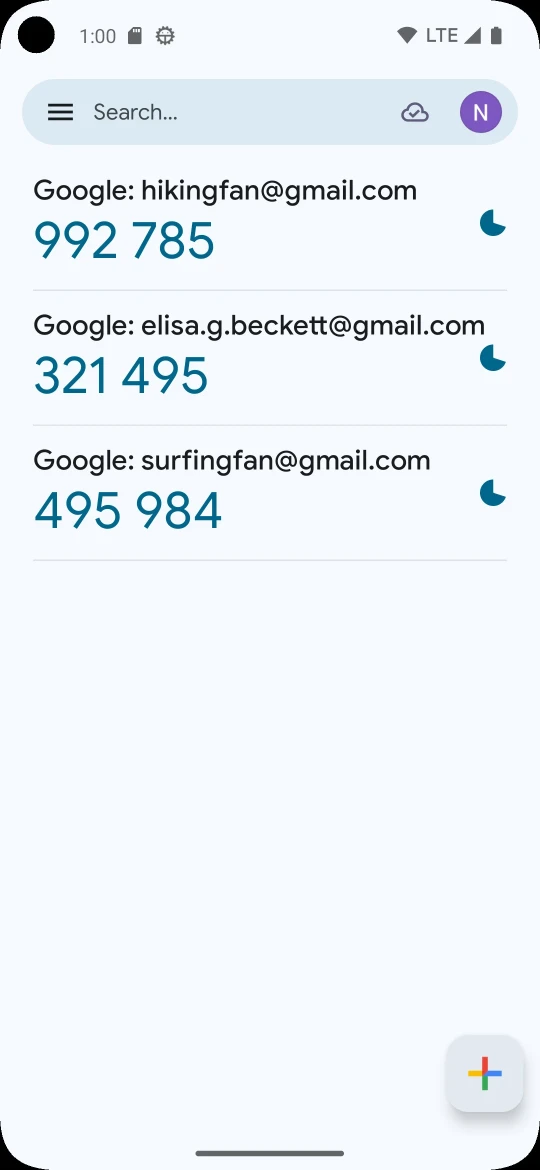
Google Authenticator is a utility for Android that adds a second layer of protection to your regular password. After entering the password, the service requests a one-time code, and it can only be obtained on the owner's phone. Codes are generated even without internet or cellular connection, so the app is helpful when traveling and in areas with poor network coverage.
Features of Google Authenticator
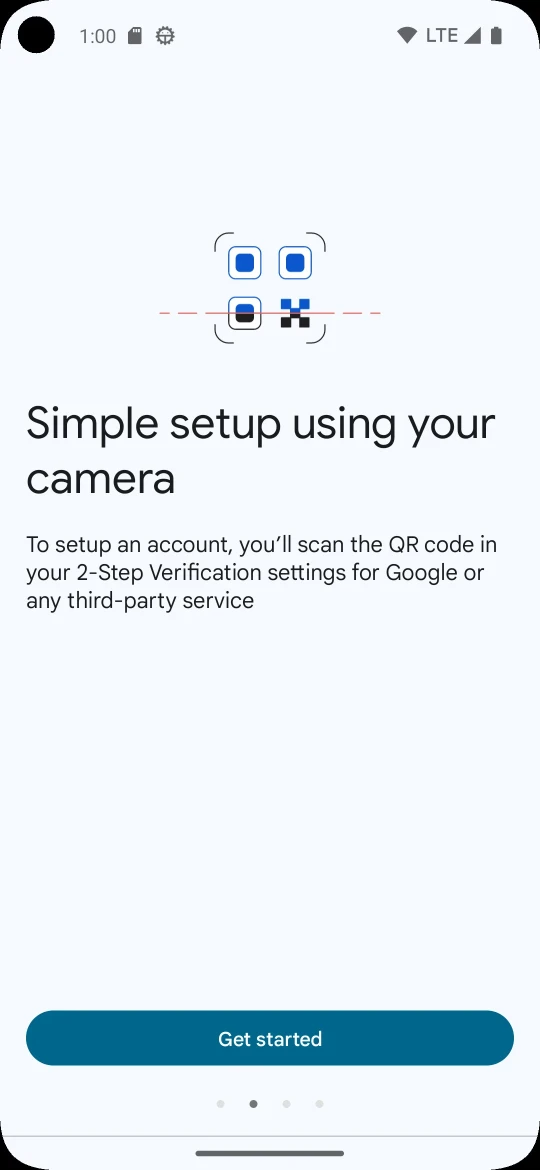
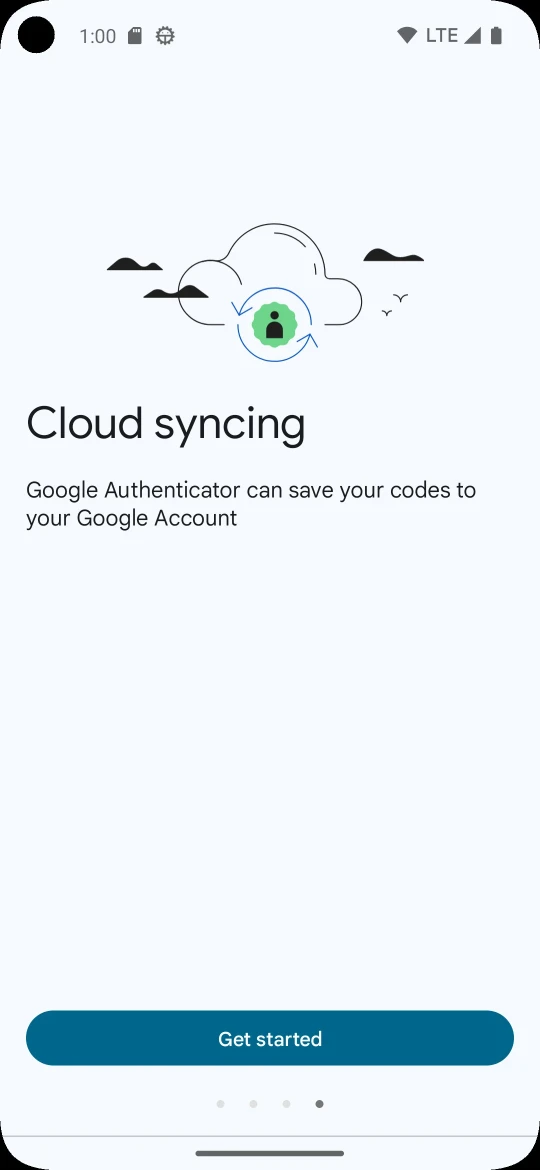
The main convenience is code synchronization with your Google account and across devices, so access to them is preserved even if the phone is lost. New accounts are added by scanning a QR code, without manually entering keys or risking mistakes. Multiple accounts are stored in one place, and there's no need to switch between apps when signing in.
Modes and Capabilities
Codes are generated based on time or counter, and the user chooses the method themselves. When switching smartphones, accounts are transferred to the new device using the same QR code. For Google services, two-step authentication needs to be enabled in the account settings on the page http://www.google.com/2step.. To scan QR codes, the app needs access to the camera.
Who Google Authenticator Is For
The utility is useful for those who use email, social networks, and other services with two-step verification and value simple protection without complicated settings.
Installing the code generator is easy: you can download Google Authenticator on Android for free as an APK file. The app works in Russian and is ready to use right after downloading.