Description
Tracket Motion is a mobile video editor for Android that handles several tasks at once within a single project: motion tracking, shaky footage stabilization, object cutout, and multi-layer editing. The app is designed for those who want desktop-level editor results right from their smartphone, without having to shuttle footage between different programs.
Features of Tracket Motion
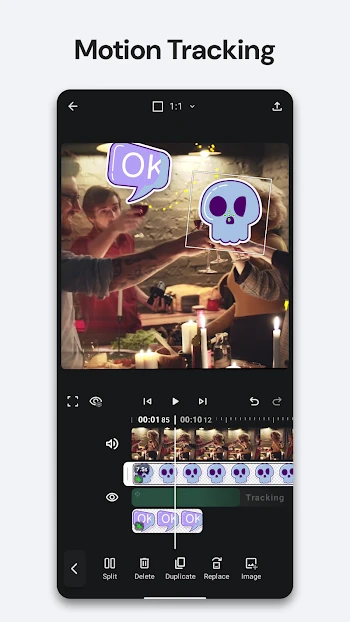
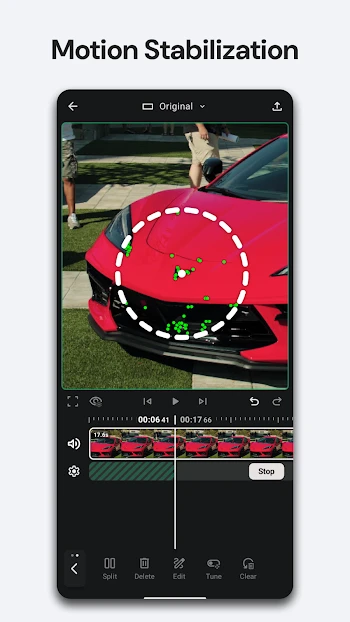
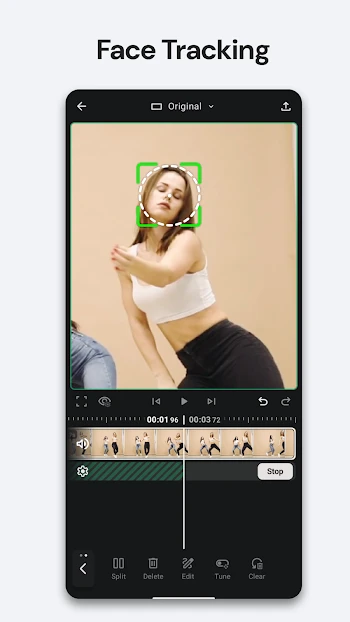
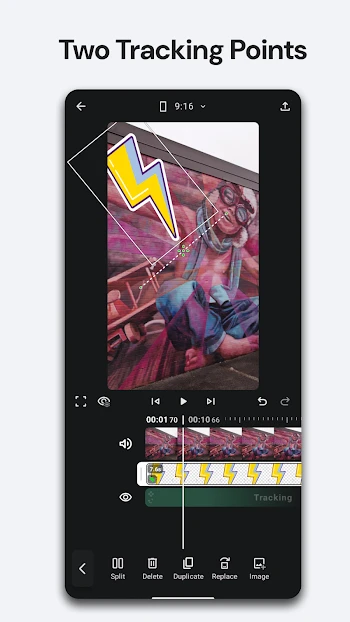
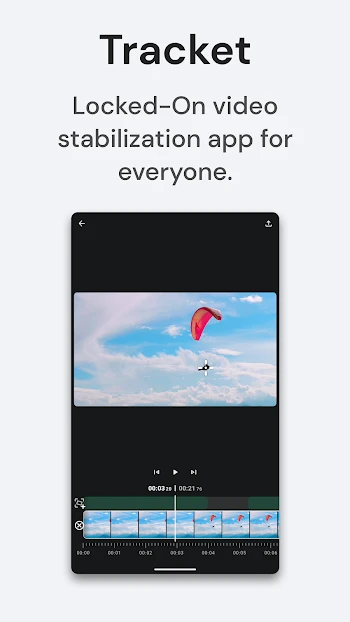
The editor's key feature is motion tracking with one or two points, which allows you to control an object's position, rotation, and scale in the frame. Text, images, video overlays, and stickers can be attached to tracked motion, and just as easily detached - all of this is configured through keyframes with precise control over opacity, scale, and other parameters. Stabilization supports three motion models - Simple, Standard, and Cinematic - and works with both main clips and video overlays, while the final framing can be adjusted through cropping, scaling, or expansion.
Editing and Creative Possibilities
As for working with layers, the editor allows you to combine video, images, text, stickers, and audio on a single timeline, applying blend modes and effects. Object cutout works in three modes: Subject, Selfie, and Magic Touch, after which the cut-out object can be tracked directly within the clip and the mask edges refined. The editing toolkit includes splitting, duplicating, replacing, and trimming clips, creating speed curves, extracting audio, and adjusting fade. Vertical, horizontal, square, and cinematic aspect ratios are supported, and export up to 4K/60fps is available with quality selection.
Who Tracket Motion Is For
The editor will find its audience among bloggers, content creators, and anyone who regularly shoots on their phone and wants to add dynamic captions that follow motion to their videos, or remove backgrounds without a computer. Those looking for simple 'trim and glue' editing may find the functionality excessive - the app is designed for deliberate work with footage. You can download Tracket Motion for Android for free - the basic version offers a full set of tools, but includes ads and a watermark on export. The Pro subscription removes both limitations and unlocks advanced stabilization settings. The APK file of the current version is available on this page without registration.