Description
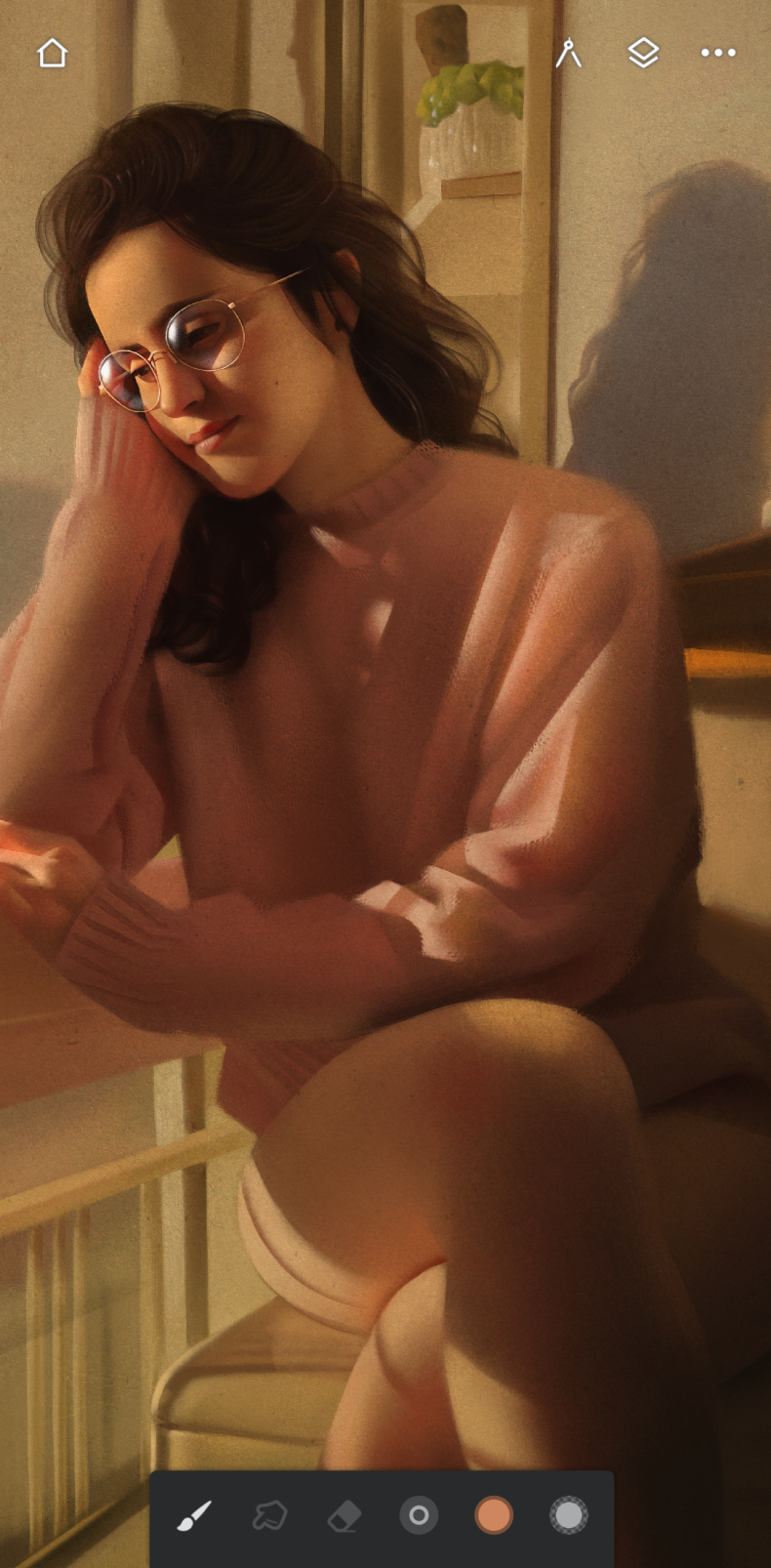
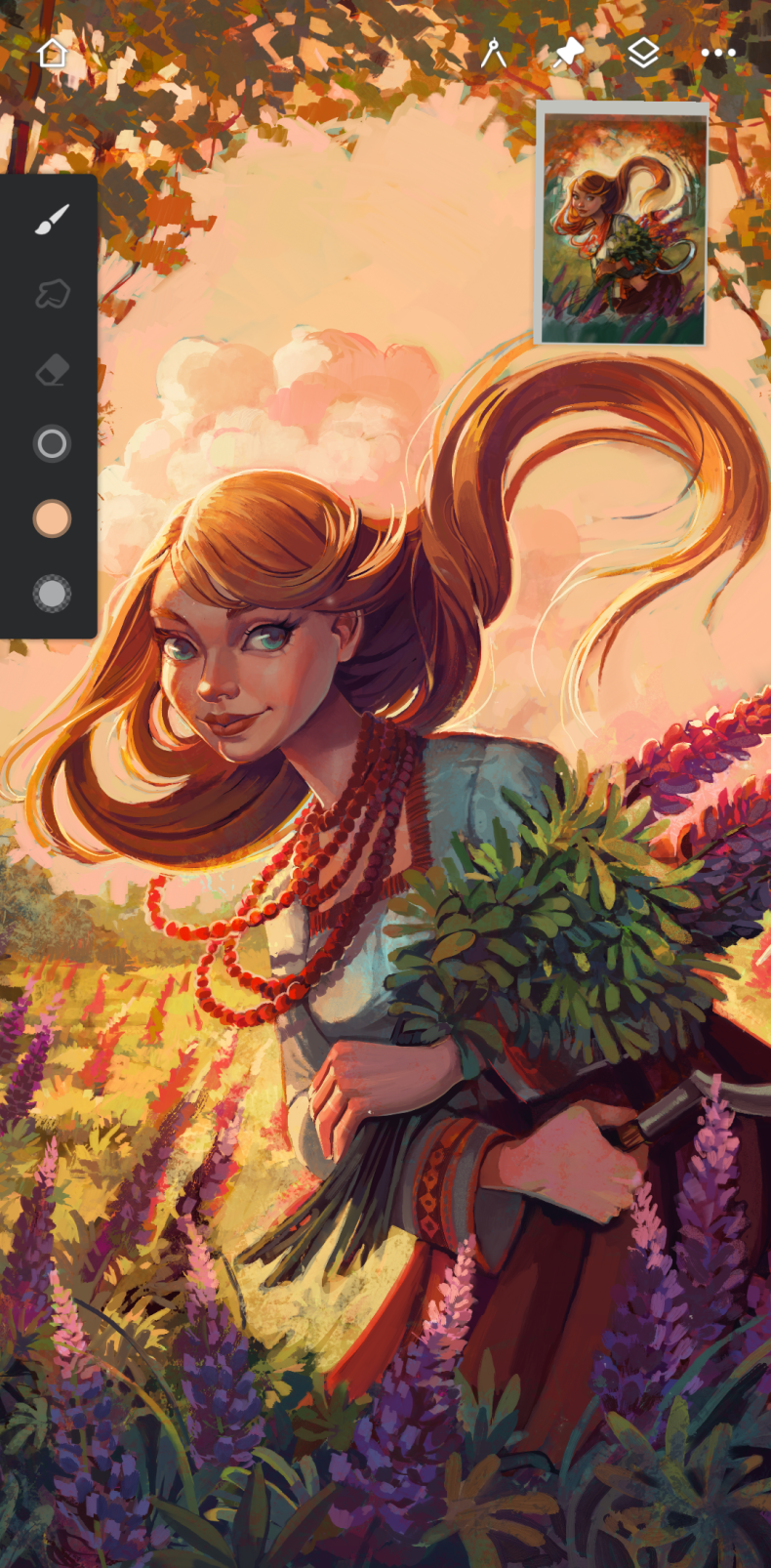
Infinite Painter is a professional digital painting app for Android that comes close to desktop editors in terms of its toolset. It's suitable both for those just getting used to a tablet and for those already working with illustrations at a professional level. There's nothing superfluous here: just the canvas, tools, and complete creative freedom. A version with the Premium mod is available, which unlocks all paid features without restrictions.
Features of Infinite Painter
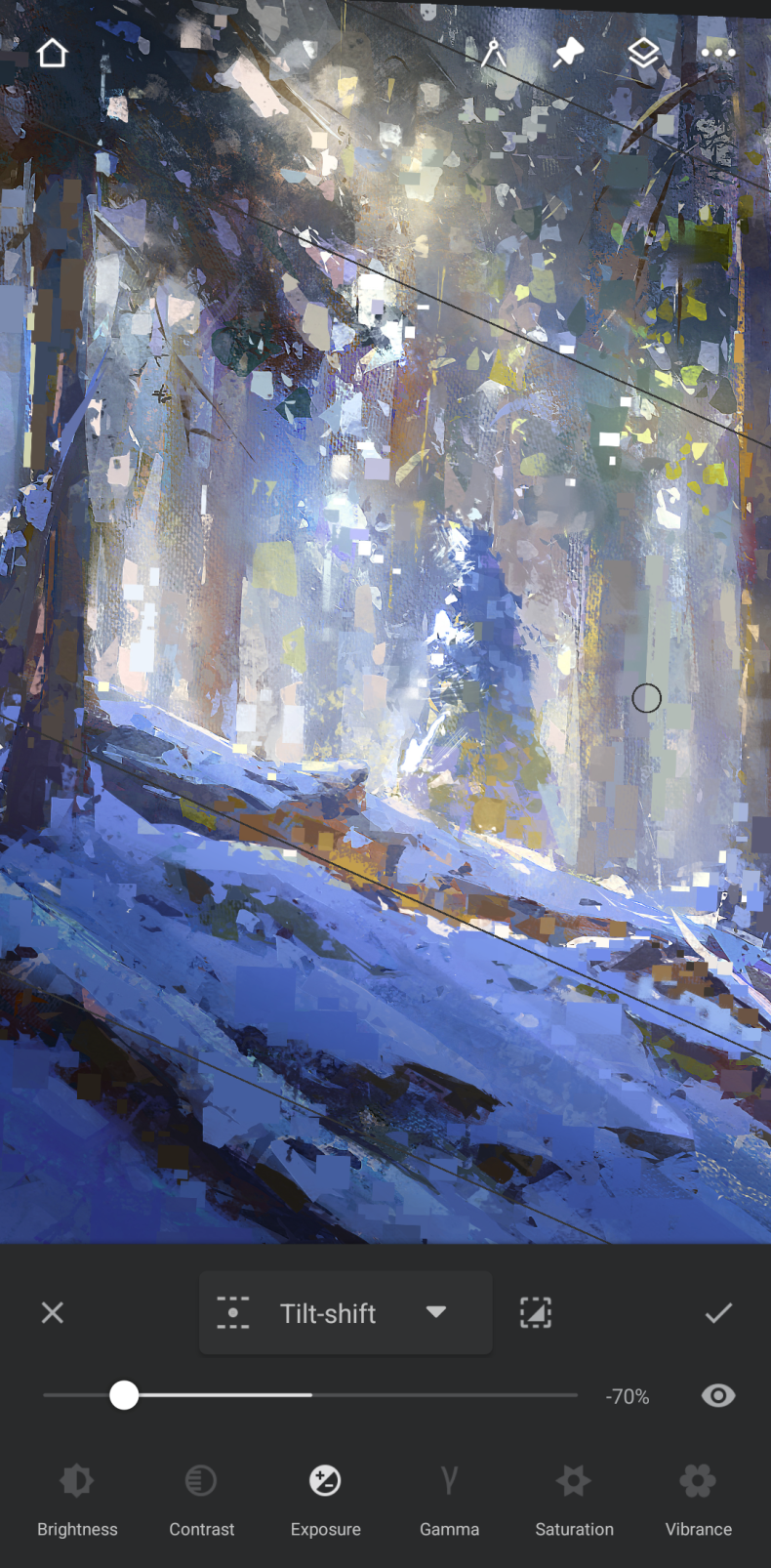
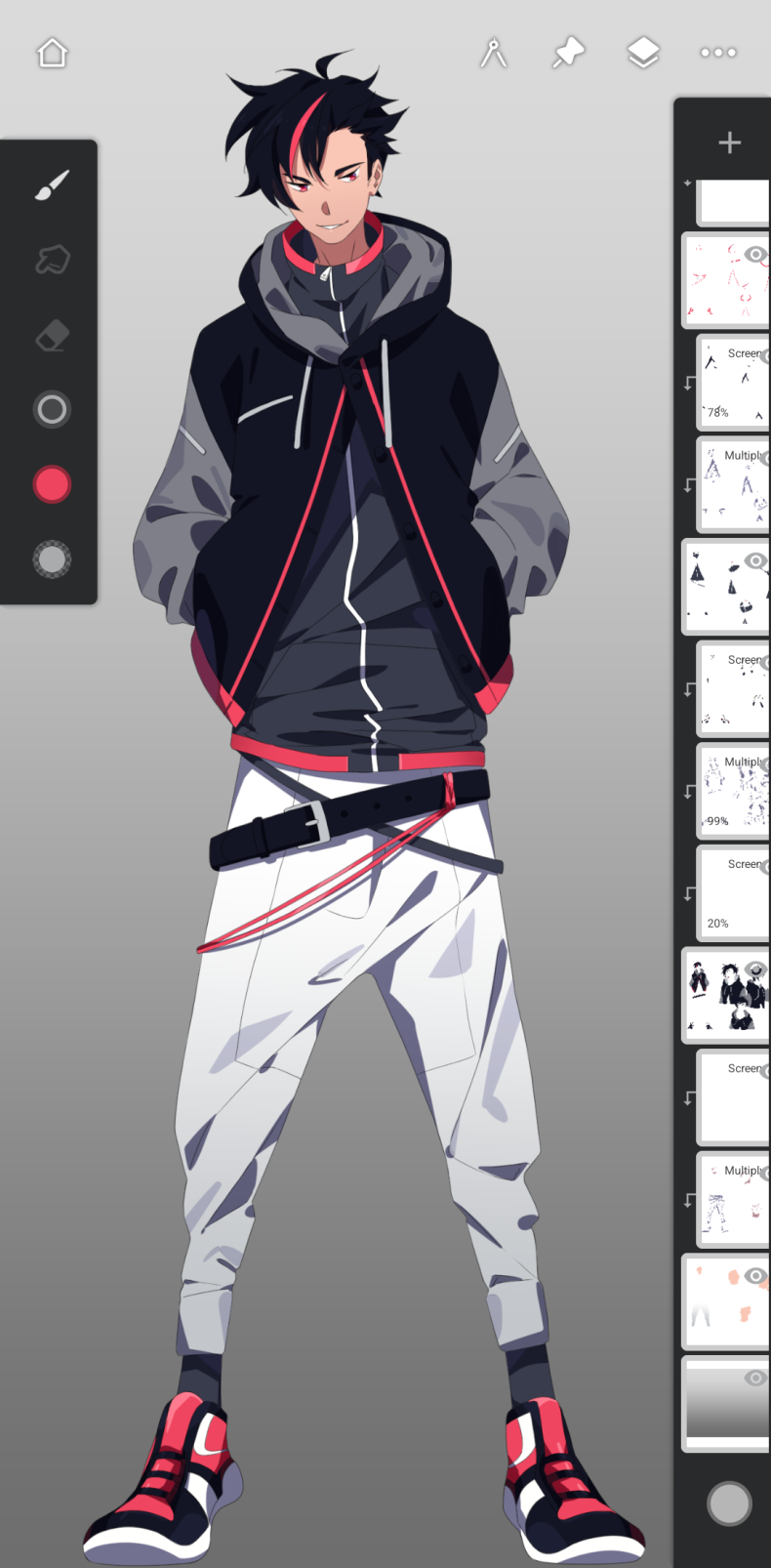
The main thing that sets the app apart from its competitors is its brush engine. More than 160 natural presets realistically interact with paper textures: oil spreads, watercolor shows through, charcoal leaves a grainy trace. Each brush can be manually adjusted or created from scratch. For precise work, there are four types of symmetry, guides for lines, ellipses, and shapes, as well as five perspective guides - enough to build full-fledged architectural scenes and cityscapes. Layers and blending modes are compatible with Photoshop, and clipping masks give full control over composition.
Features and tools
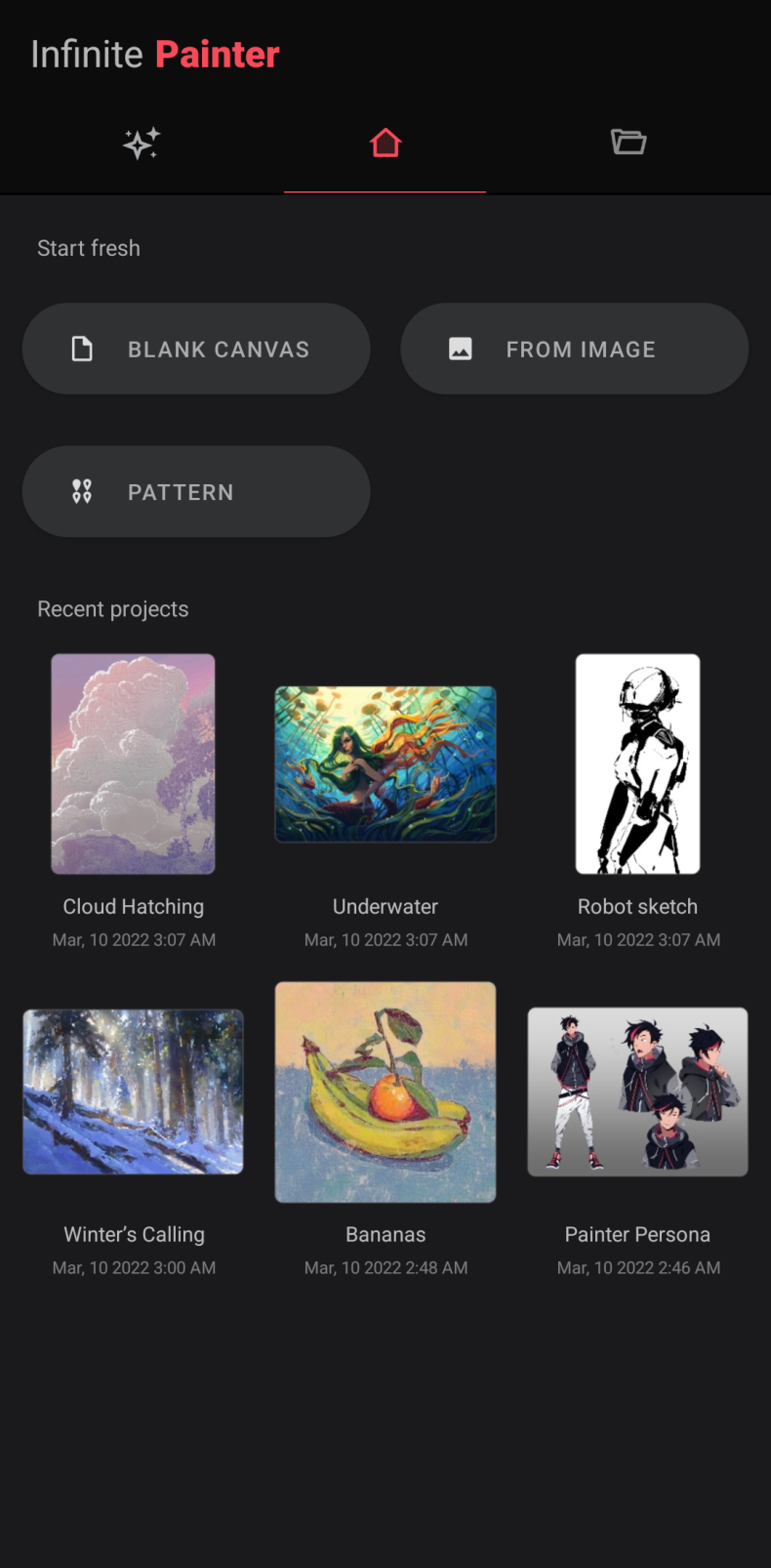
The "Liquify" tool deserves special attention, allowing you to move, inflate, compress, and twist parts of the drawing. Transformation works with multiple layers at once: scale, rotation, mirroring, distortion, and skew are all available. There's gradient and texture fill, seamless pattern creation, and canvas rotation. As for export - Infinite Painter supports JPEG, PNG, PSD, and ZIP formats, and images can be imported from the gallery, camera, or directly from the web. Integration with ColourLovers opens access to millions of palettes and textures, and finished works are easy to publish on PEN.UP and Instagram.
Who Infinite Painter is for
The app is designed for artists and illustrators who need a serious tool on a tablet, not a simplified editor with a set of filters. It's suitable for those who work with layers, textures, and perspective, as well as digital sketching enthusiasts looking for a replacement for Photoshop or Procreate on Android. Beginners will also find it easy to figure out: the interface is logically organized and not overloaded. You can download Infinite Painter for Android for free as an APK file with the Premium mod. It's one of the few mobile editors where a professional result is achievable right on the screen of a smartphone or tablet. Note: using the mod may violate the app's terms of use. Install at your own risk.