Description
Snapseed is a professional photo editor for Android from Google, distributed completely free of charge: no ads, no subscriptions, and no watermarks. The app is designed both for beginners who need to quickly edit a photo before posting it, and for those who are used to working with images thoughtfully and in detail.
Features of Snapseed
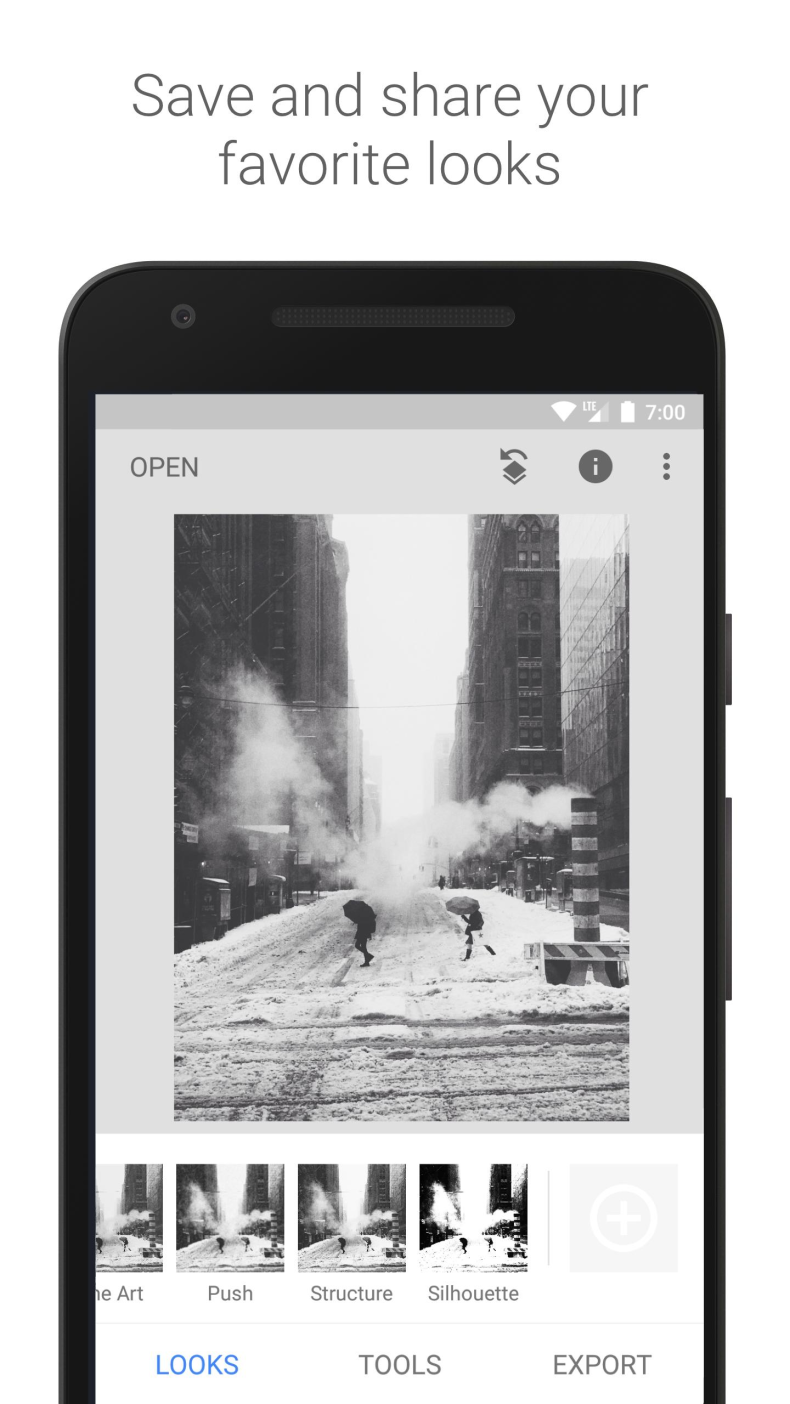
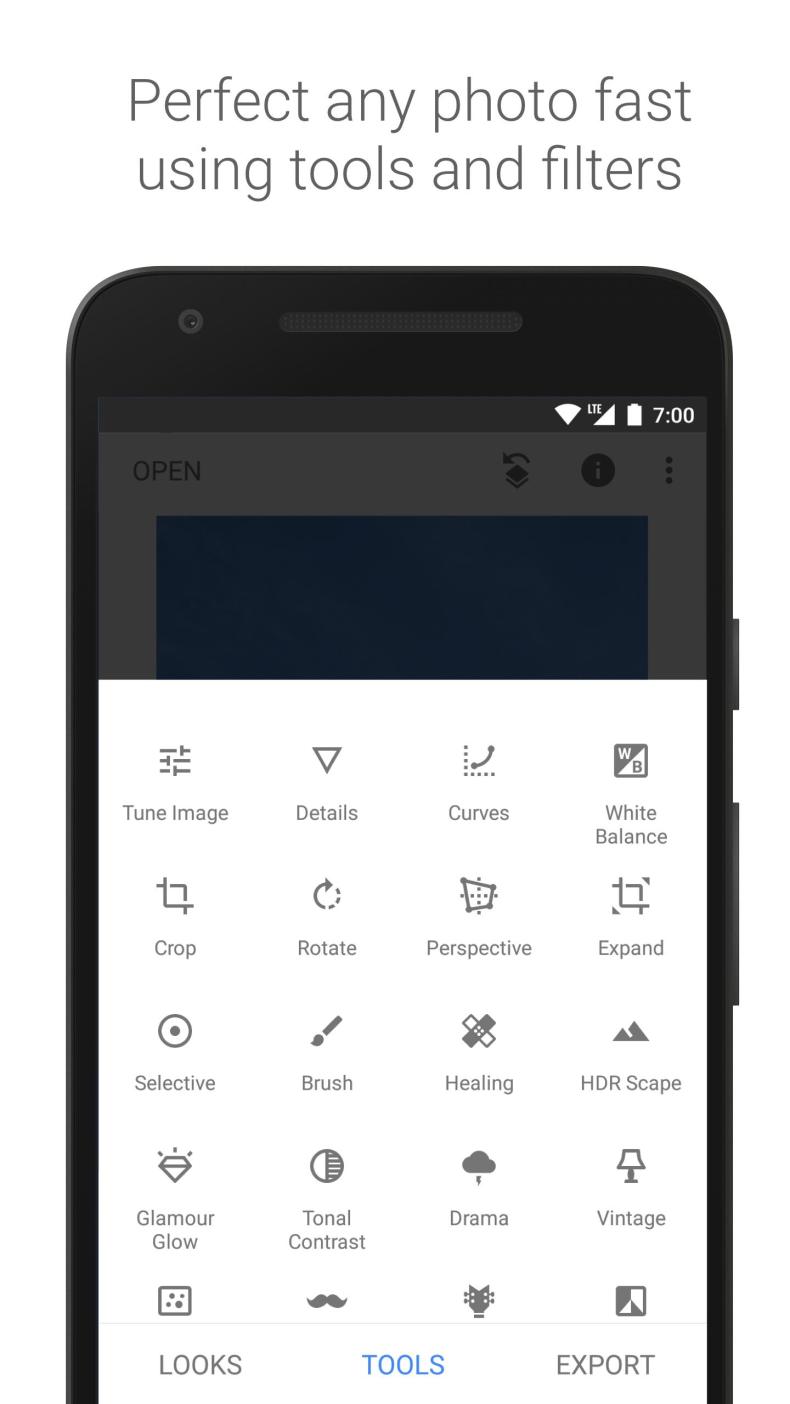
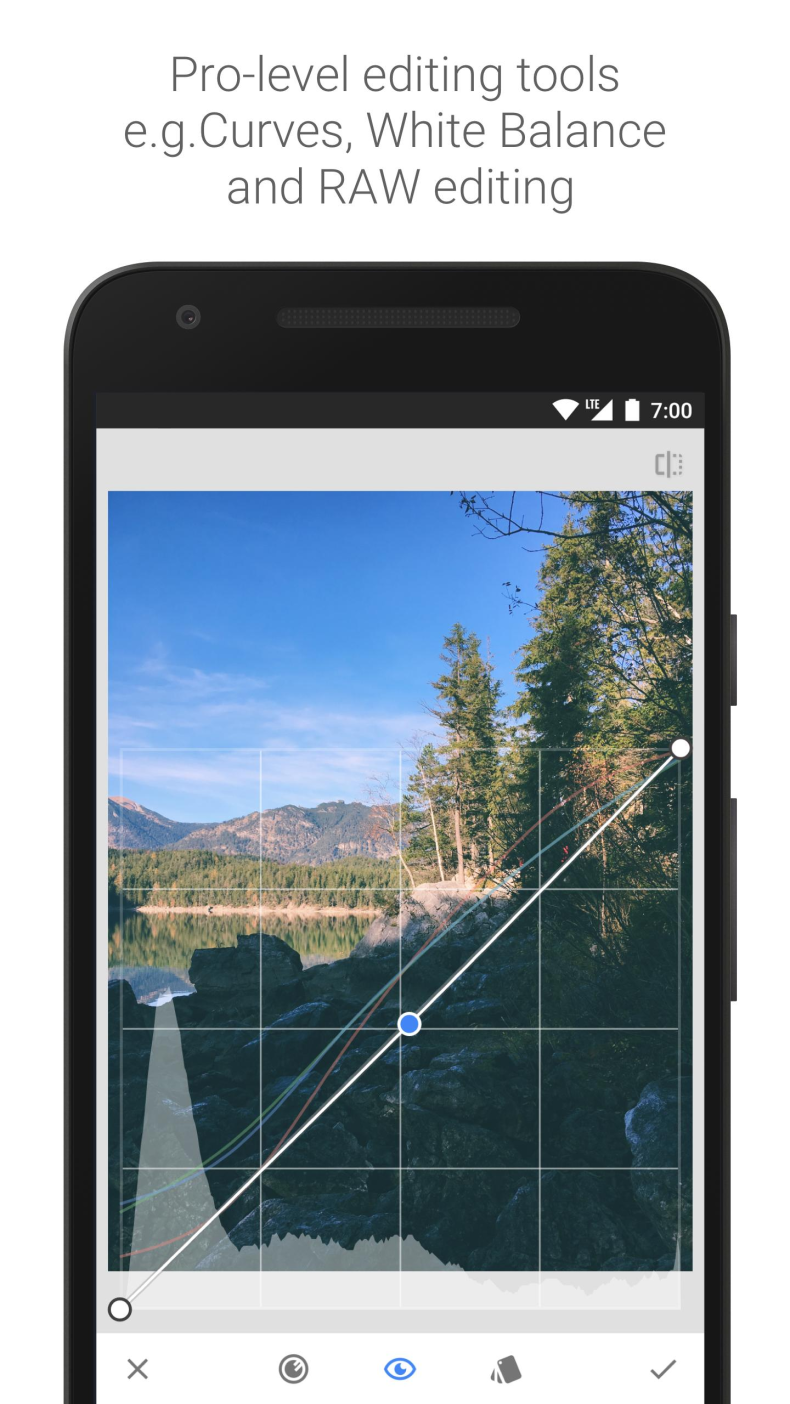
Inside you'll find more than 30 tools and filters, including realistic retro effects with grain and soft glow, spot healing, cropping, perspective correction, and curves work. Special attention should be given to support for RAW formats - DNG, ARW, NEF, CR3, and others - which allows you to preserve the maximum detail of your shot and work with it as flexibly as in desktop editors. Such a feature is rare in mobile apps. There is also a version with a Premium mod, unlocking extended features without additional investment.
Tools and Controls
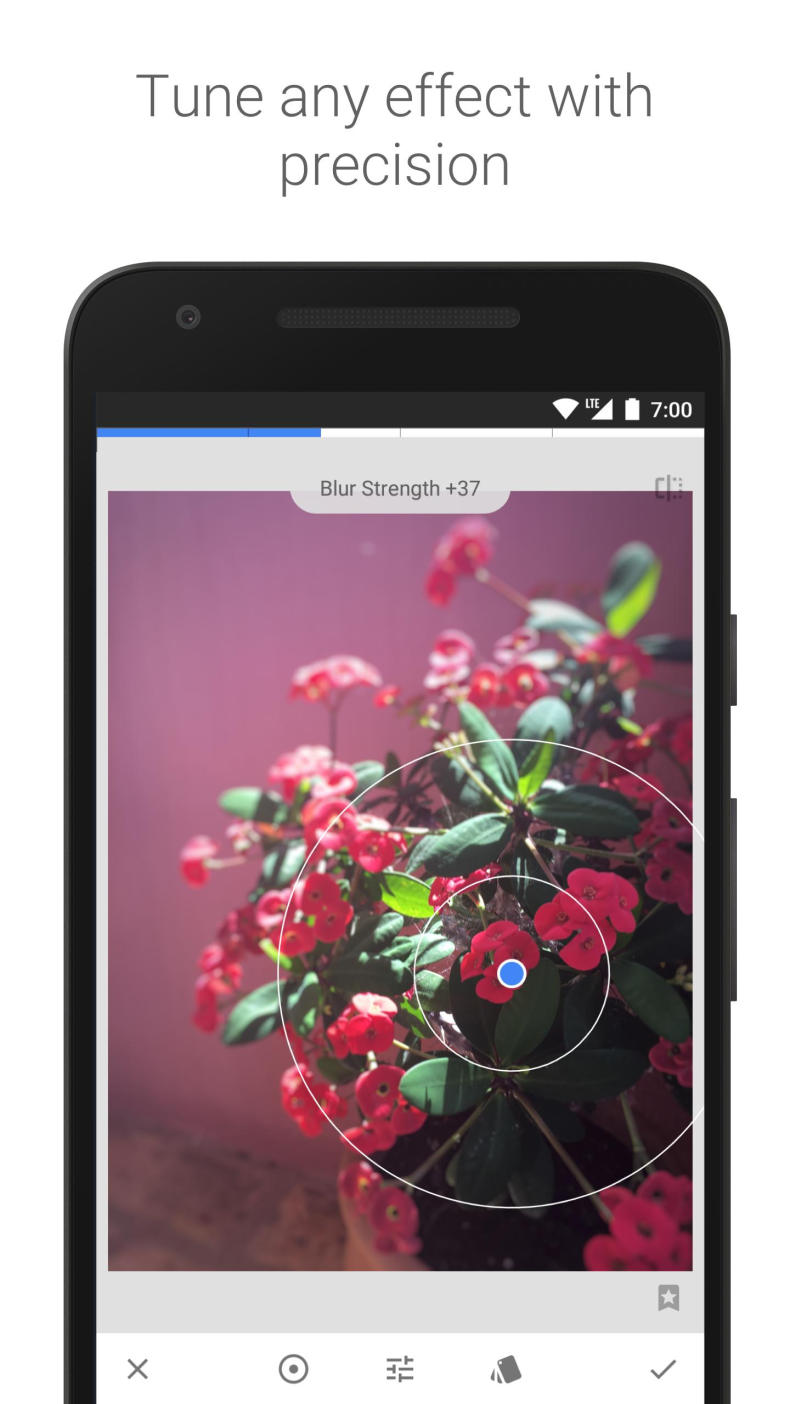
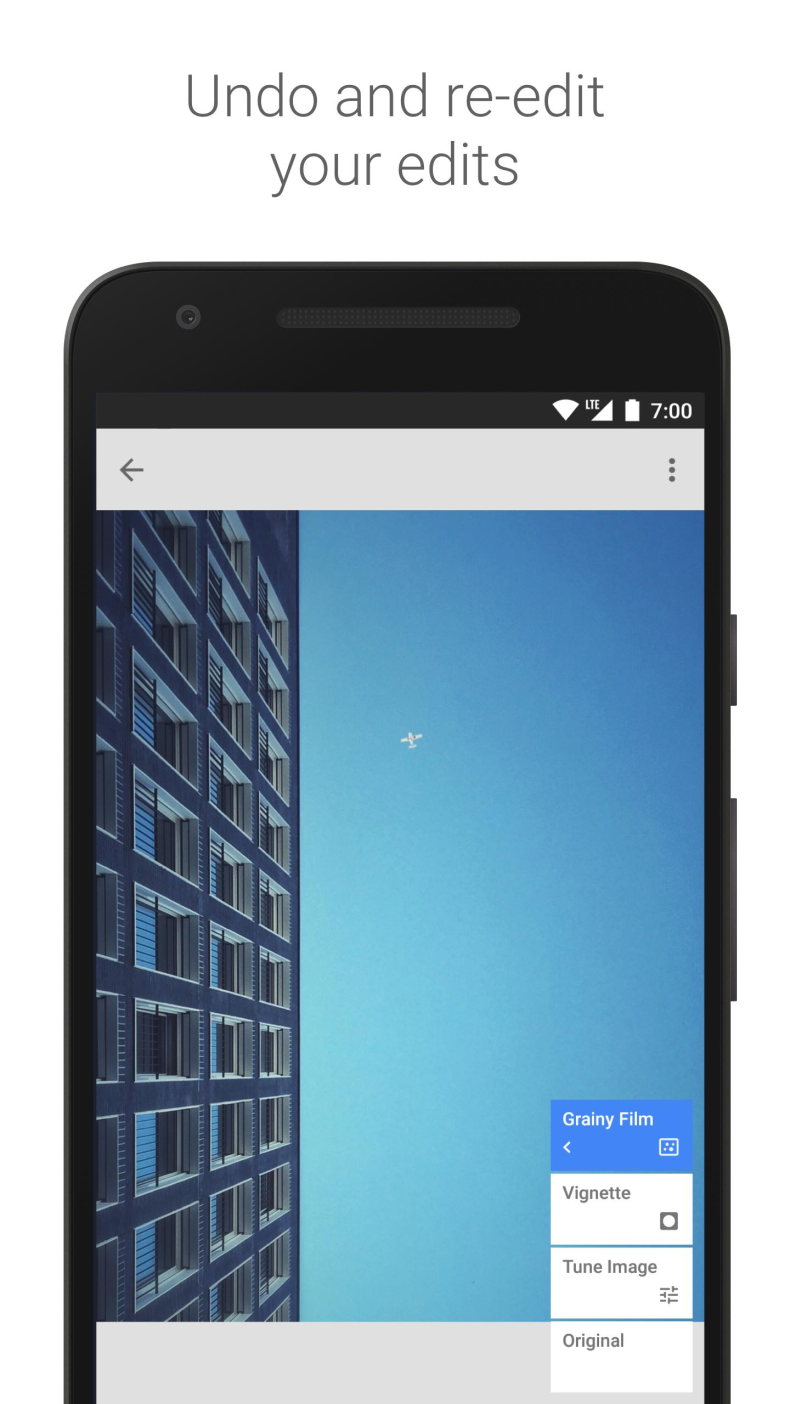
Smart masks let you select the desired object or background with a single tap - without manually tracing outlines. The built-in camera lets you shoot directly with your favorite styles applied, and batch editing applies the same adjustments to all selected photos in a matter of seconds. Controls are gesture-based: swipe your finger across the screen to change brightness, saturation, or sharpness right on the image. It feels unusual for the first couple of minutes - after that, it's faster than pressing buttons. Any edit can be undone and you can return to the original file.
Who Snapseed Is For
The app is suitable for anyone who regularly works with photos on a smartphone: bloggers who value editing speed before posting to stories, photographers who shoot in RAW and are used to precise color correction, and simply those who want a decent result without paid tools. For those looking for a purely simple "one-button" filter, the functionality may seem excessive.
You can download Snapseed for Android for free as an APK file - without registration or additional conditions. Install the app and get a full-fledged photo editing tool right on your phone.
Note: using the mod may violate the app's terms of use. Install at your own risk.