Gallery is a lightweight Google app for viewing photos and videos and keeping them organized. It takes the place of the standard gallery and sorts out the clutter of shots on its own. Sorting, quick editing, and working with memory cards all fit into a small program that barely loads the smartphone. It's most helpful for those who have thousands of photos on their phone and no time to sort them.
Who will find this gallery useful
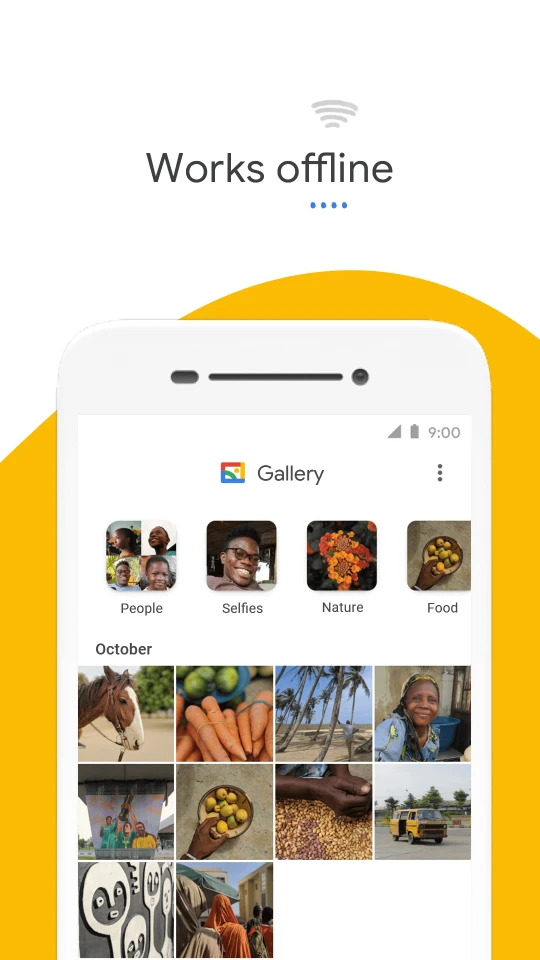
First of all, owners of budget devices and those who care about mobile data usage. The app is lightweight, so there's more room left for the photos themselves. It doesn't slow down the system, and most of the functions work offline. There's also a plus for those who have a memory card in their smartphone: photos on the SD card can be viewed, copied, and moved from one card to another.
How Gallery keeps things organized
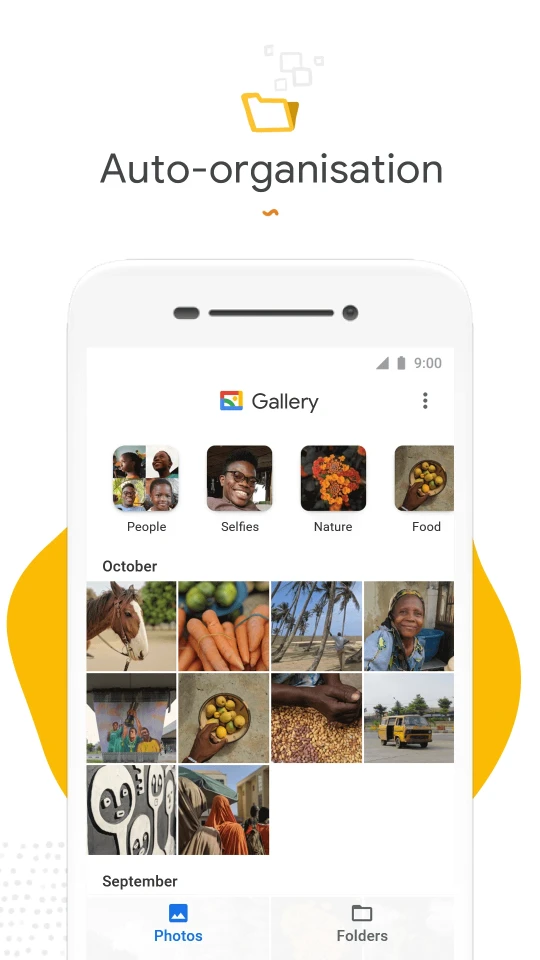
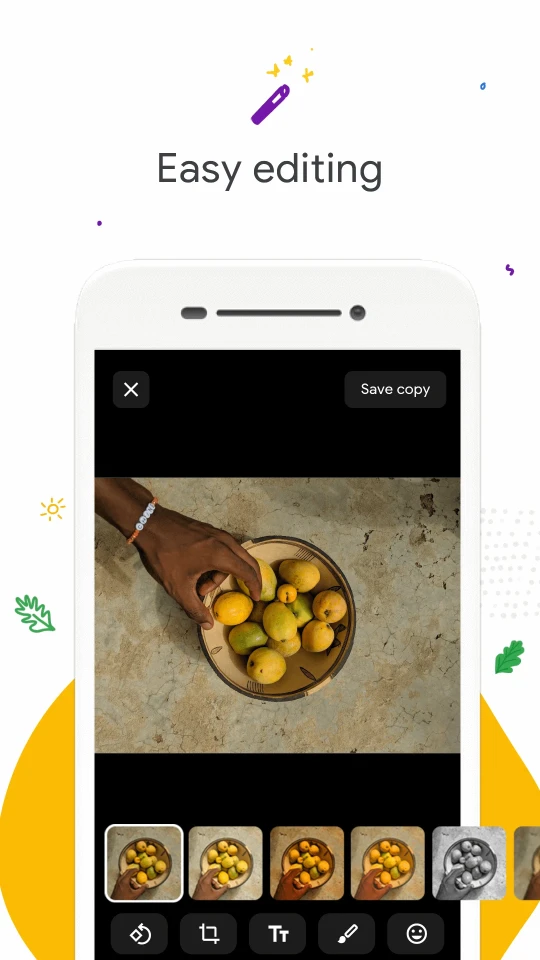
Most of the work happens at night. While the owner sleeps, the app sorts photos into groups like "People," "Selfies," "Nature," "Animals," "Documents," "Videos," and "Movies." In the morning, the needed shot can be found in a couple of seconds and sent straight to friends and family. However, grouping by faces doesn't yet work in all countries. Those who prefer to organize everything themselves can use regular folders. For editing, there's a set of basic tools, the main one being auto-correction: one tap, and the color and light of the shot noticeably improve, without any long fiddling with sliders. If you need a simple and fast gallery without extra weight, Gallery for Android can be downloaded for free as an APK file and installed in a minute.