Description
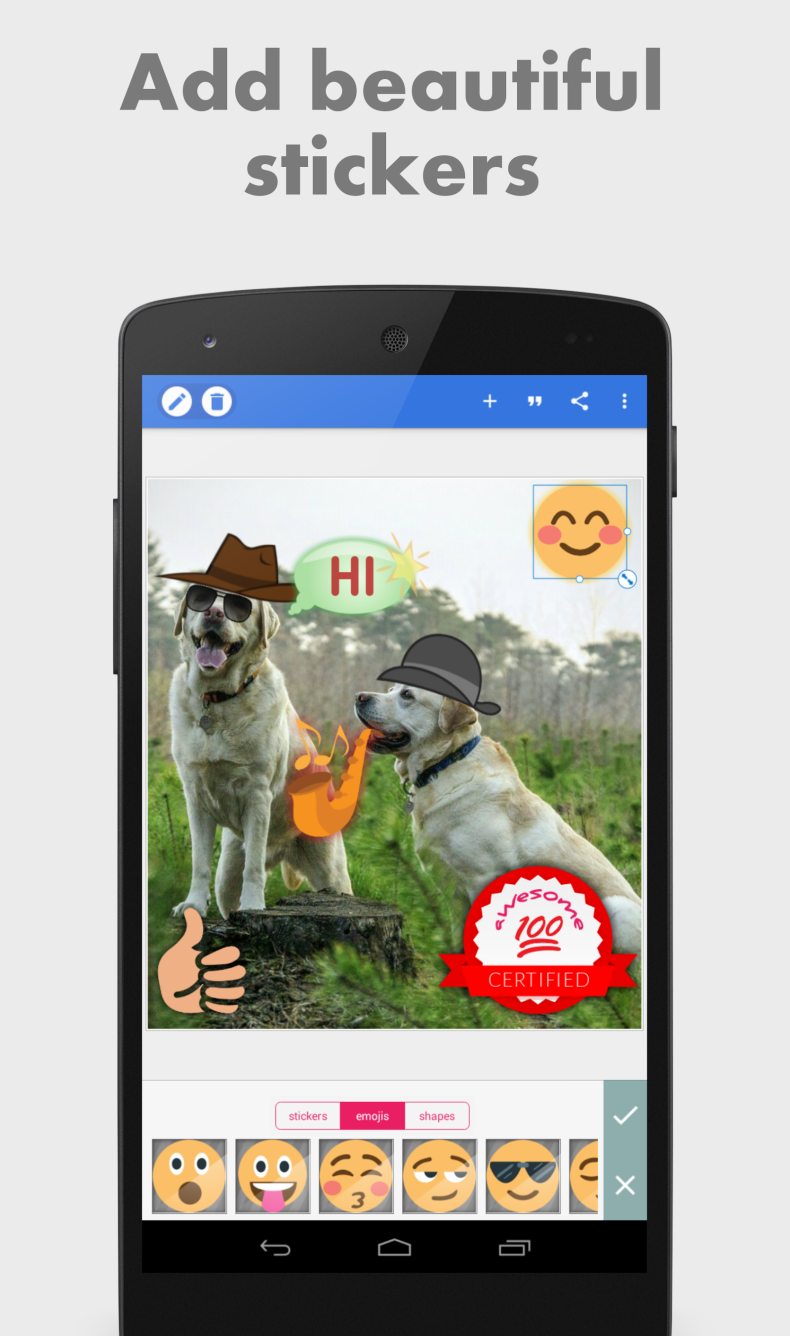
Pixel Lab is a photo editor for Android focused on working with text, stickers, and graphic elements over photos. The app is suitable for those who regularly create content for social media, make memes, or design visual materials right from their smartphone. The interface isn't overloaded with unnecessary buttons, and more than 60 customizable parameters provide plenty of freedom without the need to figure out complex tools.
Features of Pixel Lab PRO
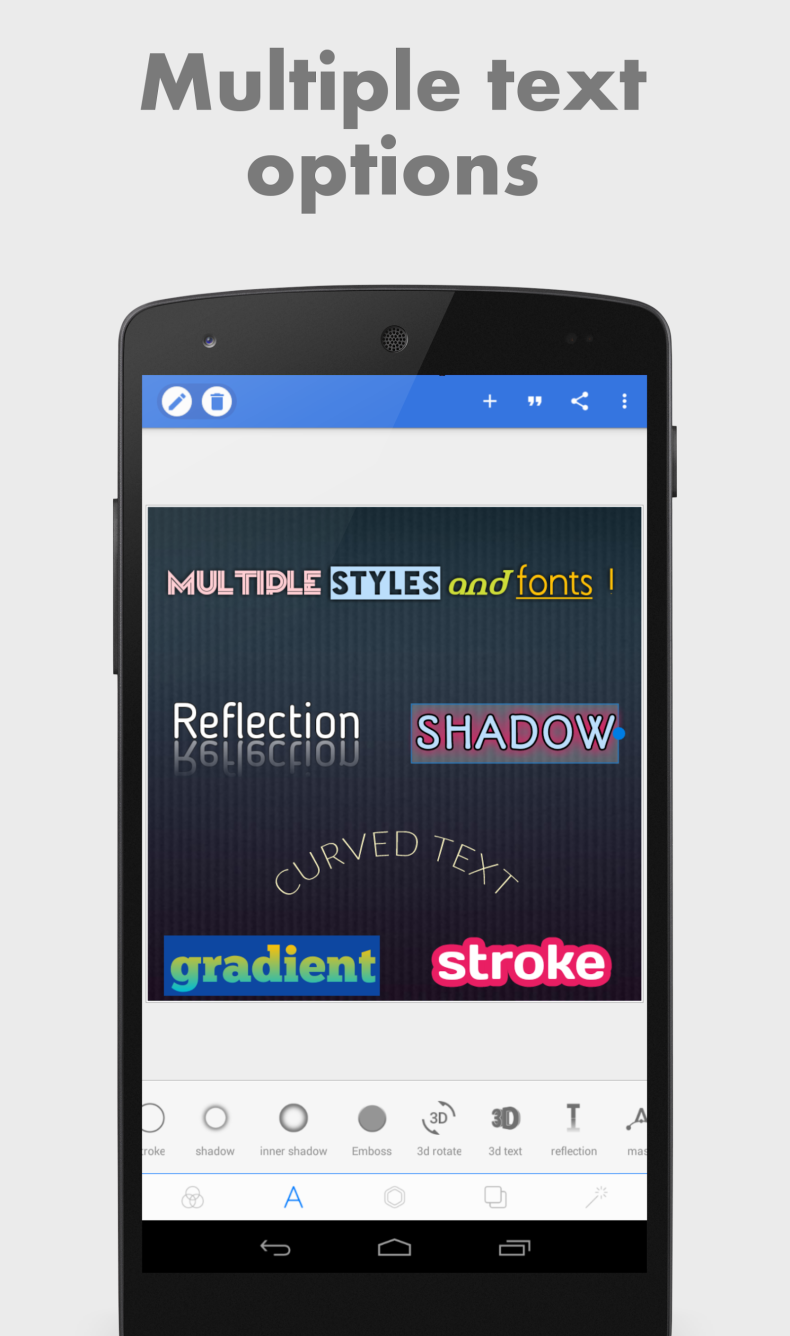
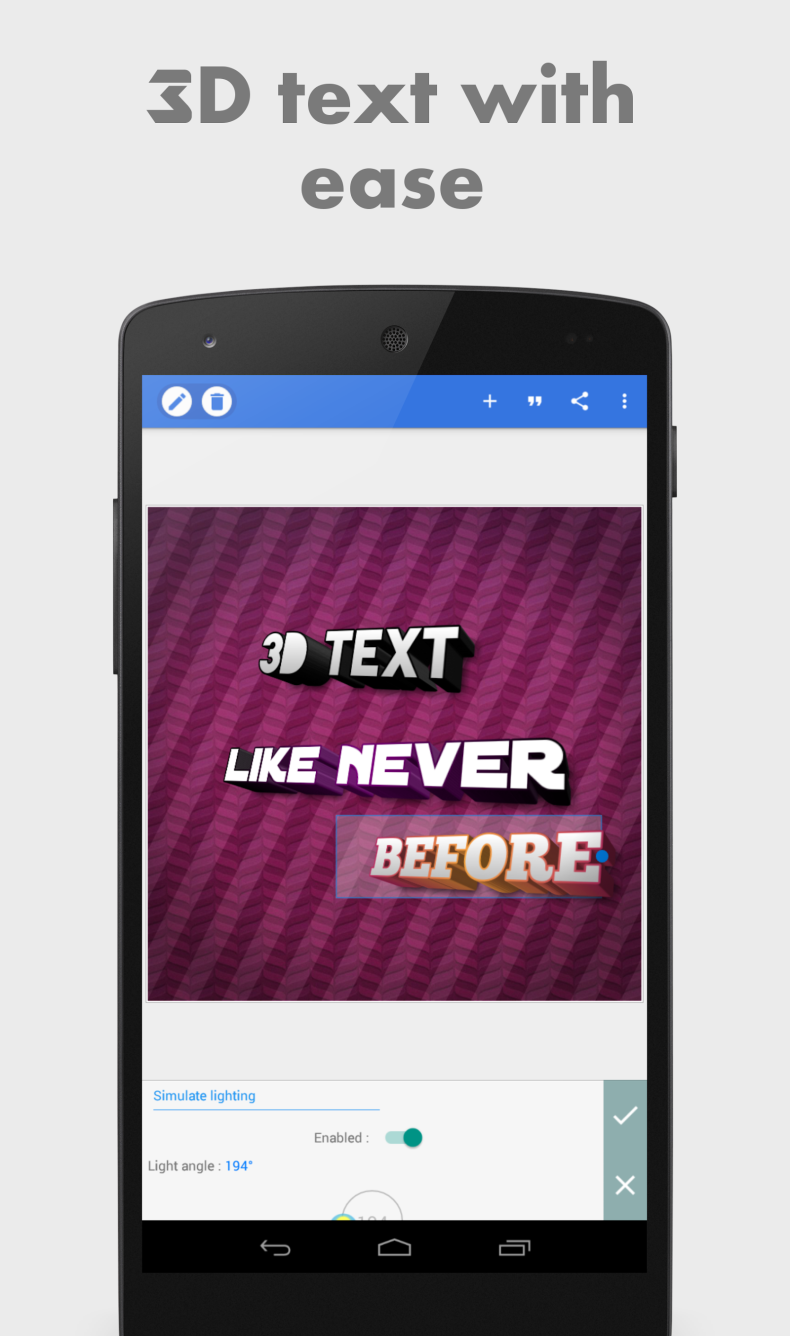
The app's main strength is flexible text handling. You can add an unlimited number of text objects, create volumetric 3D text that either fits naturally onto the surface of a photo or becomes a standalone poster element. Each object supports shadows, outlines, and reflections, and the fill can be set as a solid color, gradient, or texture. The font library contains more than 100 fonts, plus support for connecting your own. In the modded version, Premium features are unlocked without payment - all tools become available right after installing the APK file.
It's also worth mentioning image handling and drawing. The app accepts images in any format, allows importing them from the gallery, and drawing by hand: you choose a pen and color, and the finished drawing can be scaled, rotated, and given effects like an ordinary shape. The background can easily be replaced with a solid color, gradient, or a custom image.
Modes and Capabilities
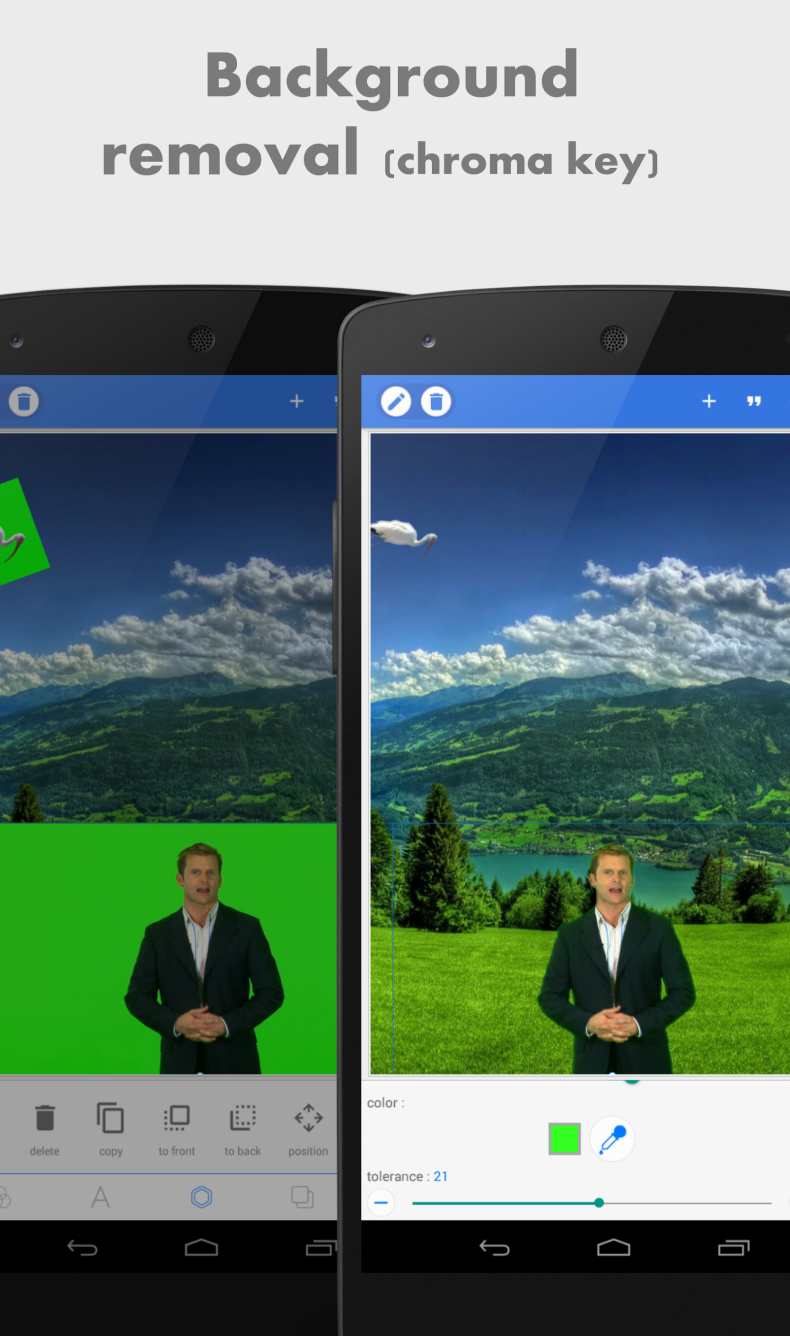
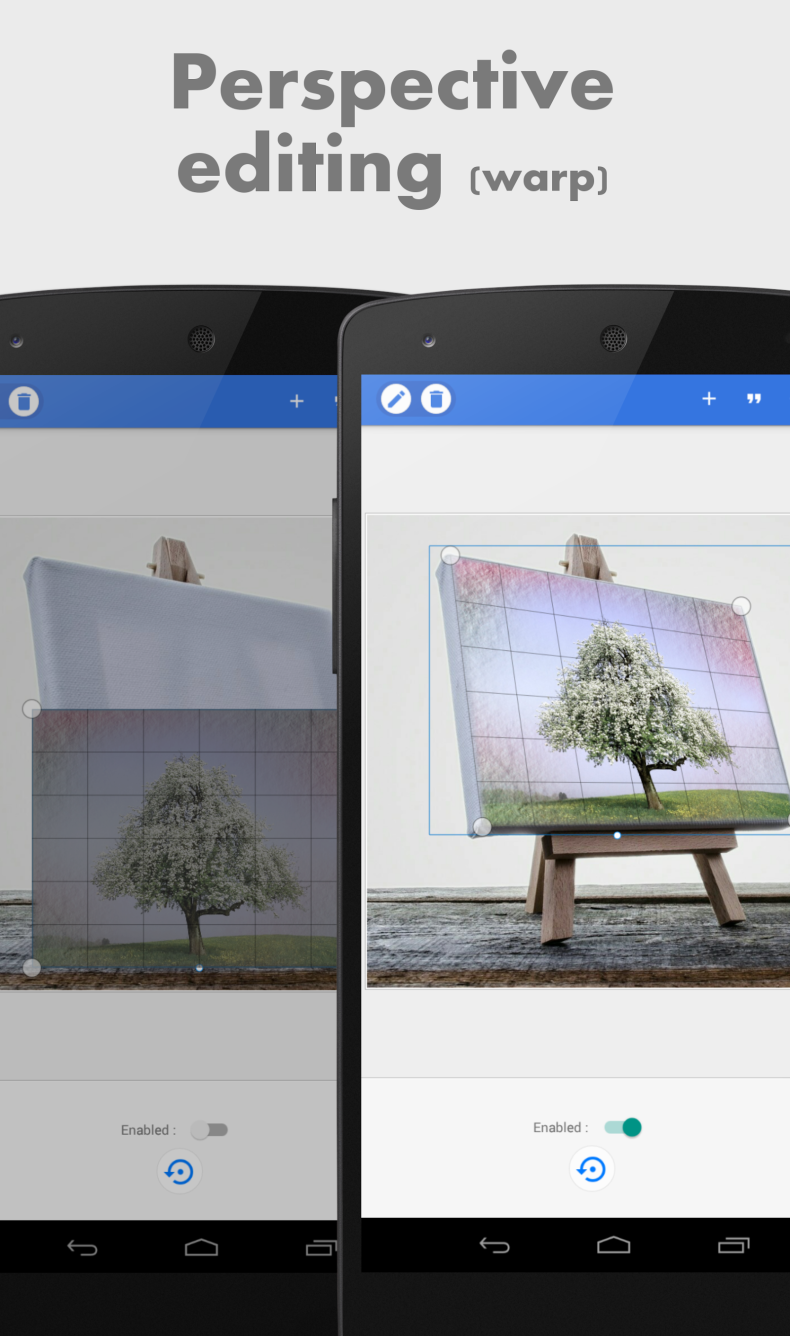
Pixel Lab can remove backgrounds from photos - not only from a green screen, but also from a regular white background. There's a perspective editing tool, useful for replacing content on a monitor screen or text on a sign. Among the photo effects are vignette, stripes, saturation and hue adjustment. Finished projects are saved and remain accessible after closing the app. Export supports any resolution, and the result can be shared directly to social media. There are also presets for quick meme creation.
Who Pixel Lab PRO Is For
The app is designed for users who need a quick and easy-to-understand tool for creating visual content without installing heavy desktop editors. It will especially suit bloggers, SMM specialists, and those who frequently make collages, postcards, or memes. Those looking for a professional retouching tool or RAW converter will likely find it too simple.
You can download Pixel Lab PRO for Android as an APK file with Premium already unlocked - installation doesn't require rooting the device. The download is available for free, and updating the app preserves all previously created projects.
Warning: using the modified version may violate the terms of use of the original app. Install at your own risk.