Description
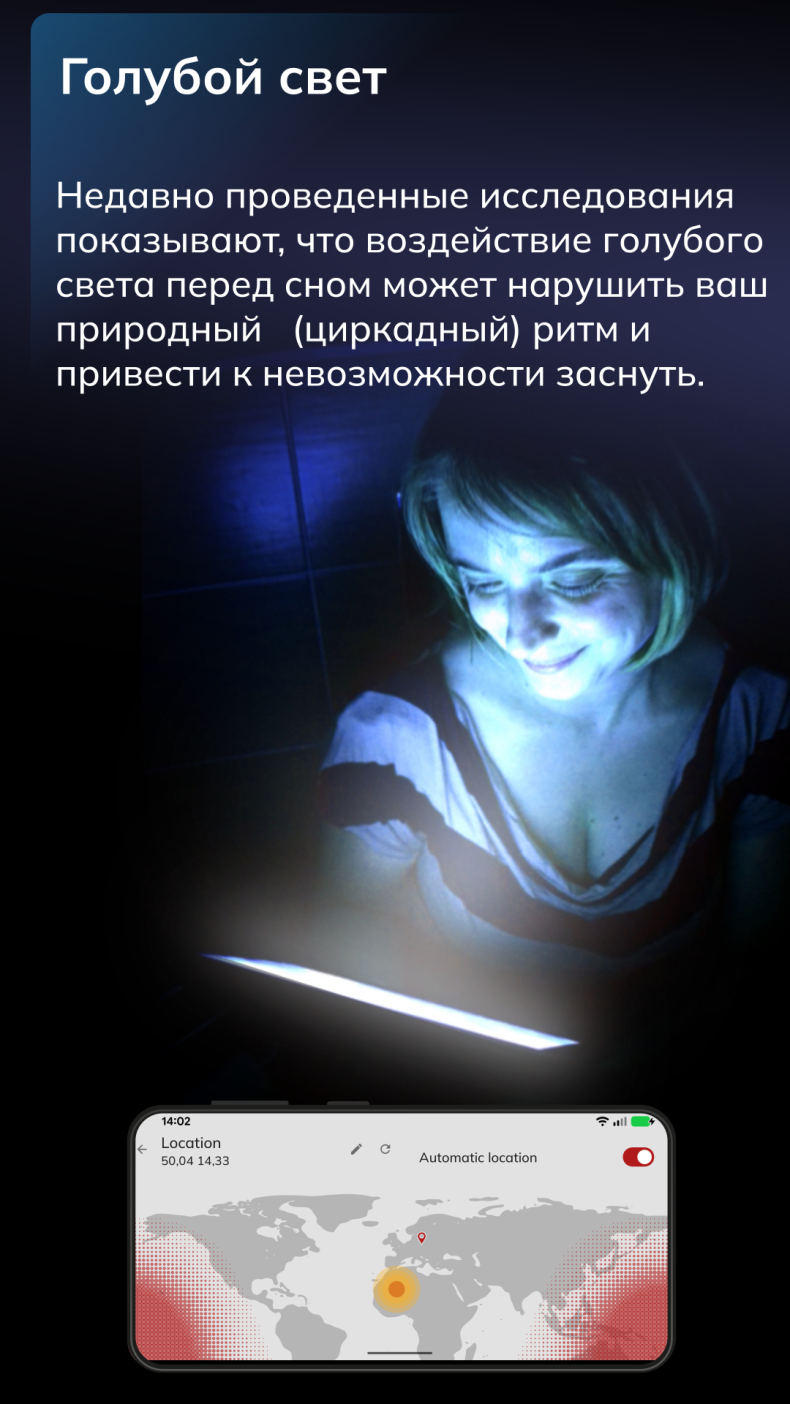
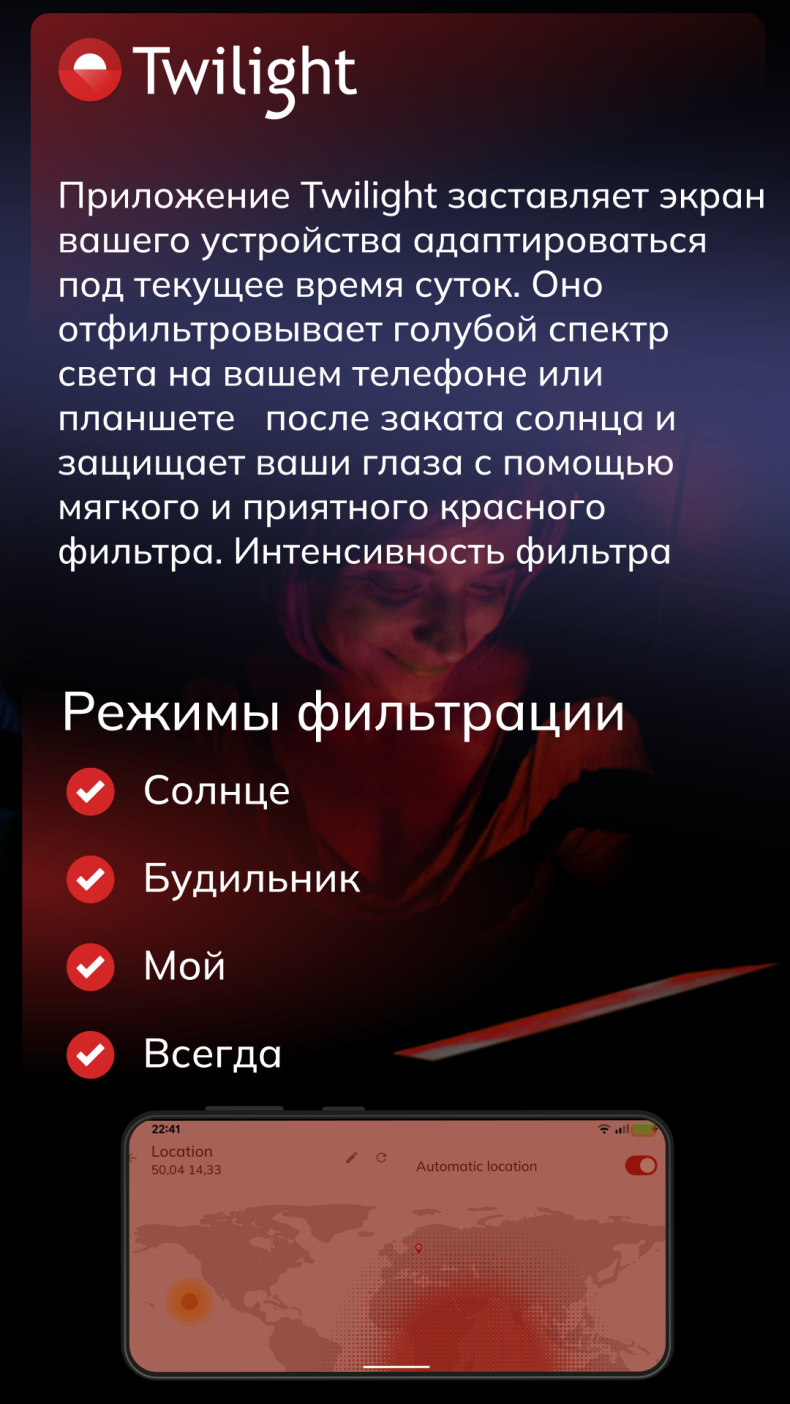
Twilight is an Android app that reduces eye strain during nighttime hours by overlaying a warm red filter on your smartphone or tablet screen. It will be useful for anyone who is used to reading, watching videos, or scrolling through feeds before bed and has noticed that they can't fall asleep for a long time afterward. The principle of operation is based on scientific data: blue light in the 460–480 nm range suppresses the production of melatonin, the hormone that regulates sleep. Twilight blocks exactly this spectrum, allowing the eyes and brain to relax.
Twilight Features: Blue Light Filter
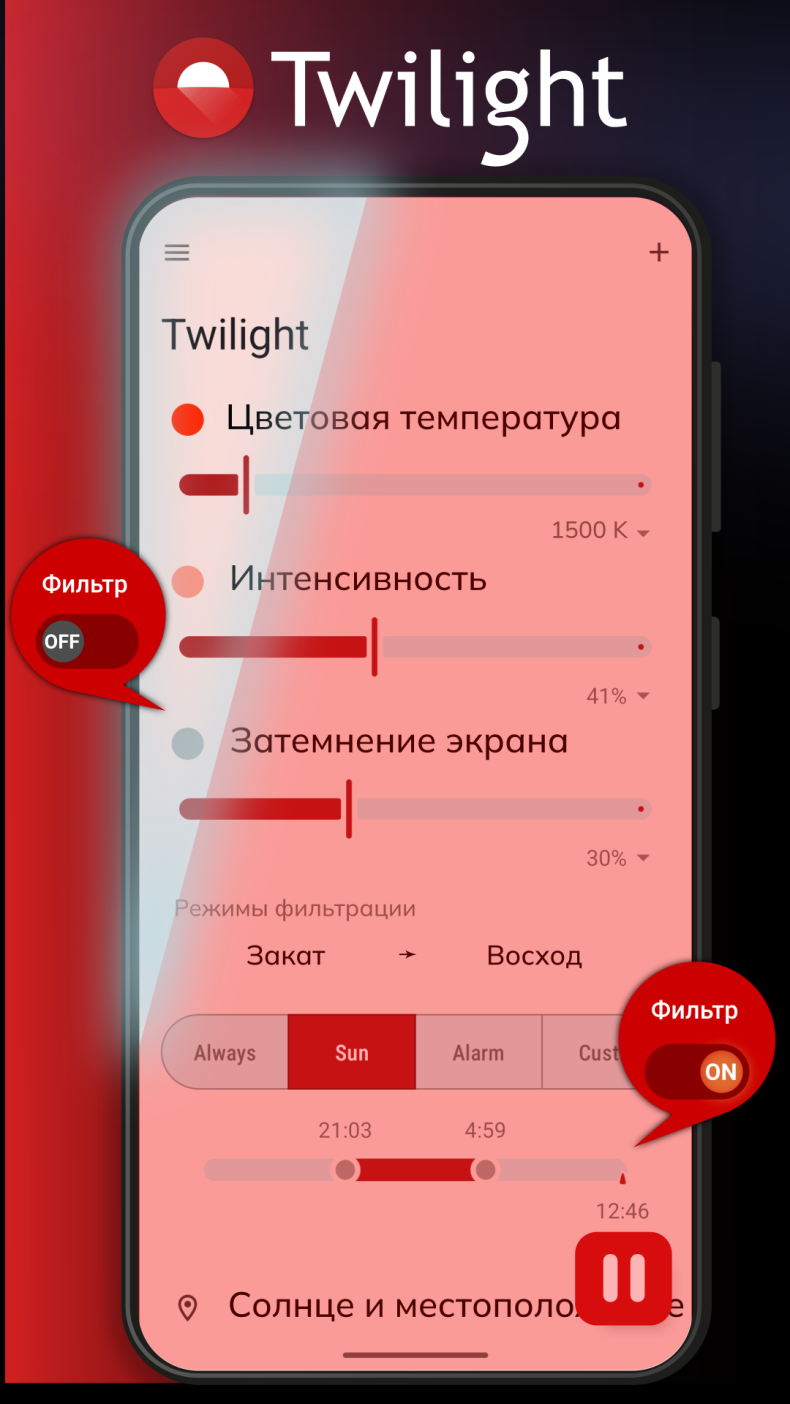
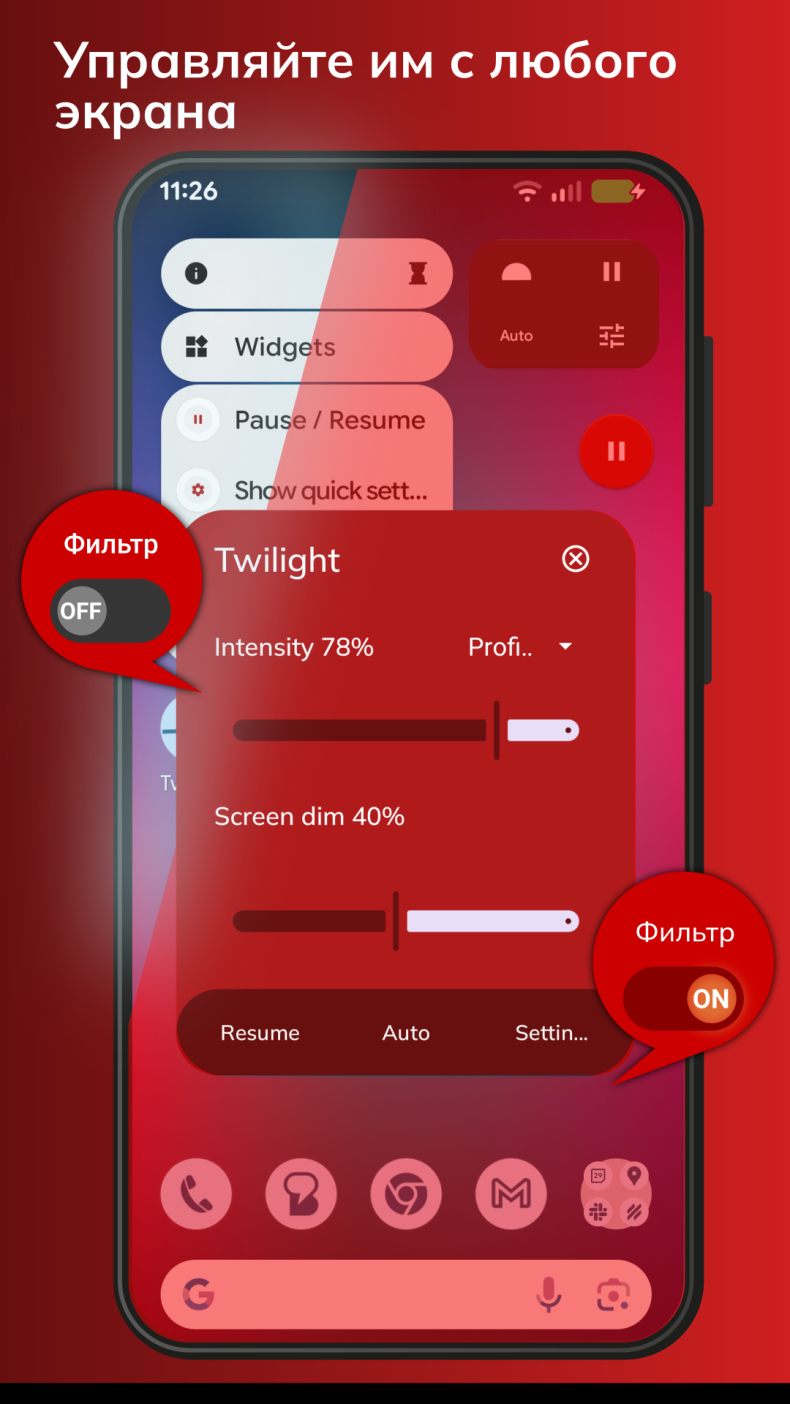
The main feature of the app is automatic screen adaptation to the time of day without user involvement. The filter turns on and off according to a set schedule, taking sunrise and sunset into account. In the settings, you can manually set the time interval for the filter's operation, as well as adjust the intensity and color temperature to a comfortable level. A version with the Unlocked mod is available, in which all settings and parameters are unlocked without the need to purchase a paid subscription.
Features and Settings
As for the flexibility of settings, the app allows you to adjust screen brightness independently of the system sliders, which is especially convenient on devices with a limited display brightness range. The user chooses how warm the image will be: from a barely noticeable tint to a rich amber tone. The filter works on top of any apps, including browsers, messengers, and video players, without interfering with normal device use.
Who Twilight Is For
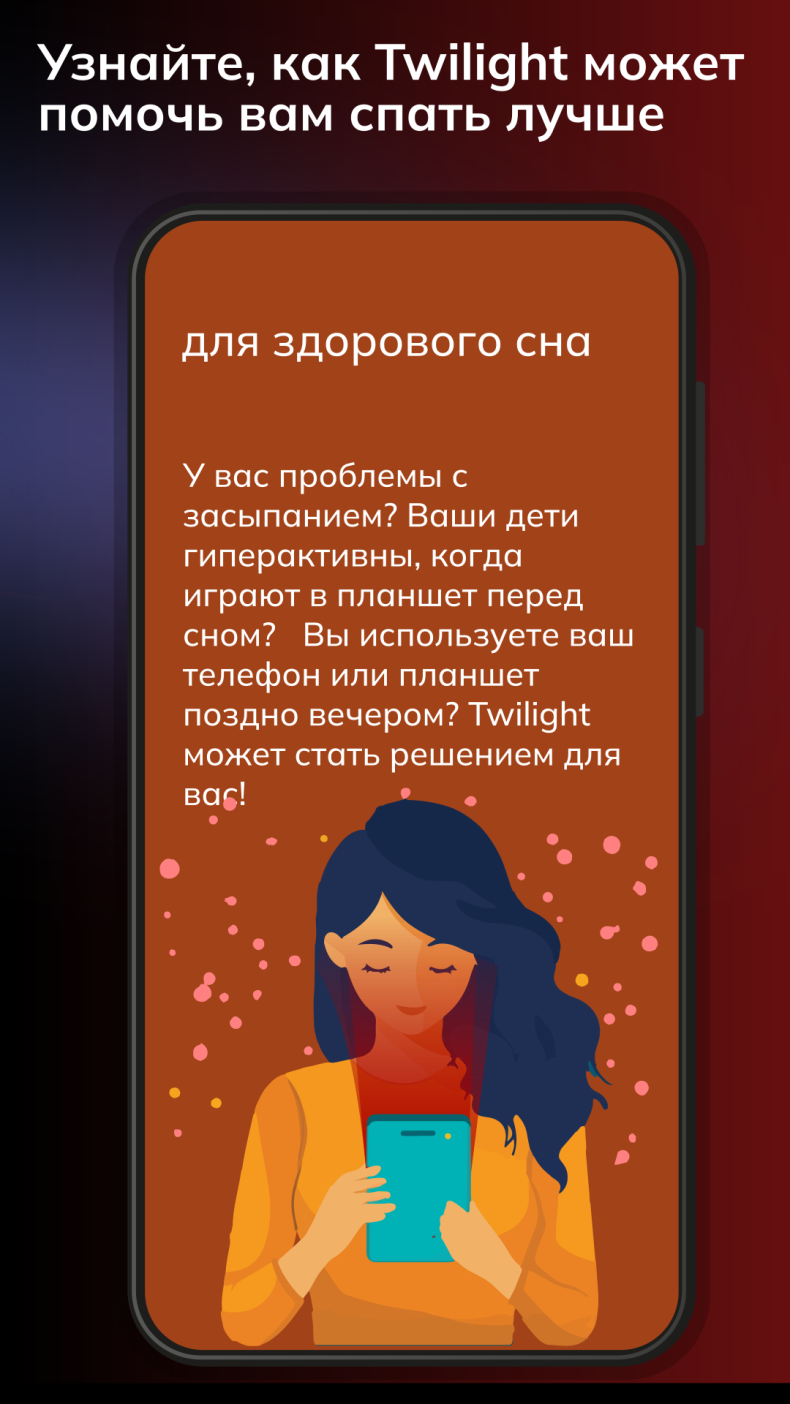
The app is designed for those who spend a lot of time in front of a screen in the evening and at night: students working late, people with sleep disorders, or those with increased eye sensitivity. For those who use their device exclusively during the day, the app's functionality will be of little use.
You can download Twilight for Android right from this page - an APK file with the Unlocked mod is available for free installation without registration. The app doesn't require complicated setup and starts working immediately after launch.
Attention: use of the modified version of the app is at the user's discretion. The developer is not responsible for possible functional limitations when using unofficial builds.