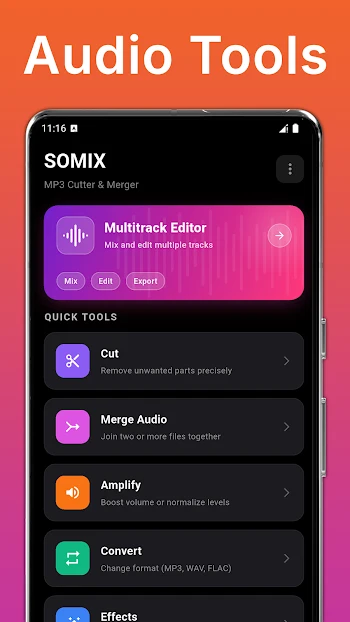
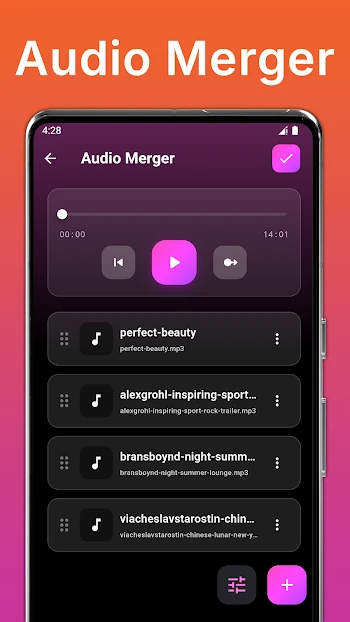
MP3 Cutter and Merger - SOMIX is an offline audio editor for Android that covers most sound-related tasks without subscriptions and without an internet connection. The app is designed for those who want to quickly trim a track, glue several recordings together, or make a ringtone from a favorite song - without unnecessary steps or confusing interfaces.
Features of MP3 Cutter and Merger - SOMIX
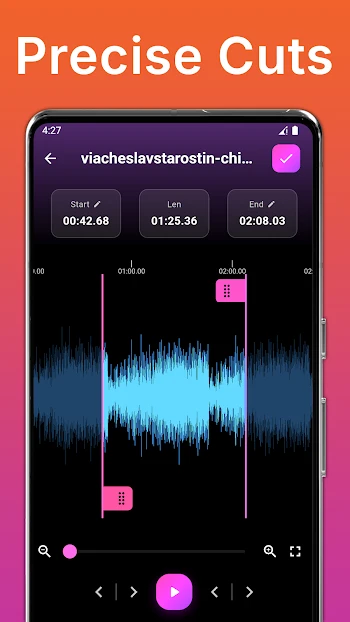
The editor works with the waveform and lets you set cut points with millisecond precision - which is noticeably more convenient than dragging a slider blindly. It supports MP3, WAV, FLAC, AAC, OGG, OPUS, WMA, AMR, and AIFF formats, and the converter switches between them without loss of quality. Before exporting, you can manually set the bitrate, sample rate, and number of channels. It's worth mentioning separately the audio extraction from MP4 - this function comes in handy when you need to pull a sound track out of a video without third-party services.
Modes and capabilities
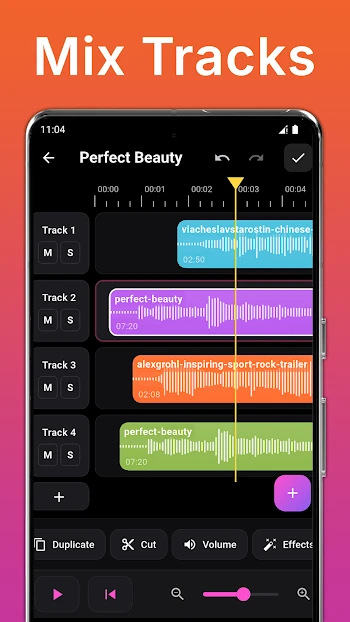
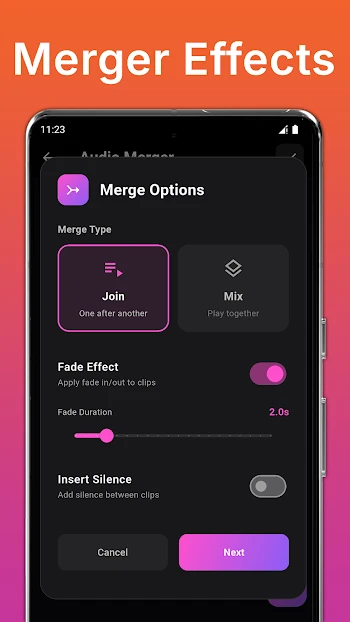
Besides basic trimming, SOMIX has a multitrack editor: several clips are opened in one project, arranged on a timeline, and mixed into a single file. This is convenient for overlaying a voice on music or assembling a soundtrack. The built-in voice recorder lets you record a voice note and immediately send it for editing. Effects - reverb, echo, pitch shifting, noise reduction, and speed adjustment - are applied right inside the app, and the equalizer helps balance the final sound.
Who is MP3 Cutter and Merger - SOMIX for
The app will be useful to anyone who works with sound without professional demands: those who make ringtones and alarms from their own music, keep voice diaries, edit simple podcasts, or cut tracks for videos. Users who need studio-level processing or sound synthesis may find the features lacking - but for everyday tasks the editor handles things confidently. You can download MP3 Cutter and Merger - SOMIX for Android for free as an APK file - installation takes less than a minute, and no internet connection is needed for the main functions. All files remain on the device or SD card, and the export history is available in the built-in manager.