Description
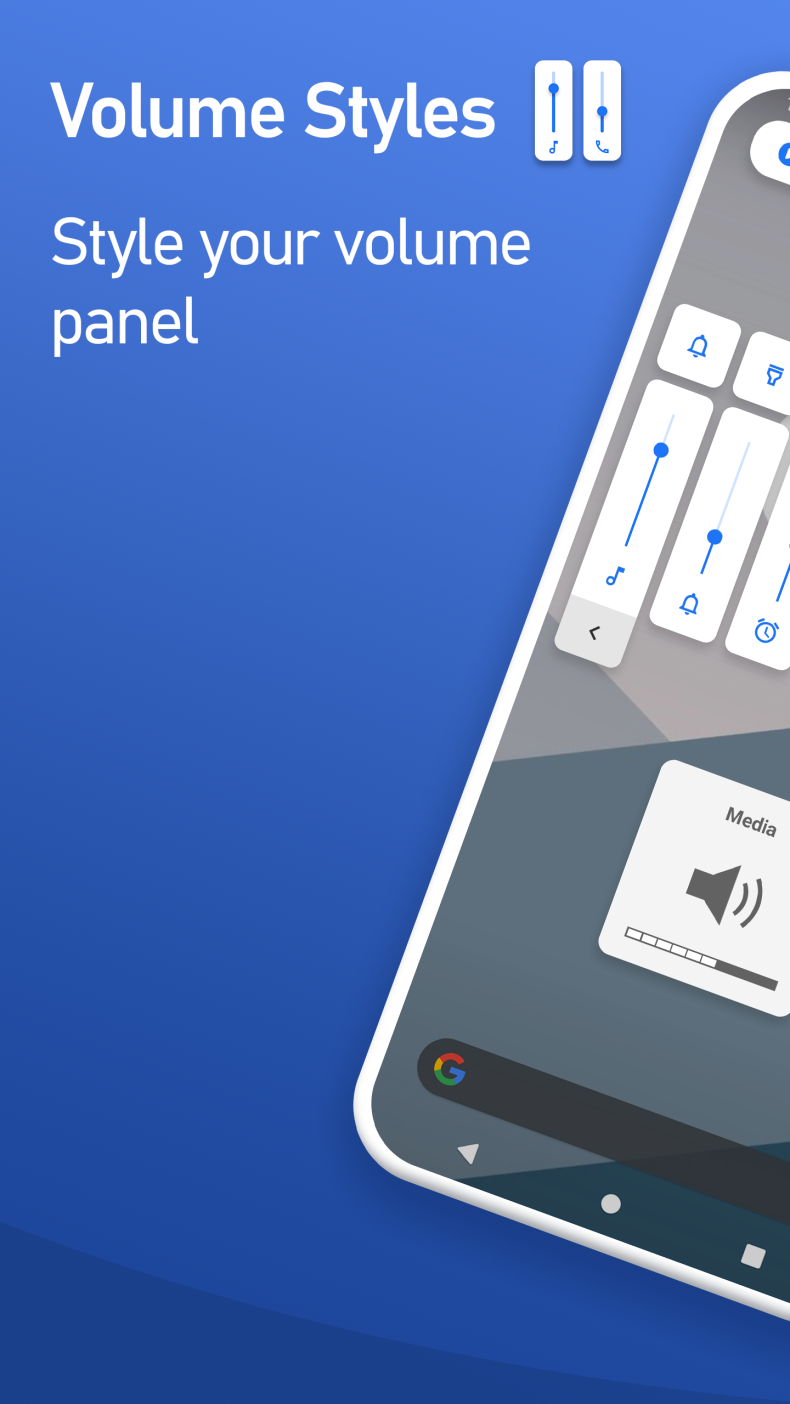
The standard volume panel on Android looks the same on most devices - dull and impersonal. Volume Styles changes this with a single tap: the app completely redesigns the volume and brightness sliders, turning the system interface into something truly personal. Over 25 million users have already installed it - and that speaks for itself.
Features of Volume Styles
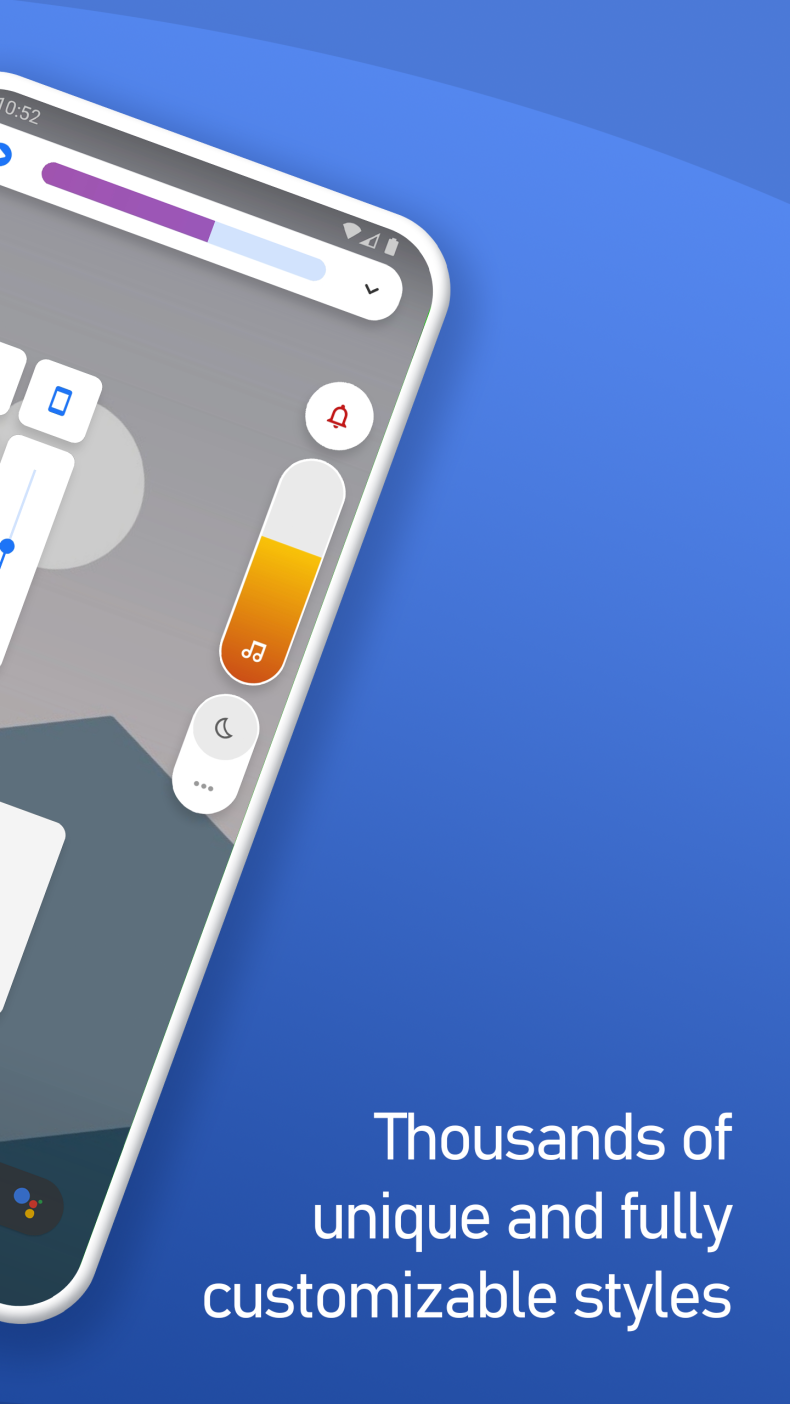
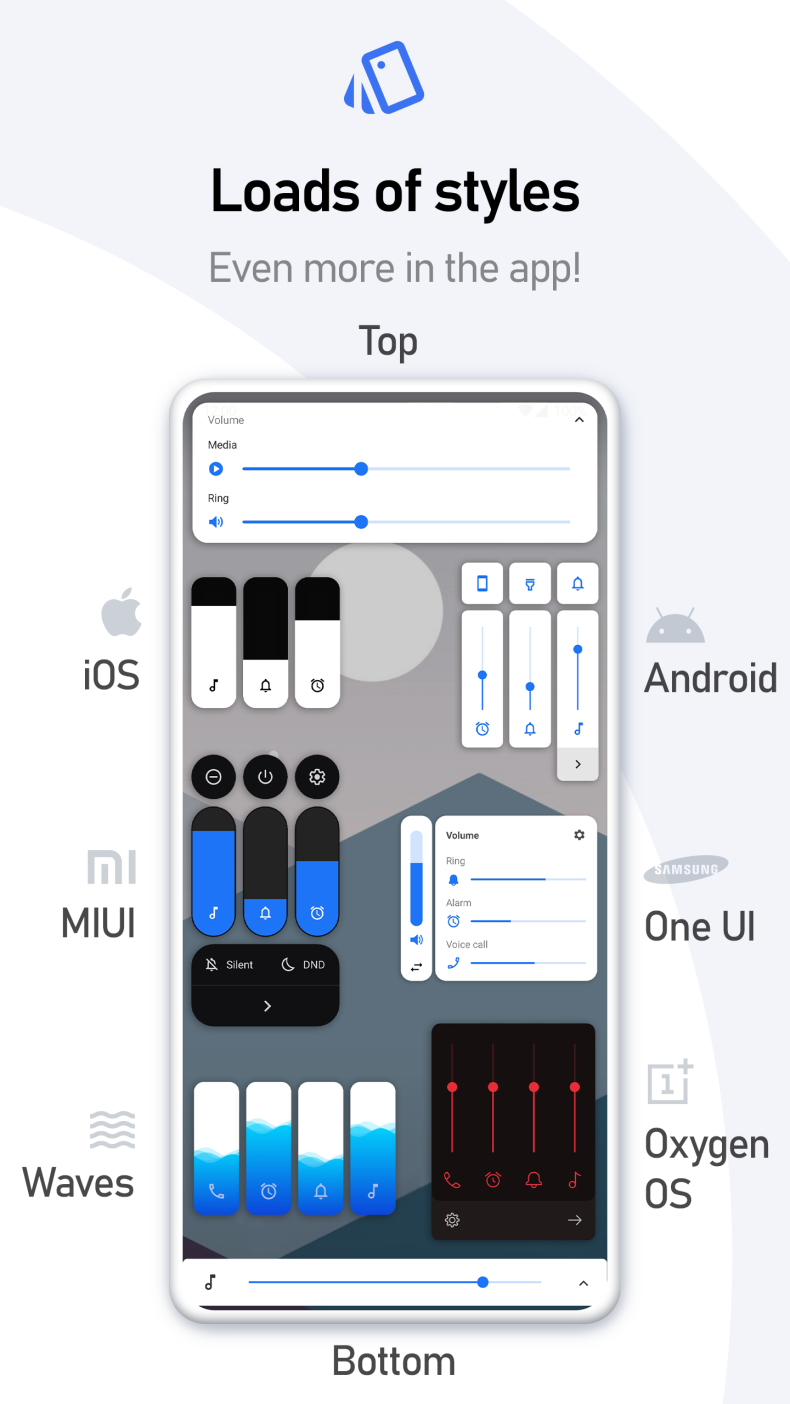
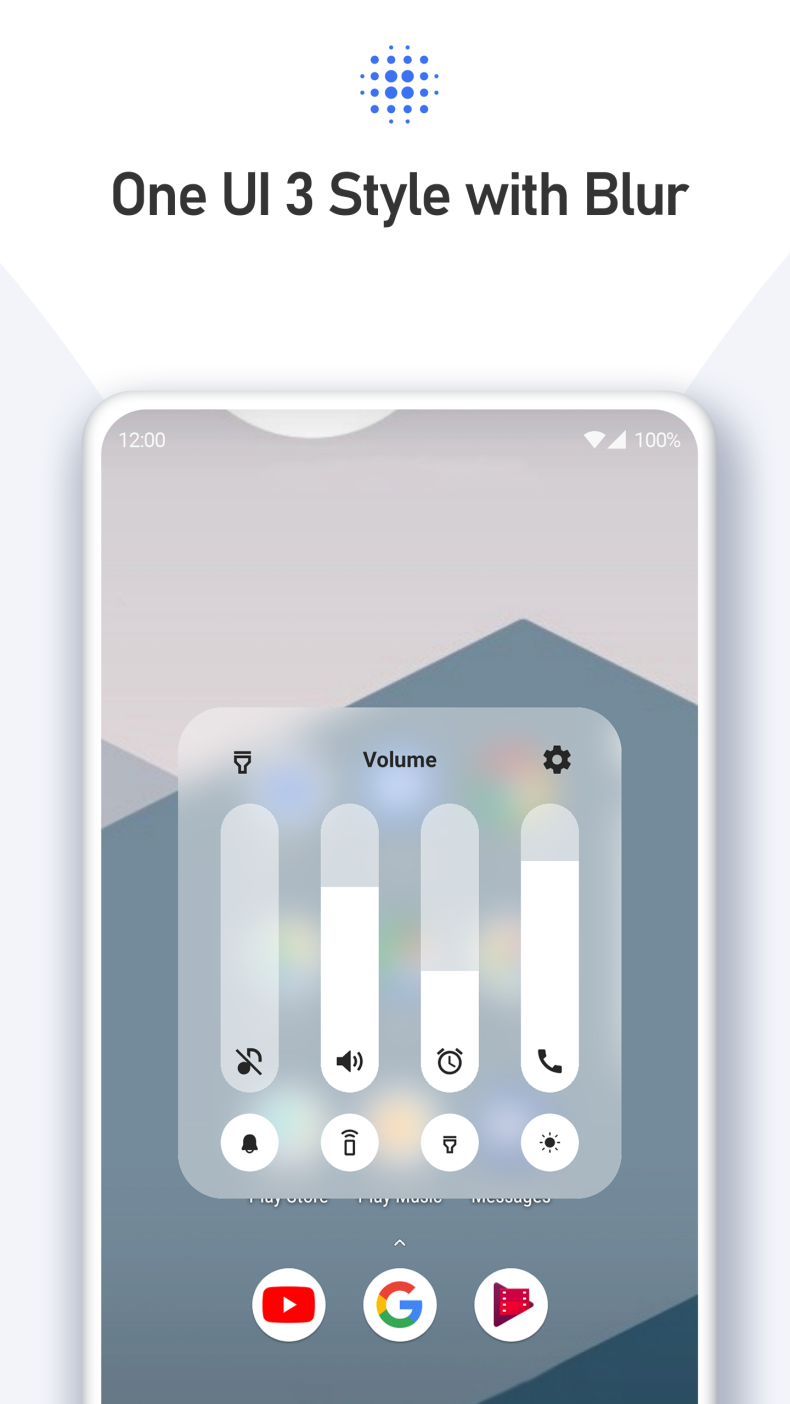
The main thing that sets the app apart from its competitors is its rich library of ready-made styles. Here you'll find designs for iOS, Xiaomi HyperOS and MIUI, Samsung One UI, OnePlus OxygenOS, as well as themes for Huawei, ColorOS, Realme UI, and Vivo Funtouch OS interfaces. In addition to the usual vertical sliders, there are horizontal options, Windows-style themes, panels with fire animation, ocean wave animation, and RGB lighting. A Premium version is available, which removes restrictions and unlocks full access to all styles and constructor features.
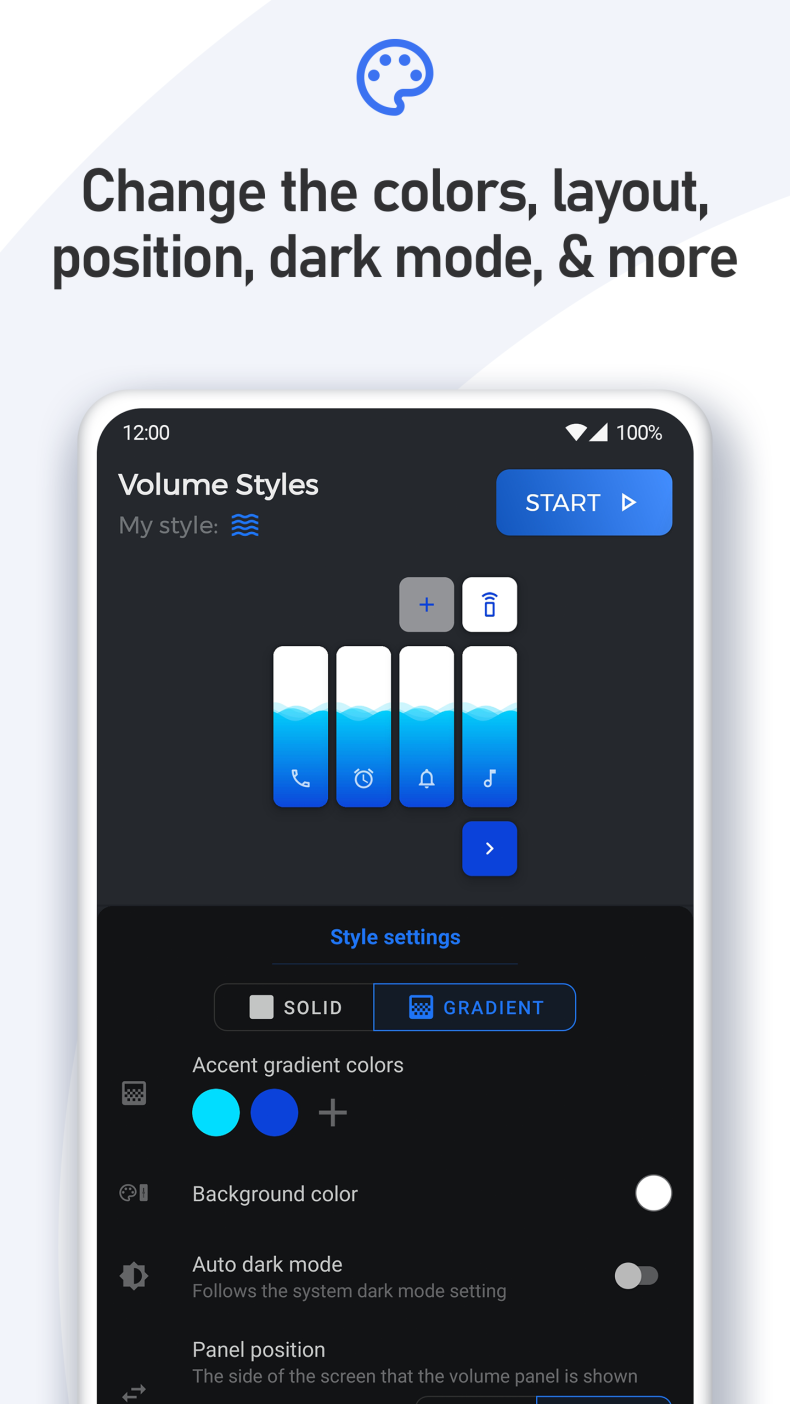
The built-in theme editor deserves special attention: in it, you can build your own style from scratch by setting colors, gradients, corner radii, and transparency levels. A finished theme can easily be published to the community feed or someone else's theme can be applied - right within the app.
Settings and Capabilities
The panel is flexibly customizable to specific needs: you can choose which sliders to display - for media, calls, notifications, alarm, voice calls, system sound, Bluetooth, or screen brightness. The panel's position can be changed between the left edge, center, and right edge of the screen, and its display time is adjusted manually. Automatic dark theme is supported.
Quick shortcuts can also be added to the panel: turning on the flashlight, auto-rotate, taking a screenshot, selecting part of the screen, Do Not Disturb mode, and a number of other actions that usually require opening system settings.
Who Volume Styles Is For
The app is designed for those who love customizing their smartphone's appearance down to the smallest detail and are tired of the standard Android interface. It's equally suitable for beginners who want a style in one click, as well as experienced users ready to build themes themselves in the editor. Those who see no point in changing the system interface are unlikely to find the app interesting.
You can download Volume Styles for Android as an APK file without registration. The app is regularly updated with new themes and fixes - it's worth keeping an eye out for the latest version.