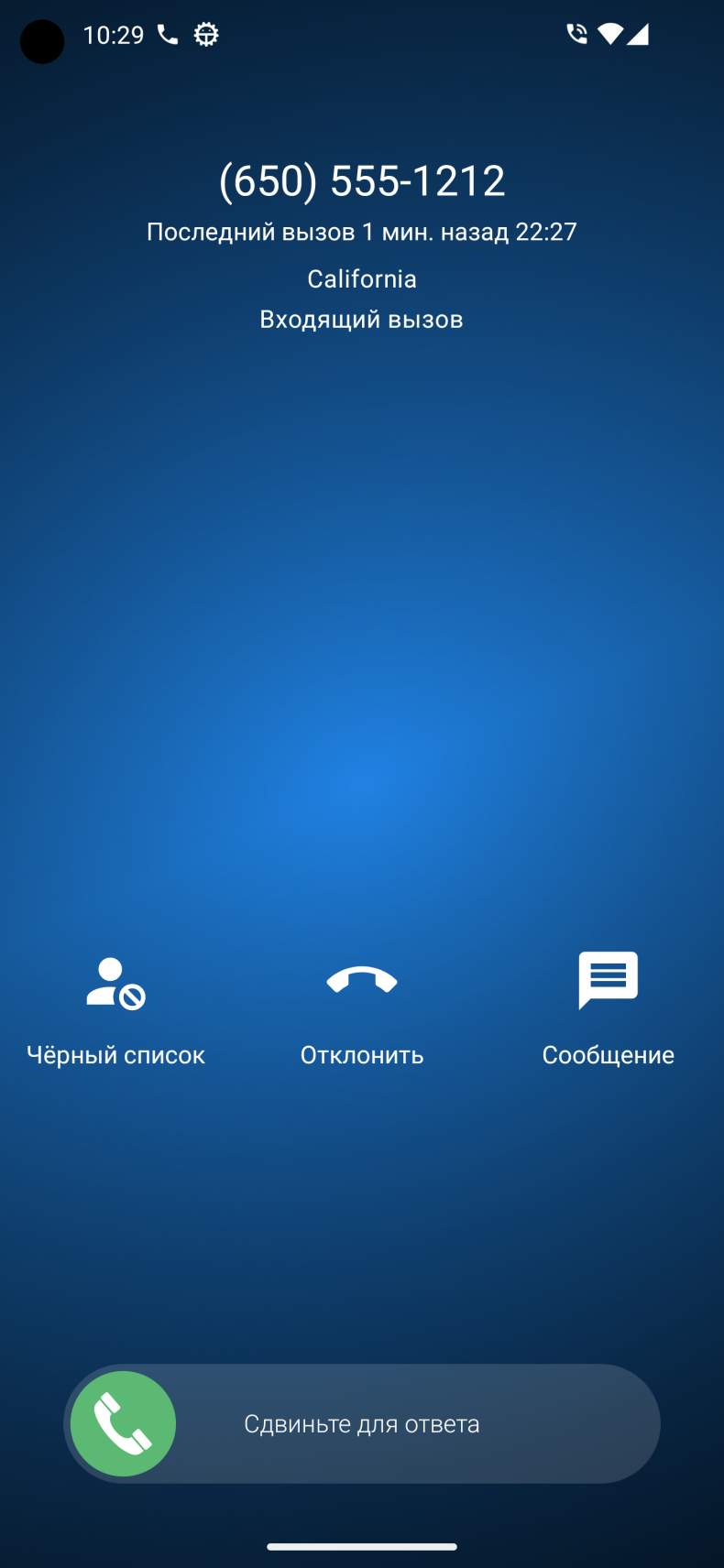
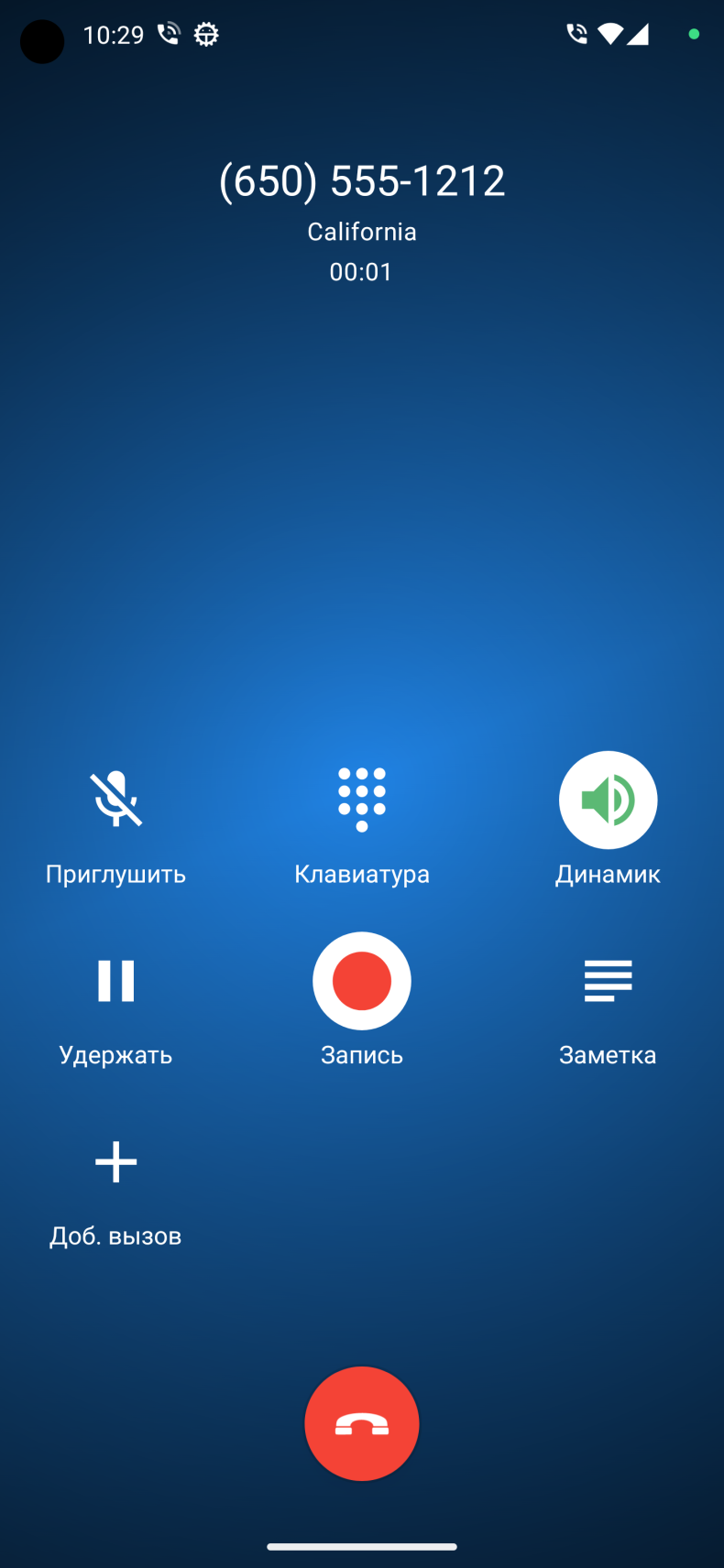
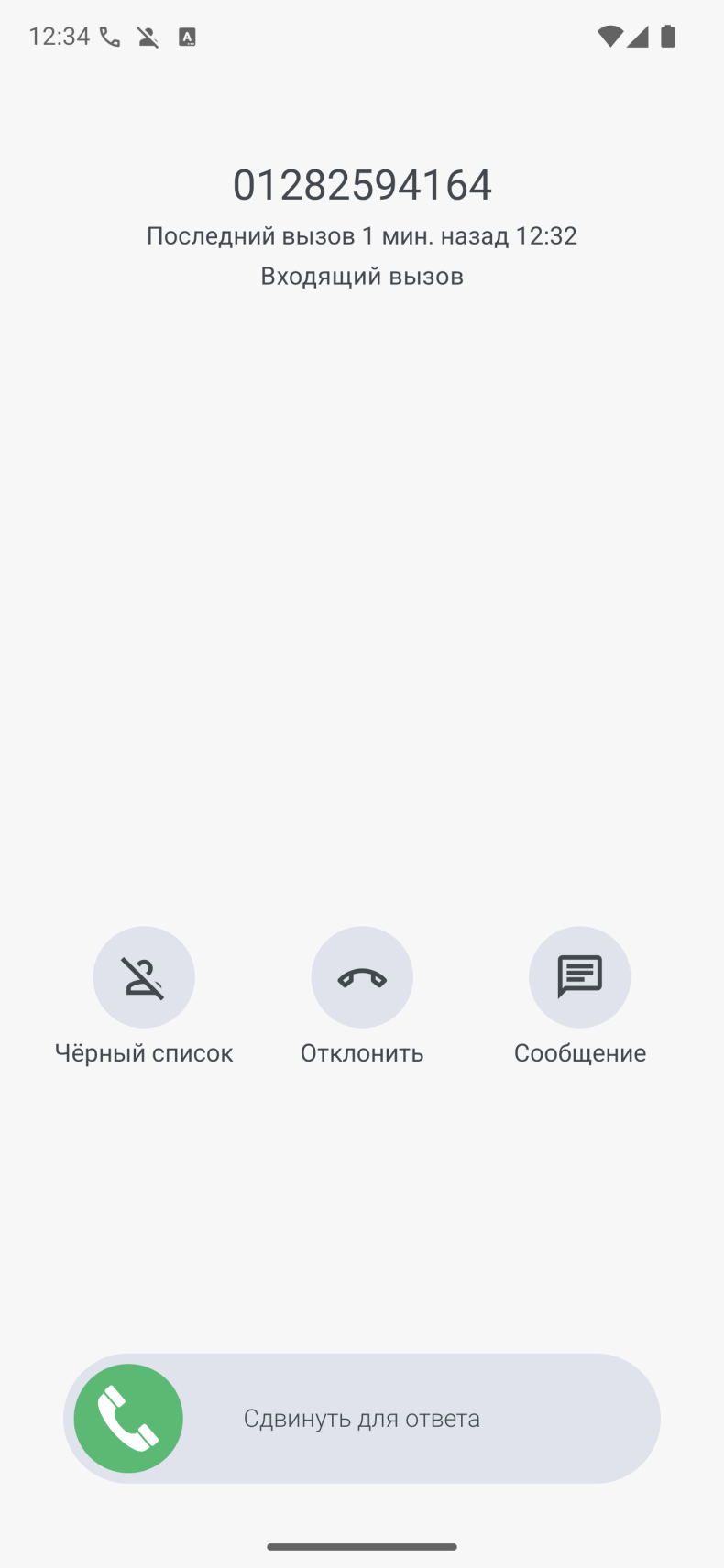
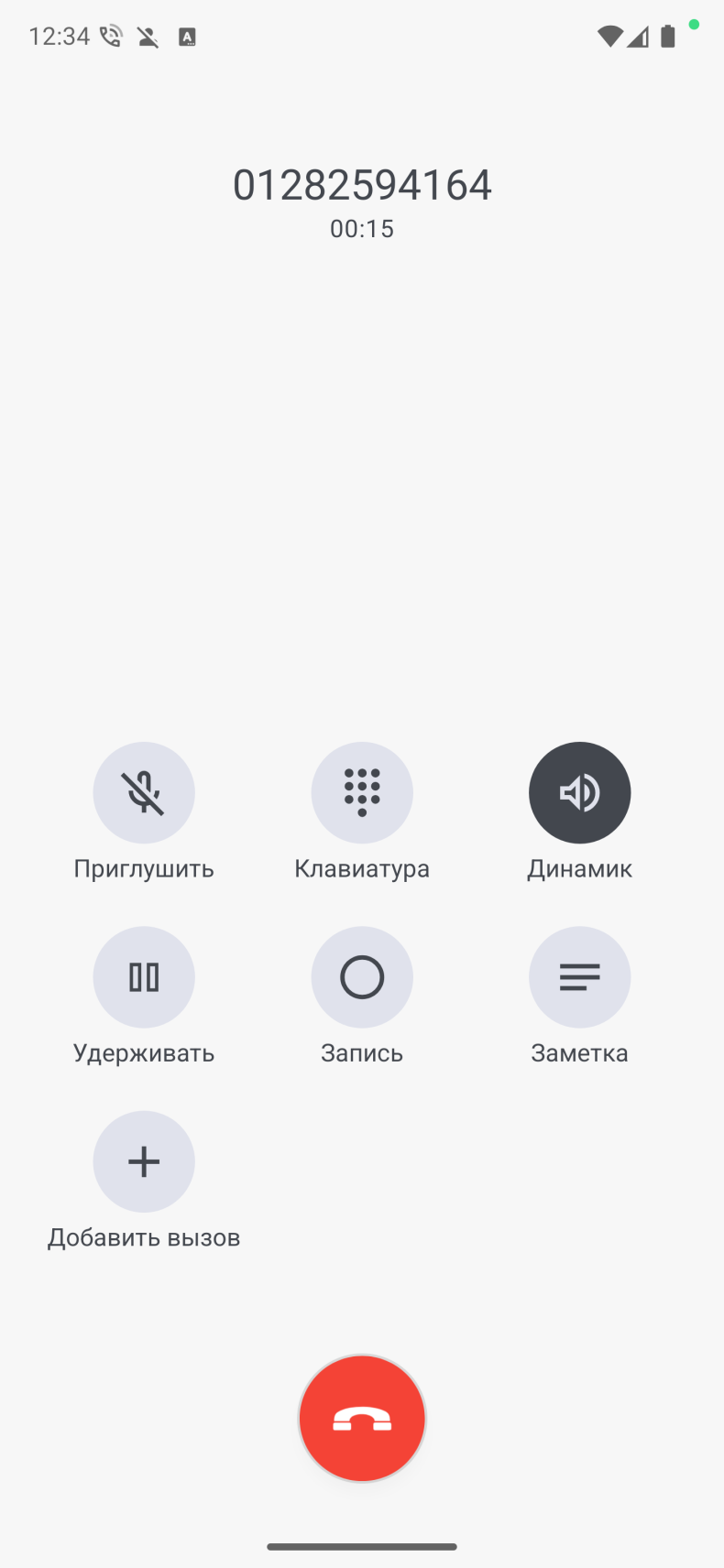
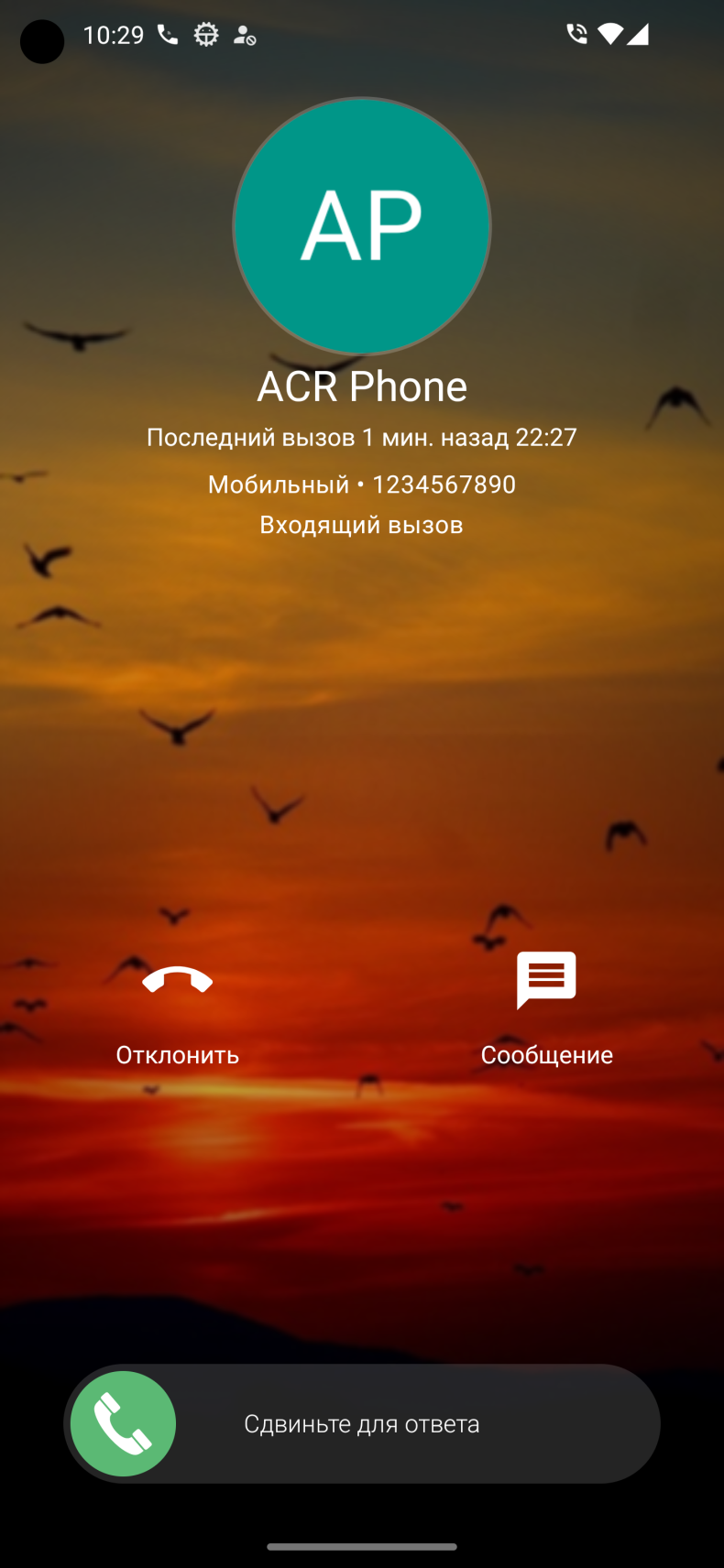
ACR is a multifunctional call management app for Android that stands out noticeably against the standard phone client. It's designed for those who find a basic dialer insufficient: it offers call recording, flexible number blocking, SIP telephony, and voice announcements. To access all features, the app needs to be set as the default dialer - after that, the full set of tools becomes available. A version with a mod and PRO is available, which removes the limitations of the free mode.
Features of ACR
One of the key functions is call recording with advanced settings: recordings can be password-protected, sent via email, or automatically uploaded to the cloud or a third-party server. The black and white lists work completely offline, without accessing external databases: numbers are added manually, from the call log, or from contacts, and filtering is configured by exact match or by pattern - separately for each number. Voice announcement speaks the contact's name or number aloud, including when headphones or a wireless headset are connected.
It's also worth mentioning contact management: you can add a note or reminder to each contact right during a call or immediately after it, and a personal photo or video can be set for the incoming call screen.
Modes and capabilities of ACR
The app supports two SIM cards, with the ability to choose a default card or switch before each call. The built-in SIP client allows making calls over Wi-Fi or mobile internet without additional programs. There's an auto-redial feature for busy lines - the phone will call back automatically when the recipient becomes available - and visual voicemail right inside the app. Backup of contacts, call logs, and the blacklist is already implemented, though the developers continue to improve it.
Who ACR is suitable for
The app is suitable for those who frequently talk on the phone for work purposes and want to keep recordings of their conversations, as well as users tired of spam and unwanted calls. For those satisfied with a standard dialer without extra settings, ACR's functionality may seem excessive.
You can download ACR for Android right on this page - an APK file with the mod and PRO version is available at no extra charge. Installation takes less than a minute, and after the first launch, the app will guide you through a quick setup.