Description
GameGuardian is a tool for editing game parameters on Android, which allows you to interfere with the processes of running games and applications. It is designed for advanced users: those who understand modding, know how process memory works, and want to experiment with offline games on their device.
Features of GameGuardian
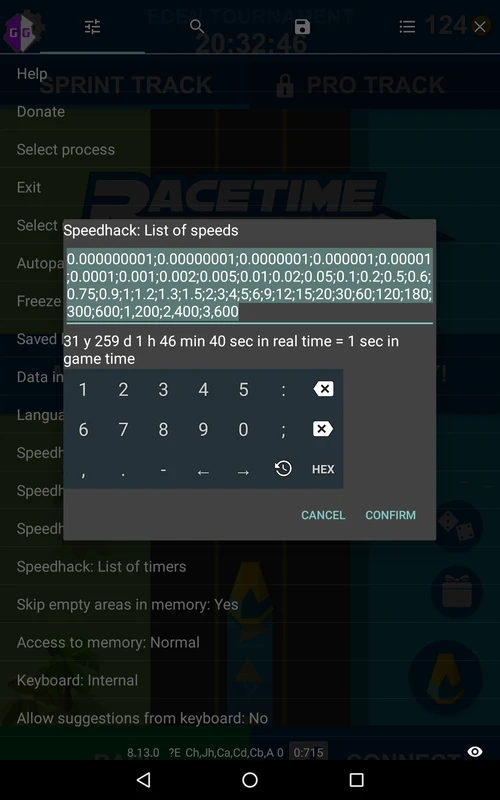
The application works with data stored locally - on the device itself, rather than on remote servers. This means that it can be used to change in-game currency, gems, coins, experience points, and other parameters available in process memory. It's worth mentioning the speed hack function separately: it speeds up the course of in-game events, which is convenient for grinding or getting through lengthy levels. For full access to processes, it's recommended to grant root privileges - without them, some features will be unavailable.
Features and interface
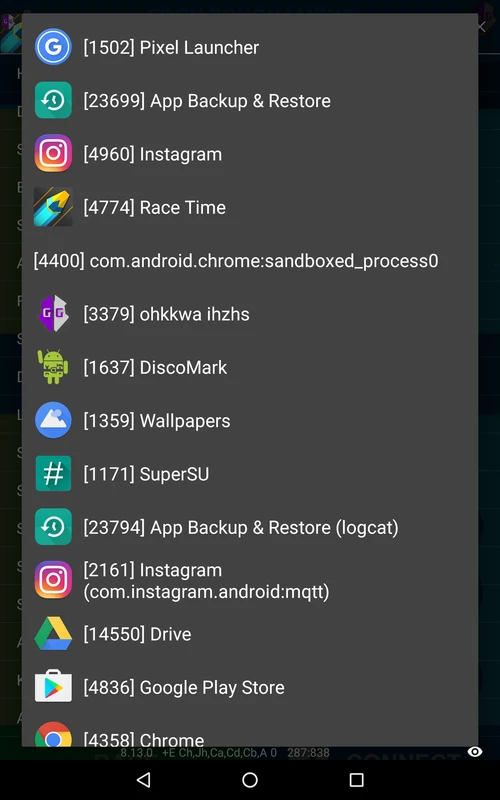
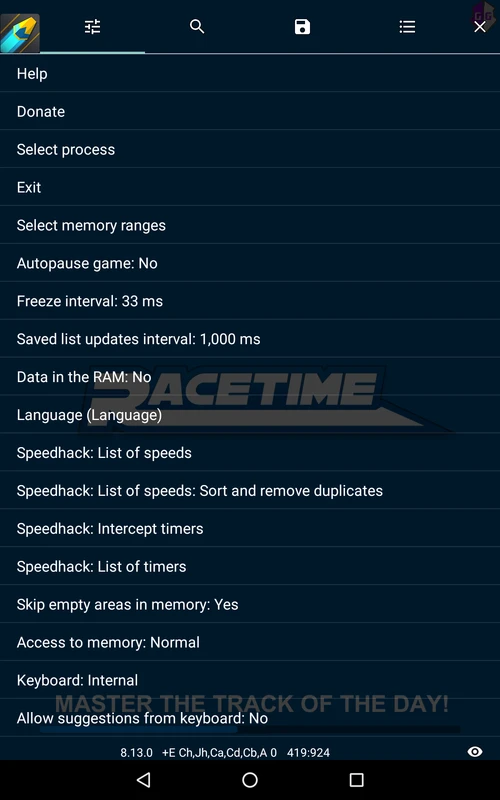
Working with the app starts with a floating icon that appears over the running game. The user selects the desired process, sets search parameters by value, and makes changes. Ready-made scripts are supported to automate typical tasks - they can be found on the developers' website along with instructions for specific games. The interface is logically laid out and doesn't require deep technical knowledge for first use.
Who is GameGuardian suitable for
The app will be of interest to those who engage in modding Android games, study the structure of game memory, or simply want to get rid of routine grinding in offline projects. It is not recommended to use it in online games: anti-cheat systems easily detect third-party interference, and the account may be banned. Beginners without experience working with root access should first get familiar with the basics.
You can download GameGuardian for Android for free as an APK file. Before installing, make sure that installation from third-party sources is allowed on your device.